2
LED Status
Button LED Status
Power
ON: Blue
OFF: Red
Mute
Mute: Red
Un-Mute: Blue
Bluetooth/Phone in
Bluetooth:
Pairing: Flash blue
Pairing success: solid blue
Phone in:
On: solid purple
Off: No light
Bluetooth/Phone in Mode
Enable Bluetooth:
press
to enable and pairing.
Enable Phone in
1. In off status, press two (2) times of
button to enable.
2. In Bluetooth mode, press one time of
button.
Turn off all modes
1. In Phone in mode, press one (1) time to turn off.
2. In Bluetooth mode, press two (2) times to turn off.
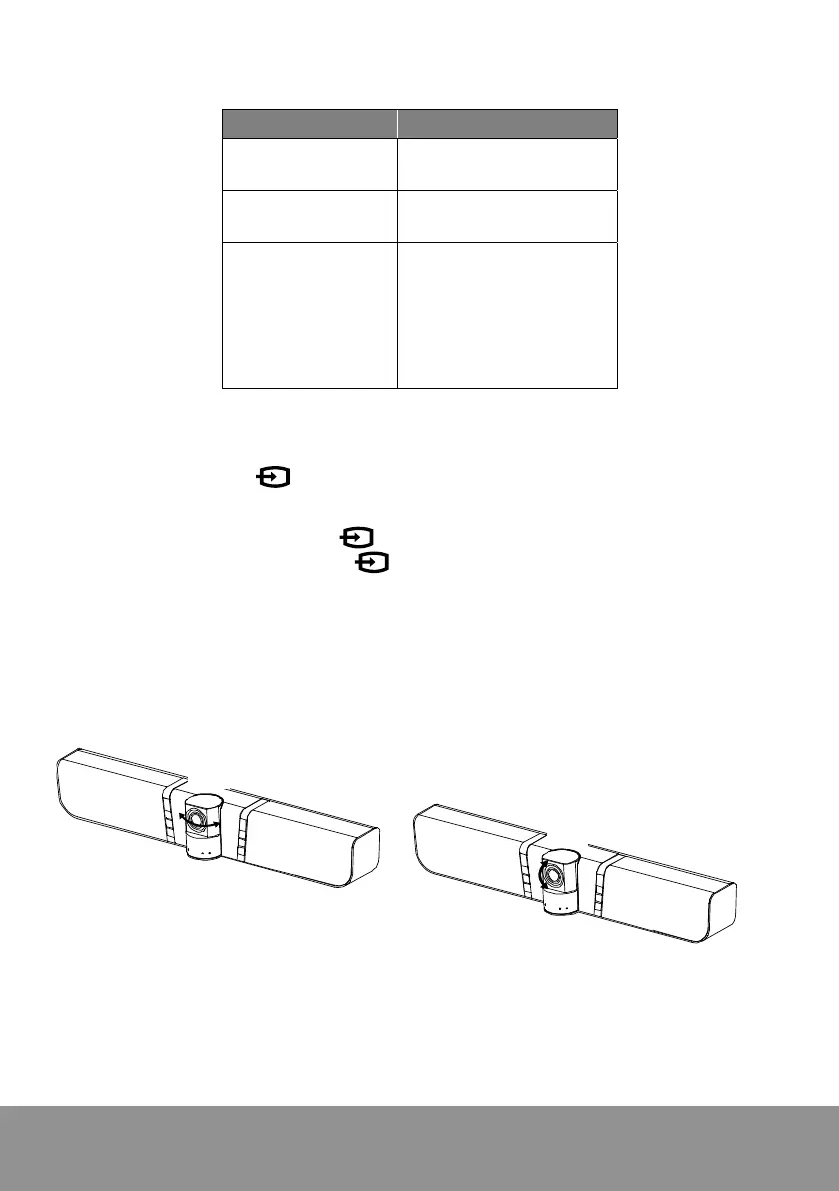
Pan and Tilt
±35°
±15°



 To Next Page