72
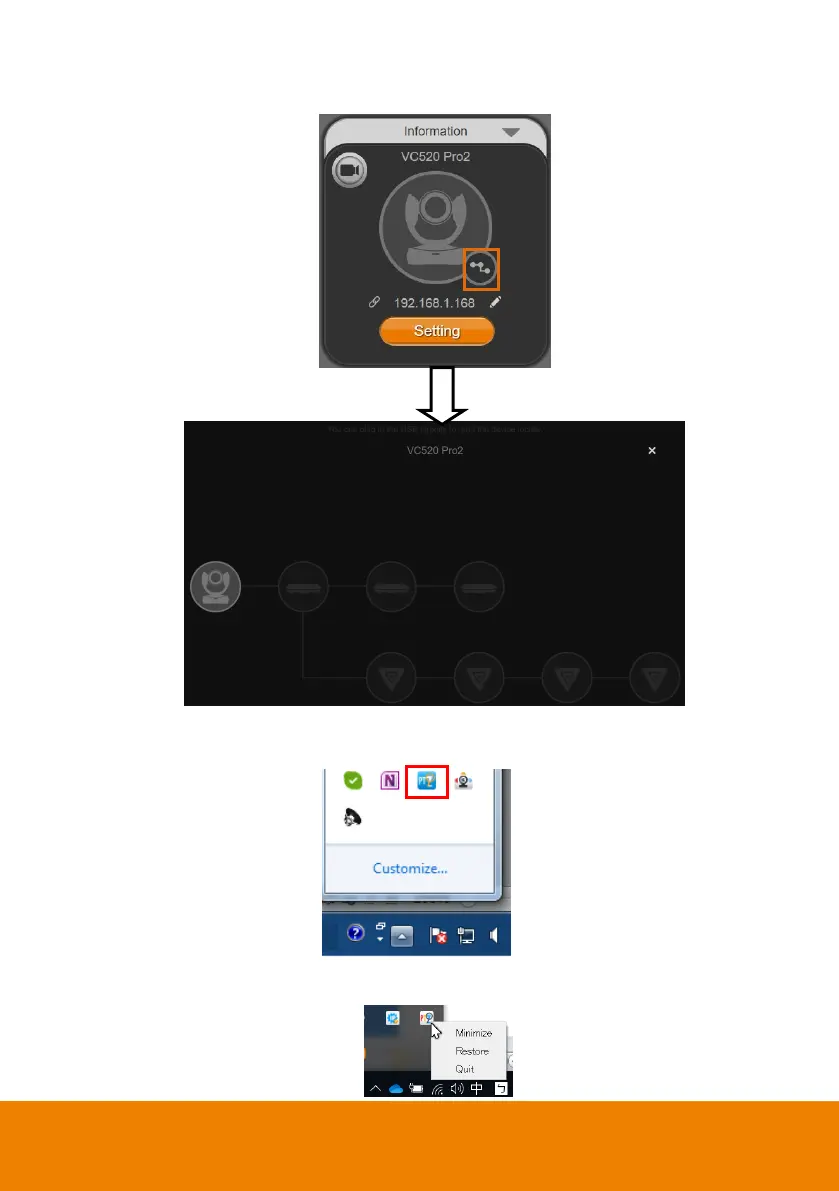
10. Click the icon to display the connected devices to the VC520 Pro2.
11. PTZApp 2 Minimize: Minimize the app to system tray. To quit the application, right-click the icon
on the system tray and select “Quit”.
If you can’t launch PTZApp 2 right after installation, please also check here and see if it is
already minimized. Right –click the icon and choose Restore.



 To Next Page