71
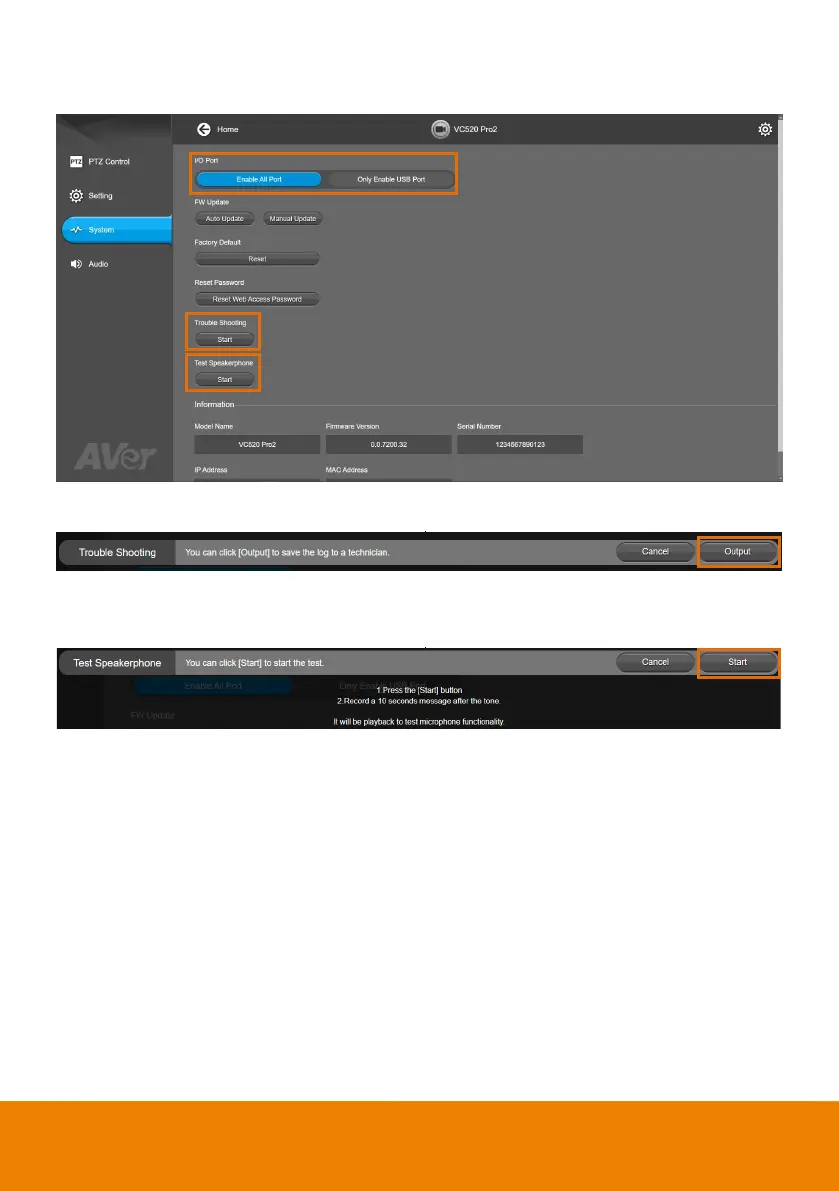
The following items are different from web page in System.
I/O Port: Except USB port, user can enable or disable all I/O ports.
Trouble Shooting: Click Start and Output to output log to save in local PC.
Test Speakerphone: Click Start and Start to check the speakerphone status. It will require
user to record a short message and play it back to ensure the speakerphone is working.



 To Next Page