13 of 48
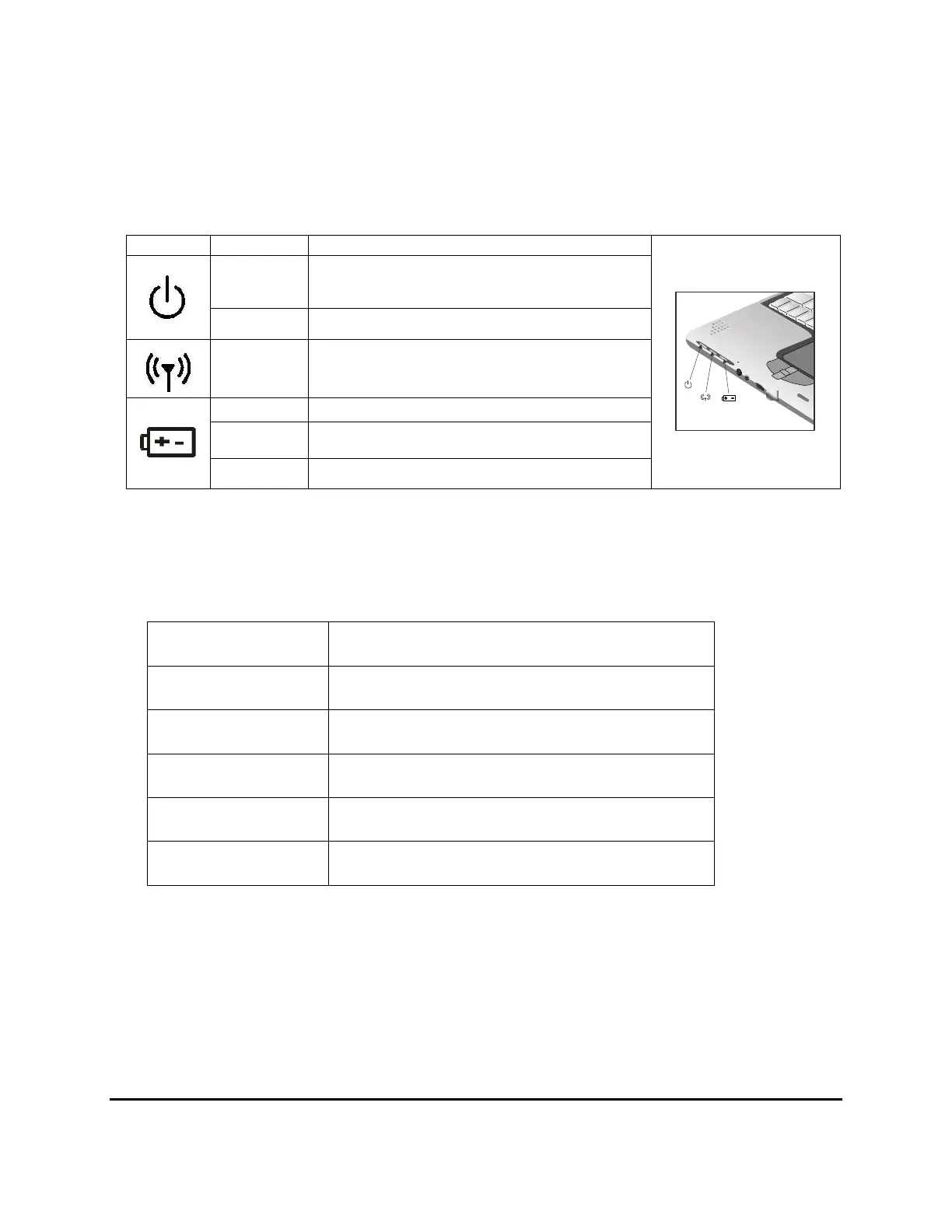
Power Indicators
The power indicators show which power source the system is using. The power indicators remain active
and viewable even when the LCD panel is closed.
Icon Light Description
Blue Power is on and the power adapter is in use
Flash blue Power is on and system is in standby mode
Blue Wireless LAN is enabled
Green Power is on and the battery is in use
Flashing
Green
Battery is charging
Red Battery malfunction
Function Keys
Hold the Fn key while pressing the numbered function key.
Function key Description
Fn + F3
Toggles display on/off
Fn + F4
System Standby
Fn + F5
Toggle between LCD and external display
Fn + F6
Decrease LCD brightness
Fn + F7
Increase LCD brightness



 To Next Page