6 of 48
Where to Look For Additional Information
About Your Computer
This User’s Manual describes the key elements of your computer. New users can find a simple step-by-
step orientation in the Quick Start section of this chapter.
About Windows
Windows Online Help, found on the Start menu, offers extensive Windows assistance. Tour Windows
XP offers an online orientation for new Windows users. Find it in the Start Menu.
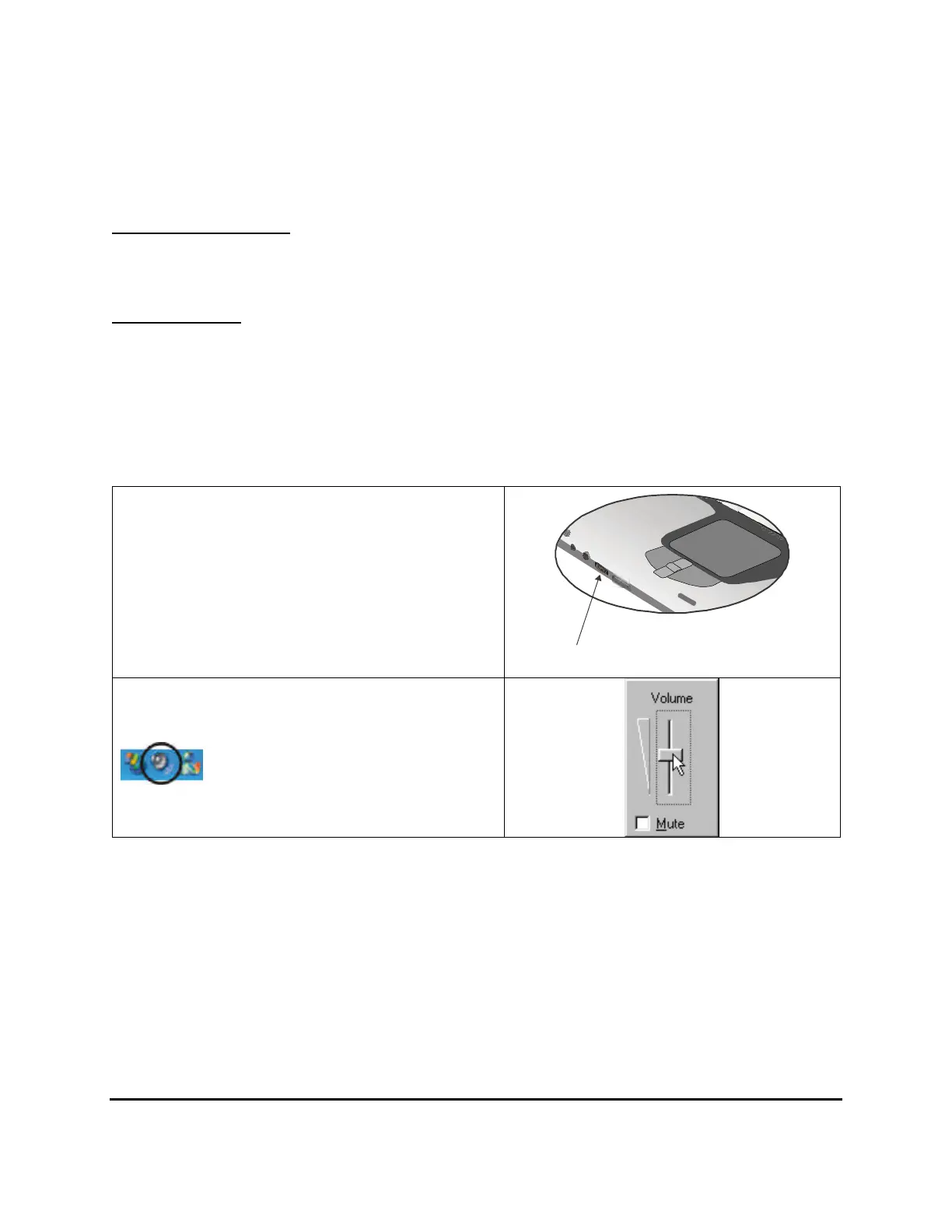
Adjusting the Volume
You can adjust the volume with the volume
control knob located below the touchpad.
Volume control button
Alternatively, you can adjust the volume with
the Windows volume control applet located
on the taskbar.
Adjusting the LCD Brightness
Use the following hot key combinations to adjust the LCD panel brightness:
• Fn + F6 decreases the brightness
• Fn + F7 increases the brightness



 To Next Page