English
2.2 Keyboard variants
FX 50 User Instructions 8
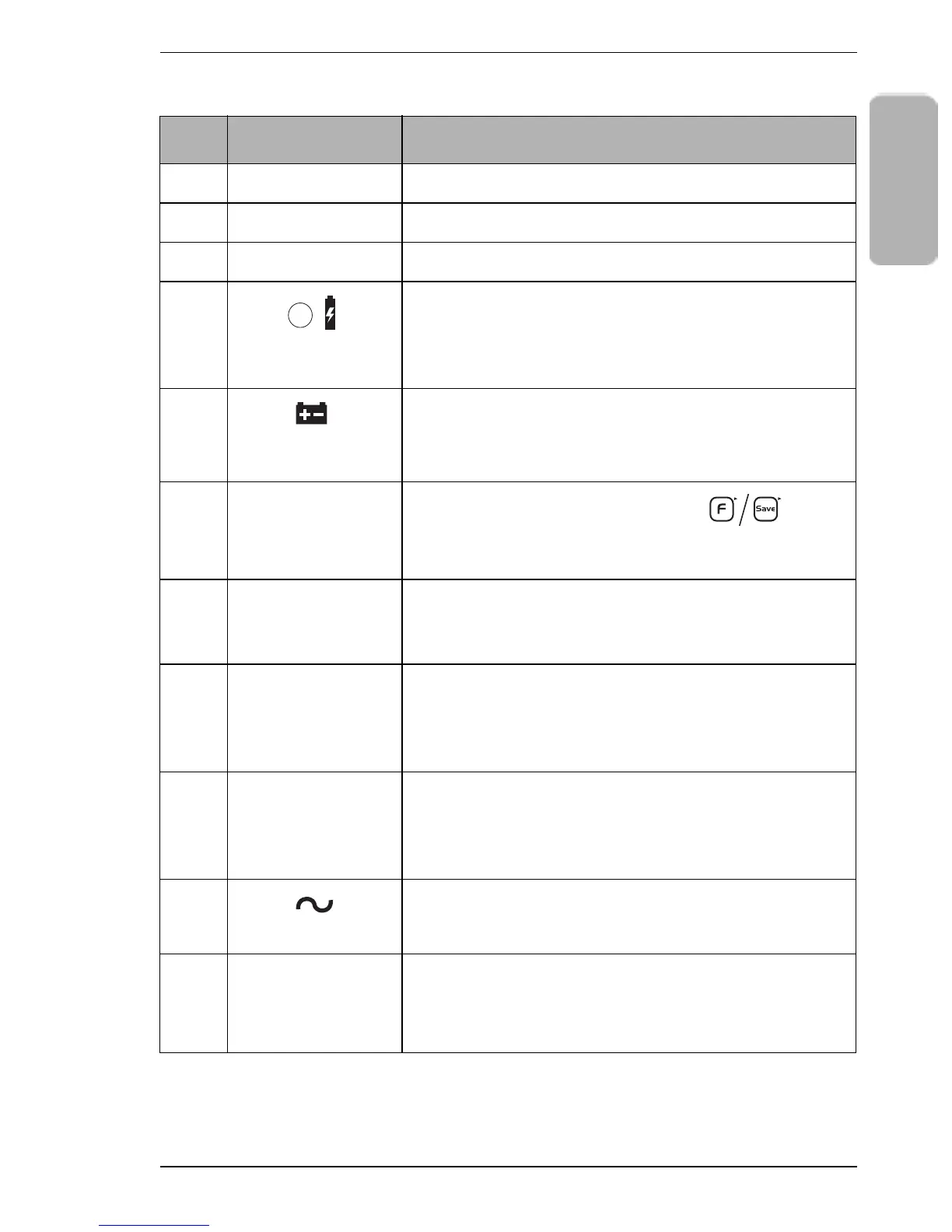
Item Name & Symbol Purpose
1 Weight display Shows the gross or net weight of the item.
2 Unit price display Shows the unit price of the item.
3 Total price display Shows the total price of the item.
4
Battery is
charging indicator
A red light shows that the battery is charging.
A green light shows that the battery is fully charged.
5
Battery charge is
low indicator
A light comes on to show that the battery charge is
low so you must recharge it immediately.
6
Fix or Save
indicator
An arrow Tshows you pressed the key
before any operation to stop the weight display and
the unit price display from clearing automatically.
7 Units of weight
indicator
An arrow Tshows that the units of weight you
selected is either kilograms or pounds (USA
variant only).
8 Price-based
selection indicator
An arrow Tshows that the price base you selected
is either price per 100 grams or price per kilogram
(UK/Europe/RoW variant only). NOTE: The
Australian variant is fixed to kilogram only.
9
Zero indicator
An arrow Tshows that the scale is at gross zero
(there is no tare weight). Arrows above both NET
and -0- show that the scale is at net zero (includes a
tare weight).
10
Stable indicator
An arrow Tshows that the item weight is stable.
11
Net weight
indicator
An arrow Tshows that a tare weight is set and the
displayed weight is a net weight (the displayed
weight excludes the tare weight).
F / Save
-0-
NET








 To Next Page