3. Installing the scale
20 FX 50 User Instructions
N NOTE: If you have the backlight ON all the time or set to AUTO it
reduces the life of the battery in between charges.
3.5 Setting the auto power off mode
You can change the auto power off mode so that the scale stays on all the
time or it automatically turns off after a pre-set amount of inactivity of 1, 5 or
30 minutes.
Do the steps as follows to set the auto power off mode:
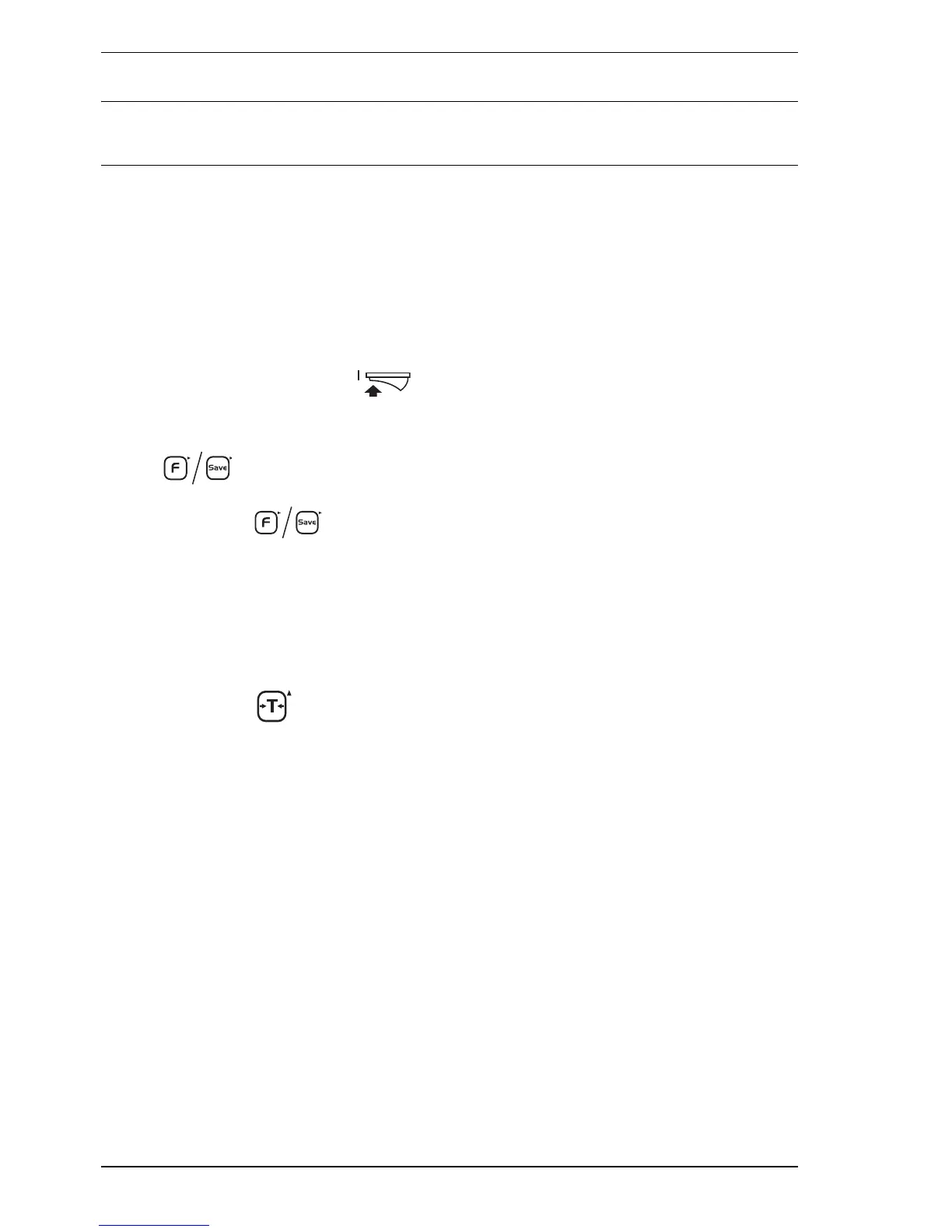
1. Press the On switch to turn the scale on.
2. While the scale is checking itself (when all the numbers on the scale’s
three displays count down from all zeros to all nines), press the
key. The total price display shows the current power off
mode.
3. Press the key to scroll through the following auto power off
modes:
• 0 = Scale stays on (as the auto power mode is disabled).
• 1 = Scale turns off after 1 minute of inactivity.
• 5 = Scale turns off after 5 minutes of inactivity.
• 30 = Scale turns off after 30 minutes of inactivity.
4. Press the key to save the auto power off mode you selected and
return to weighing.








 To Next Page