7.3 Voiding transactions 76
XM and XT Operator Instructions
7
7.3 Voiding transactions
Important: You may cancel (void) an individual, unwanted transaction or
all the transactions before printing the customer receipt.
Note: If security is set for
the void function, the
void operation can only
be initiated by an
operator or supervisor
with an equivalent or
higher security level.
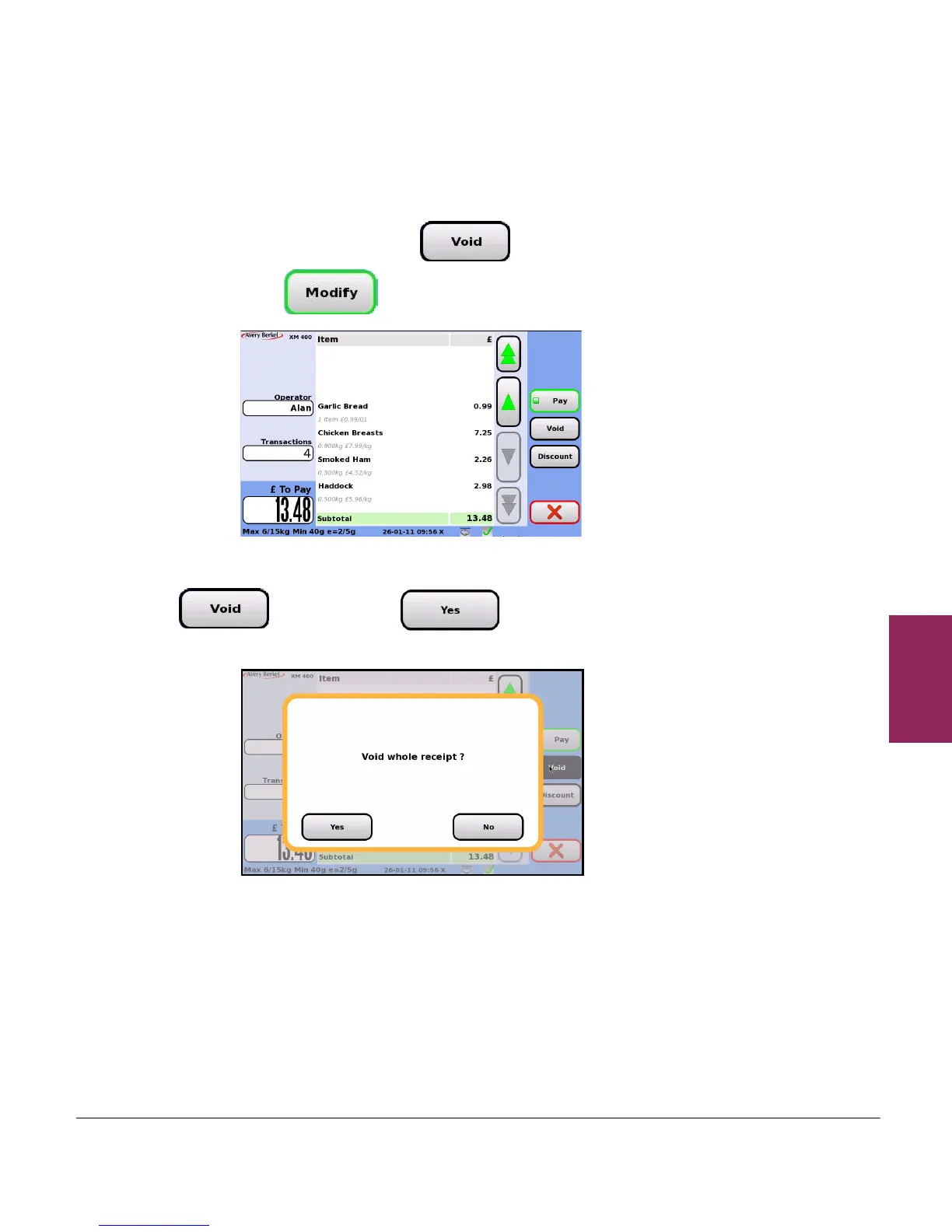
1. Display the subtotal and touch . If you cannot see the
button, touch to display more buttons.
2. To cancel all the transactions in the subtotal, touch
and then touch to confirm the void
operation. A void slip is printed to show zero transactions.








 To Next Page