PROCEDURE
Procedure P/N:
1069-65019-00
Title:
KeyRig 49 Testing Procedure
Revision: A
Page 2 of 4
UNCONTROLLED DOCUMENT when printed or copied
Date Printed: 3/16/2010
Form: 0150-30027-01 Rev C
4.3 The computer is ON.
4.4 Connect the KeyRig to the computer with a USB cable.
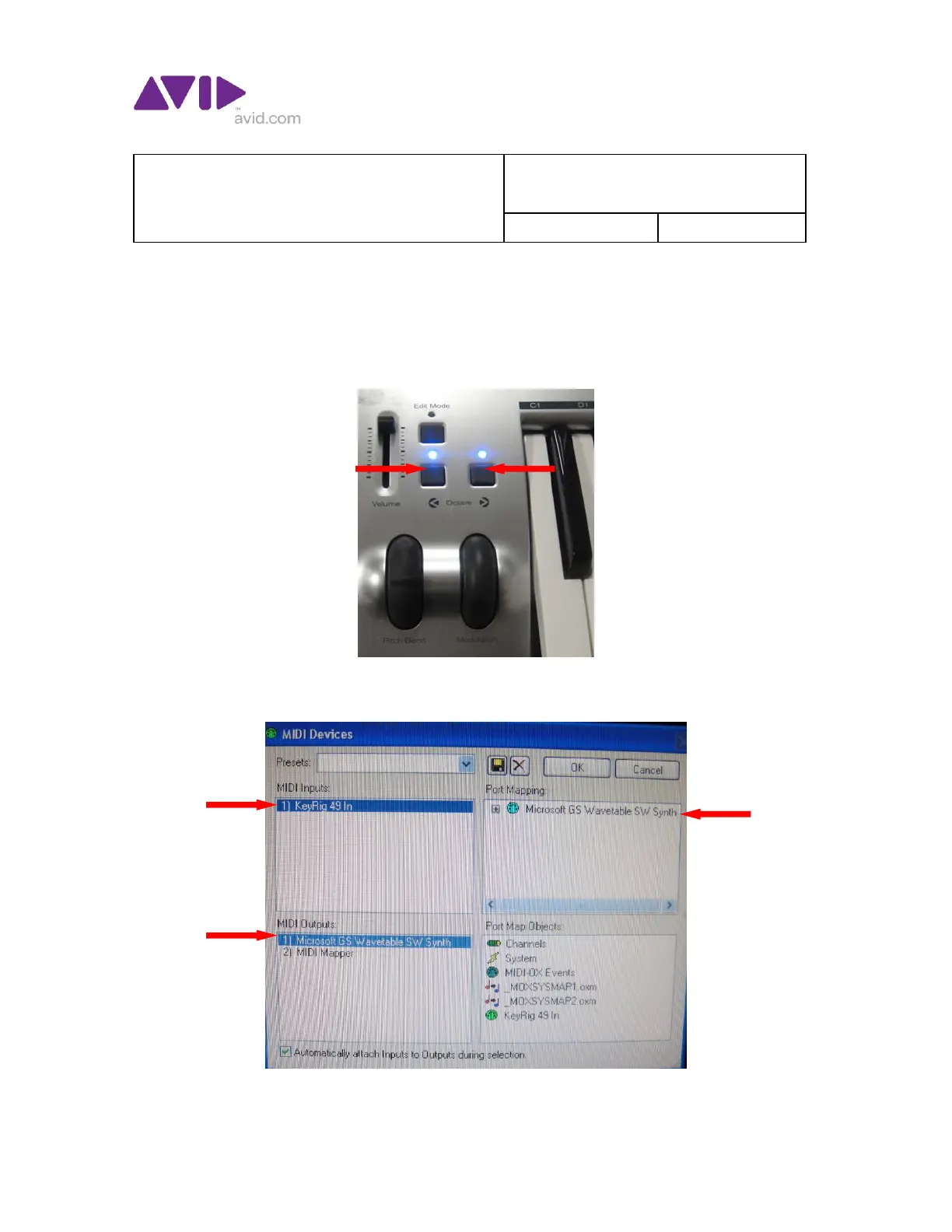
4.5 Press and hold the 2 Octave buttons on the front left of the KeyRig
while powering on the unit to reset the KeyRig 49. The 2 blue lights
above the Octave buttons should come on.
4.6 Launch the MIDI OX program on the computer.
4.7 In the top Nav bar select OPTIONS – MIDI Devices.











 To Next Page