4-21
4.4 The Color Dropout Tab
4.4.1 Color Dropout Selection
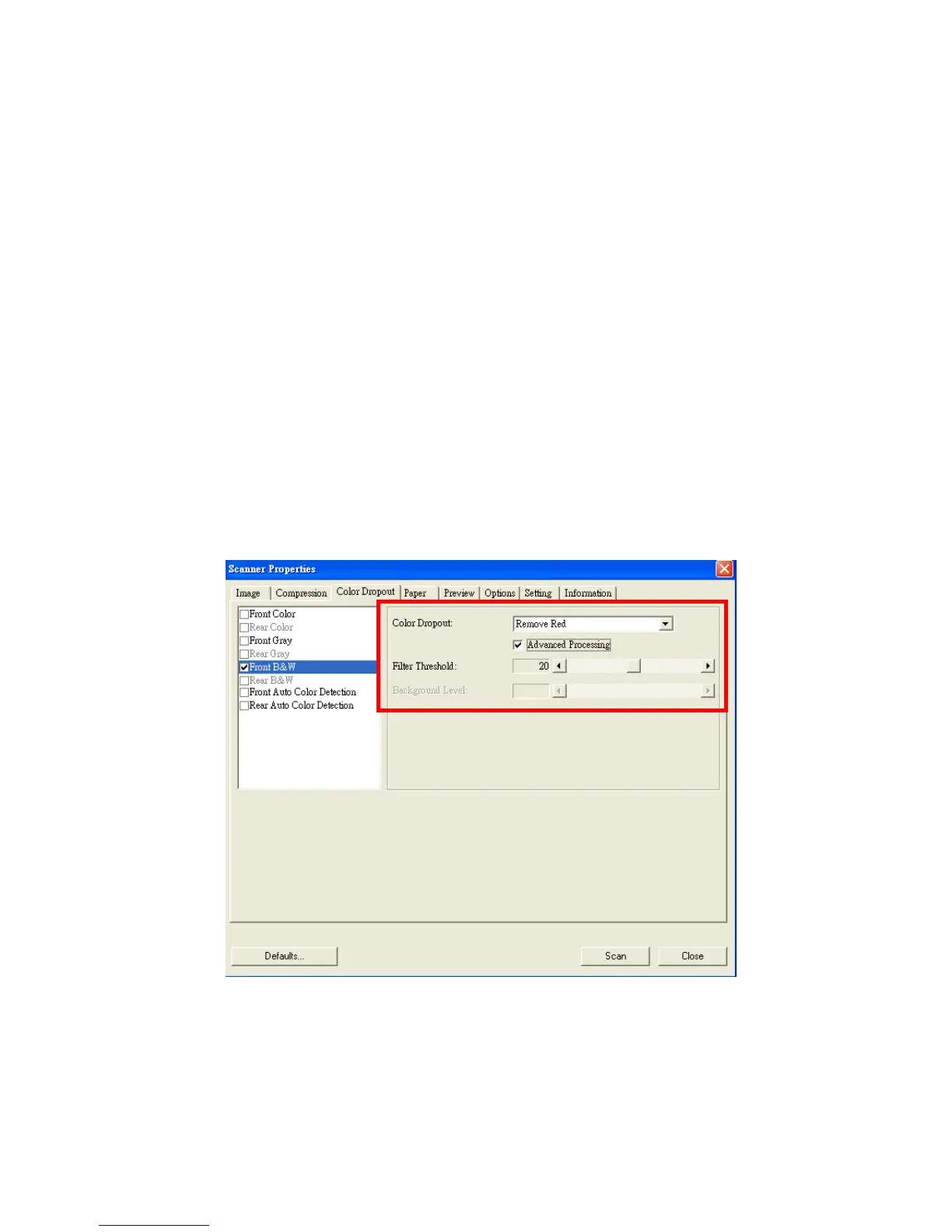
Color Dropout tab allows you to drop either of the red, blue, or
green color in your scanned image. If your image contains red
color watermark or background, choose the R (Red) channel
then any red watermark or background will be removed. This
feature is used to sharpen your text when using OCR (Optical
Character Recognition) software.
Note that this function supports only black & white and gray
images. Therefore, be sure to choose any black & white or
gray image type while applying this function.
The Color Dropout dialog box



 To Next Page