5-1
5. ISIS Interface Operation
The ISIS driver operation method is similar to the TWAIN’s.
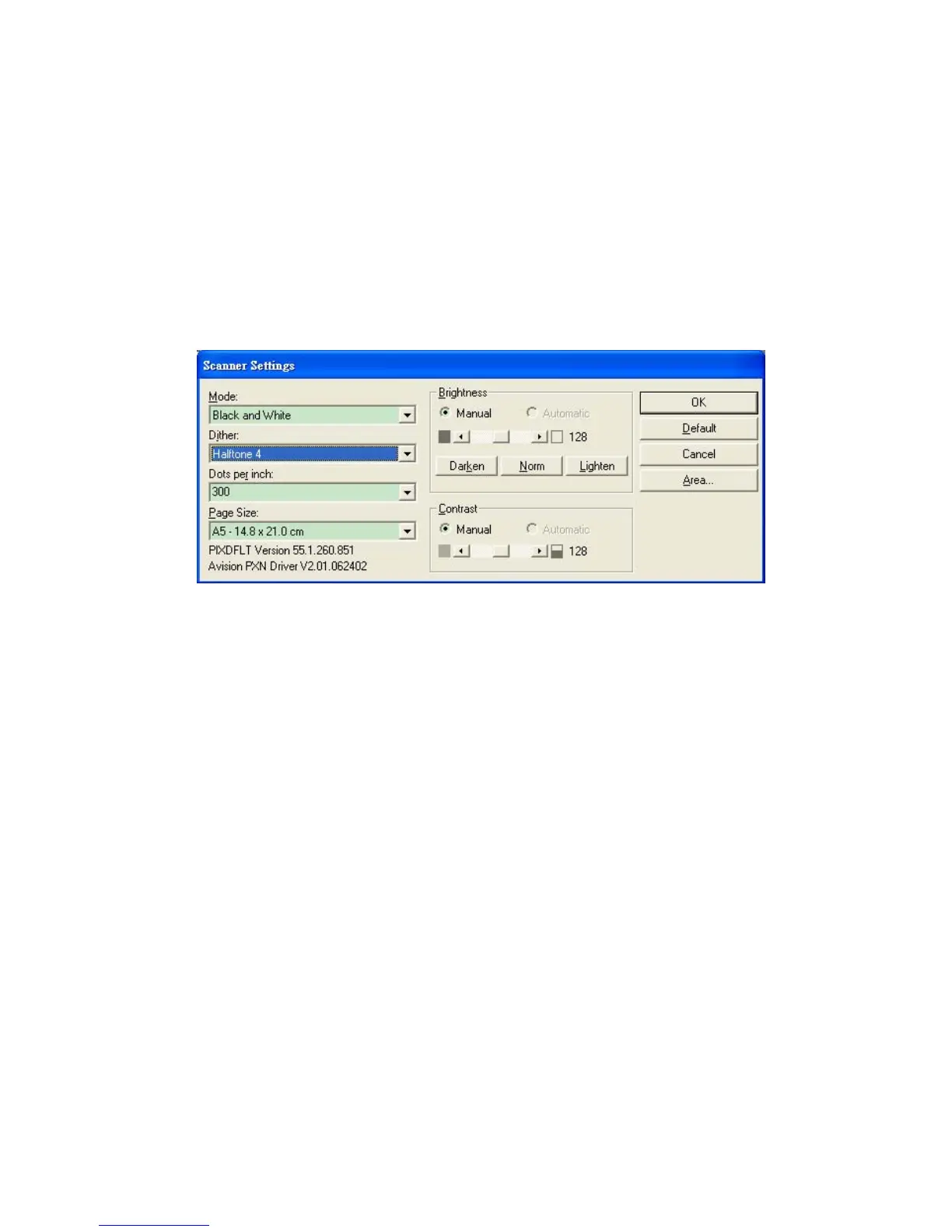
Every function on the ISIS interface screen is briefly described
as below:
Mode: Select one of scan modes, including B&W, gray, color
options.
Dither: 5 halftone levels available, can be disabled.
Dots per inch: Select your desired resolution.
Paper Size: Select your desired paper size.
Brightness: Adjust your scan image brightness or darkness.
Contrast: Adjust the range between the darkest and the
lightest shades in the image.
Default: Click to reset all settings.
Area: Select your desired scan area or position.



 To Next Page