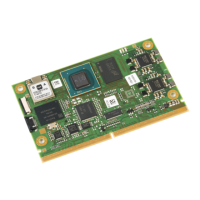
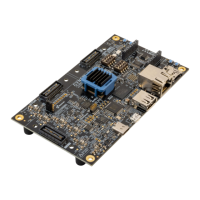
9. Once VIN is established press the Power Switch (SW7) to turn the board ON. The green
LED (D23) will illuminate to indicate Power Good.
Note: When the micro-USB is connected to the Host Windows PC an Orange LED (D24 –
JTAG/UART) will illuminate showing communication to the host PC.
10. Connect Ethernet cable to connector (J11). And then to either the host Windows PC or
Router attached to host Windows PC.
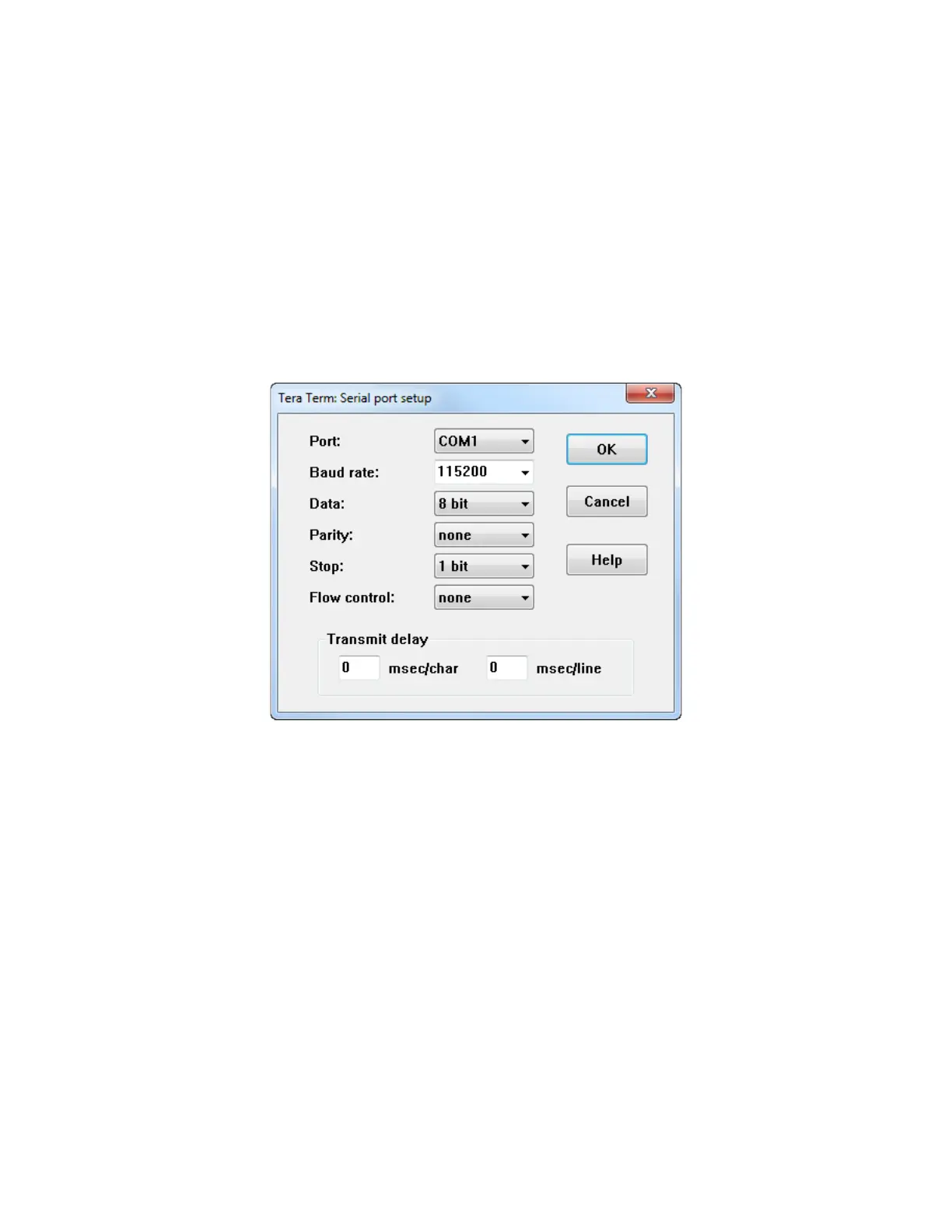
11. Launch the Tera Term Application, open SETUP menu, select SERIAL PORT, select Port
assigned to ZUBoard 1CG (typically the largest number) and ensure the other settings
match shown below. Press the RESET button (SW6) to reset the board so you can see
the boot sequence.
Figure 5 – COM Port Settings for USB-UART Terminal


 To Next Page