Installation
15
English
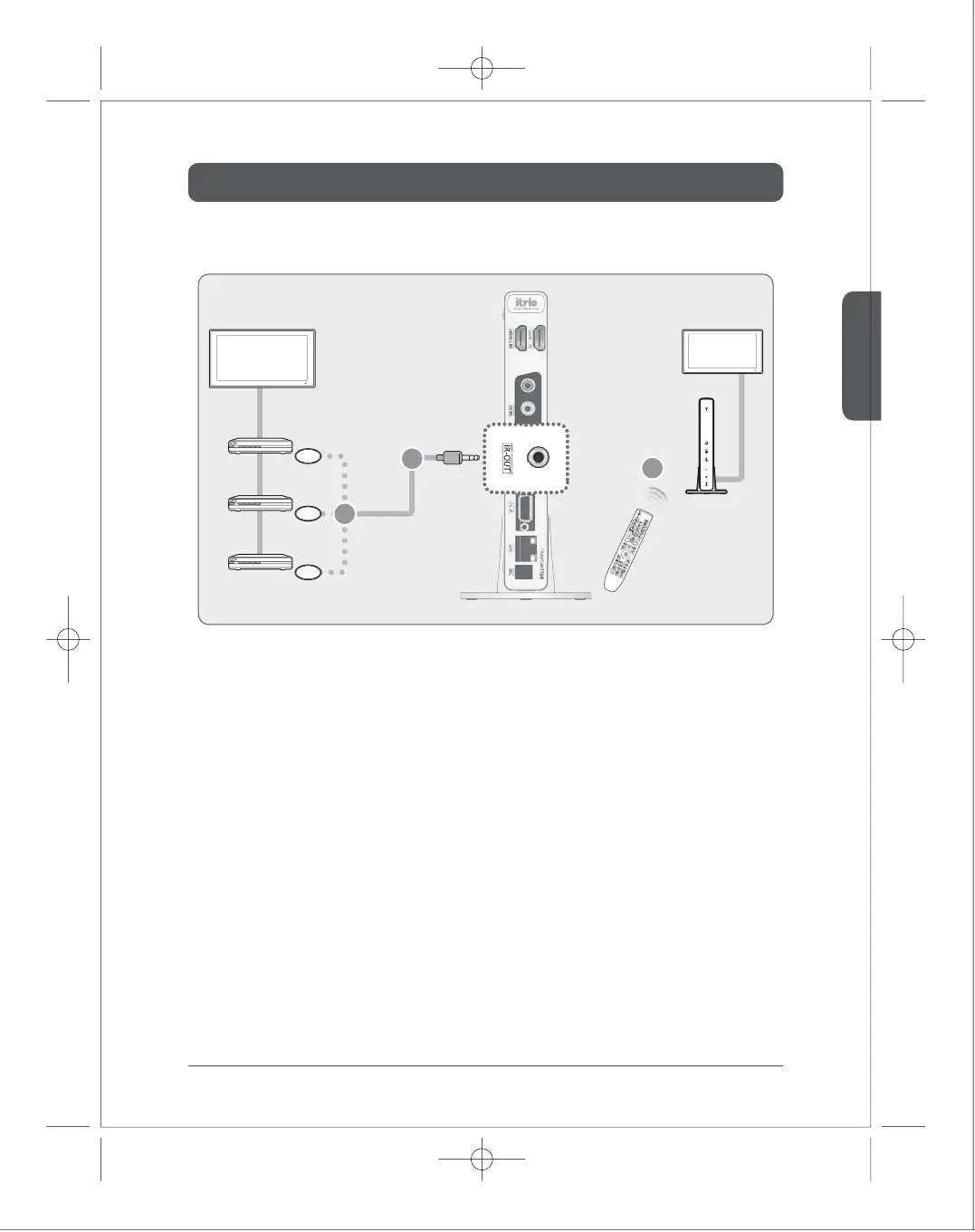
IR Flasher
External Device1
IR Flasher
External Device2
IR Flasher
External Device3
Use remote controller of
external device
TV1
TV2
Receiver
Transmitter
■
How to install IR-Flasher
1)
2)
3)
Connect IR Flasher to IR-OUT of the transmitter.
Place the end point of IR Flasher to near IR window of multimedia players.
Control multimedia player remotely by pointing remote control of multimedia player to IR window
of the receiver.
From the receiver, you can remotely control the multimedia player which is connected to the transmitter.
1
3
2
You can connect up to
3 devices



 To Next Page