- 47 -
Accesses
Emerg. code
NO
Assoc. user num.
1 (0 .. 128)
Key enable
ENT
Keys enable 1
YYYYYYYYYYYYYYYY
Keys en.17..33..49
YYYYYYYYYYYYYYYY
TOY / BIP
ENT
TOY / BIP
1 (0 .. 128)
TOY on A500P
ENT
TOY acquisition
........... running
TOY deletion
......... executed
TOY #
1 (1 .. 128)
TOY acquisition
ENT
TOY deletion
ENT
Accesses
ENT
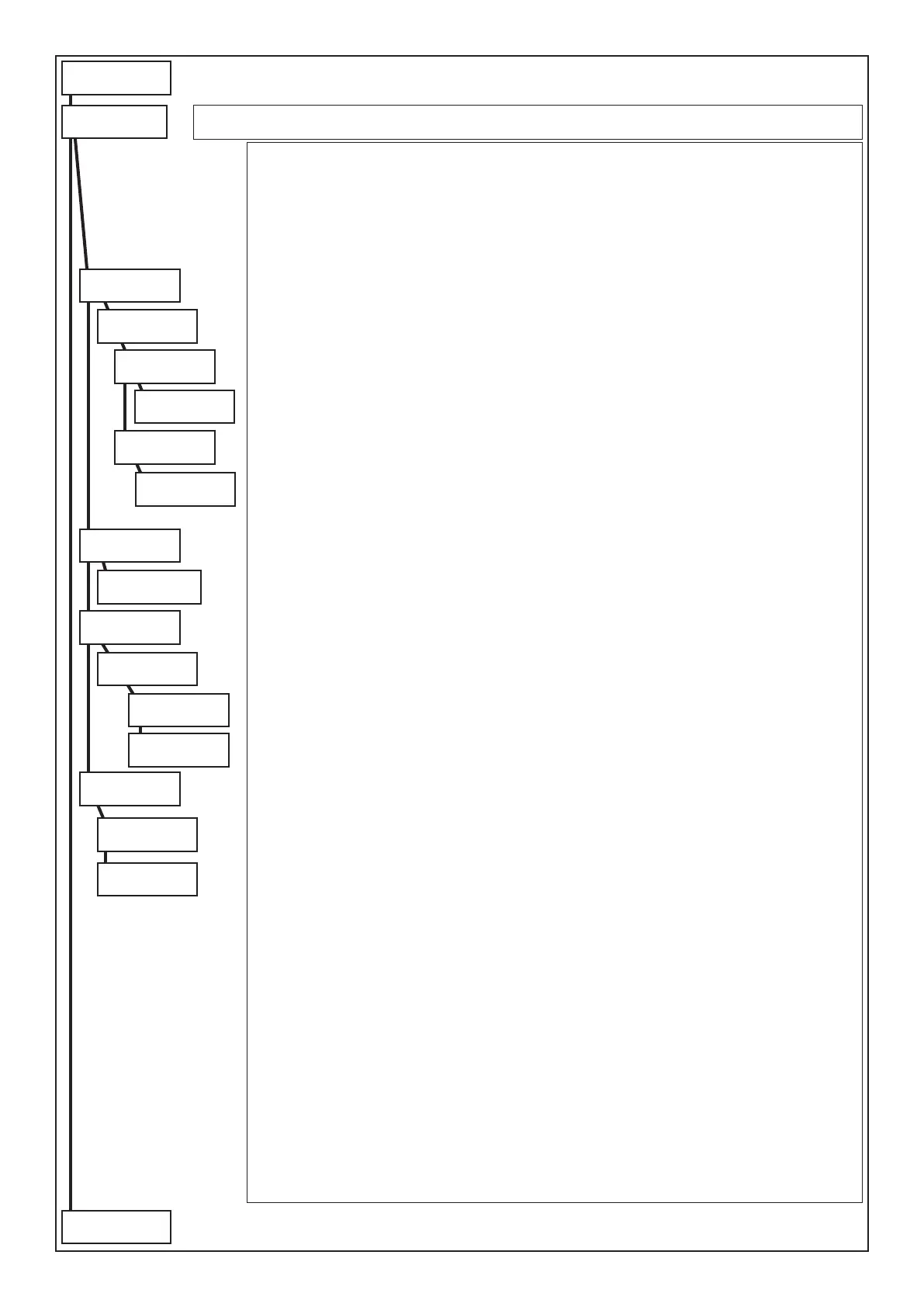
In this menu it is possible to program the acquisition of the TOYS that will have access to the control panel.
Acquisitions:
The acquisition of the TOYS can be carried out through the A500Plus keypads.
The individual TOYS are memorised in memory locations from 1 to 128. The same is valid for the BIP remote
controls acquired on the radio satellite.
To respect the enablings and the associations of the TOYS/remote controls to the codes, it is fundamental they
are acquired in the two sections, in the same order.
TOY on A500P: Enables to acquire the TOYS using the key block of the A500Plus keypad
TOY: selects the TOY memory locations to be programmed
Acquisition TOY: by accessing this menu the possibility of acquiring the Touch is activated.
Move the TOY towards the RS connector while the display indicates “.... in progress”
Note: if the Touch has already been acquired, the display will show the location where it is memorised.
TOY deletion: by accessing this menu the TOY is deleted.
All deletion: enter this menu to simultaneously cancel all the memorised TOYS
TOY/BIP: Selects the memory location of the TOY/remote control to be programmed
Ass. user num. (associated user number): denes to which user the Touch/BIP must be associated. The key/
remote control acquires the enablings of the prole associated to the user.
Emergency key: with “YES” it denes that the reading of the Touch/BIP will be considered an emergency code.
Enablings: By setting “YES” the Key/remote control is enabled, acquired in a specic memory location (from
1..128), to work.
Press (CLR) to vary
Press () or () to move
Press (ENT) to conrm
All deletion
ENT
Are you sure...??
CLR=NO ENT=YES
to following
page
from previus
page



 To Next Page