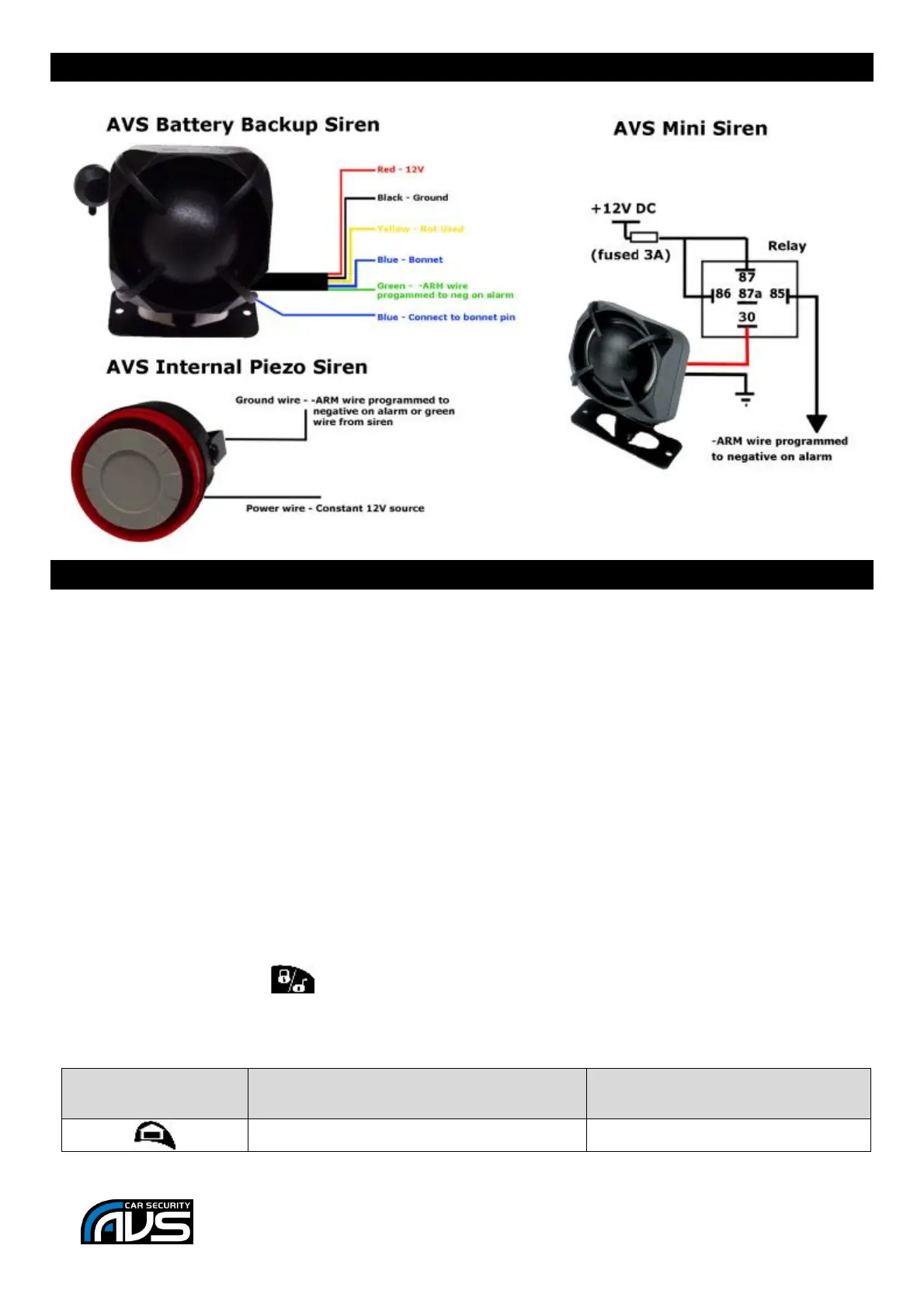
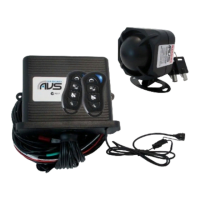
Optional Siren diagrams – see page 9 for Digital Data Siren
3 Extra Control Channels from AVS A-Series remote
This will allow you to control 3 extra channels from the alarm remotes in addition to the boot pop channel
on the alarm.
These 3 channels on the RXPRO can be programmed to latch, momentary pulse or timed pulse and have
N/O and N/C contacts on channel 1, 2 and 3 and N/O contacts only on channel 4. The RCX-4 can also
receive these signals and will put out a basic low current negative.
Note: If you want to use the alarm boot pop or alarm panic channel be aware that Ch 2 on the RXPRO or
RCX-4 will also activate.
Parts required:
RXPRO receiver or RCX-4
AVS Star rated alarm system
System set up:
1. Learn both alarm remotes into the RXPRO/RCX-4 receiver, (at step 7 of the RXPRO remote learning
instructions push the button on the AVS waterproof remotes).
Operation:



 To Next Page