AVTECH Software, Inc. Page 7 AVTECH.com
Room Alert 32S (RA32S-DAP-RAS)
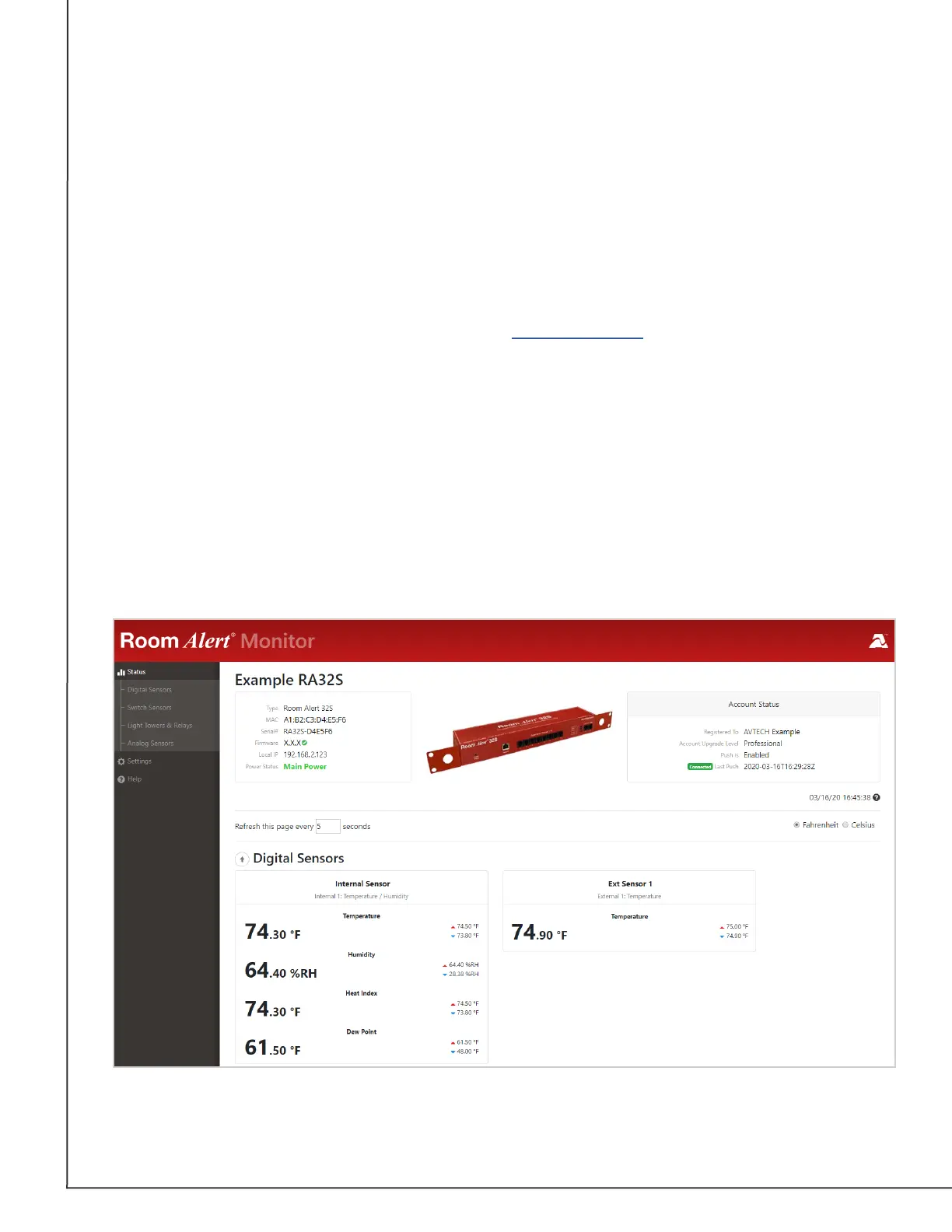
How To Use Room Alert’s Web Interface
You may congure your Room Alert through its built-in web interface. To access the interface,
you may either:
• Type the IP address of your Room Alert monitor directly into the address bar of your
web browser.
• Discover your Room Alert monitor with Room Alert Link software, and select its IP
address from the Monitors list.
• Select your Room Alert monitor in your RoomAlert.com account and click the
Device Interface button.
Your Room Alert’s web interface has 3 tabs:
• Status
• Settings
• Help
Status
To view your Room Alert’s current sensor status, select Status in the navigation bar to the
left of your screen.



 To Next Page