18.5 inch LED TV/DVD user guide
34
2. Play JPEG file
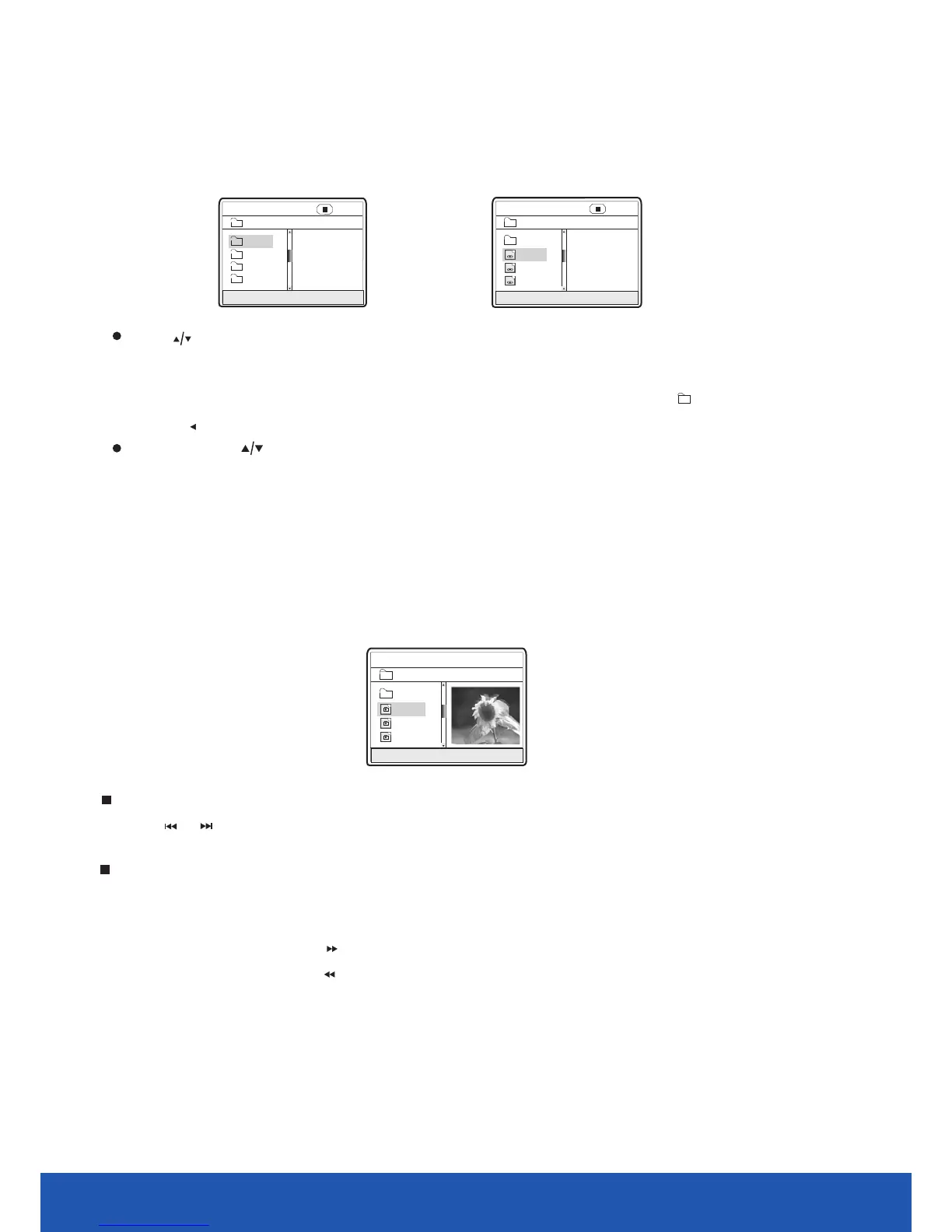
After you put an format file into the unit, it will search disc information and display the
operation menu as in the following figure. After selecting a JPEG file, the preview window will appear
this file's preview image. After you select the JPEG file you desired and
press [OK] button to confirm, the picture will display in full screen.
JPEG
00:00 00: 00
004/369
\PIC\
Du000
Du001
Du002
RESOLUTION 640×480
..
In Figure B, press [ ] button to select the MPEG4 format file you desired and press [OK]
button to confirm. The unit begins to play MPEG4 format movie.
After you put an MPEG4 format file into the unit, it will search disc information and display the
operation menu as figure A (The displayed content varies with disc.).
1. Play MPEG4 file
A:
00:0 0 00:00
\
Du000
Du002
Du001
Du003
001/ 004
B:
00:0 0 00:00
001/ 369
\Du000\
MP000
MP001
MP002
..
A/V
A/V
A/V
Press [ ] button to select the directory you desired and press [OK] button to confirm.
For instance, you select the directory Du000 in Figure A, press [OK] button and TV screen
displays as in Figure B. The window returns to the previous directory when you select [ ....]
or press [ ] button.
1. Press [ ],[ ] button to turn to the next or last page.
Other basic operation methods
Other functions of JPEG file
1. When playing JPEG file, press [ZOOM] button to enter zoom in/out, and press it again to
stop this function.
2. When in zoom in/out, pressing [ ] button to magnify the picture and it will magnify the frame
twice the original size. Pressing [ ] button may minify the picture and it can minify
the frame to half it’s original size.


 To Next Page