18.5 inch LED TV/DVD user guide
36
Downmix: this item is used to set this unit's DOWNMIX mode to change multi-channel audio into
2-channel audio output.
Optional settings: Stereo, L T/RT;
TV display: this is used to set the output picture ratio of this unit.
Screen Saver: Open orclose the screen saver
Optional settings:Of,f On;Default:On
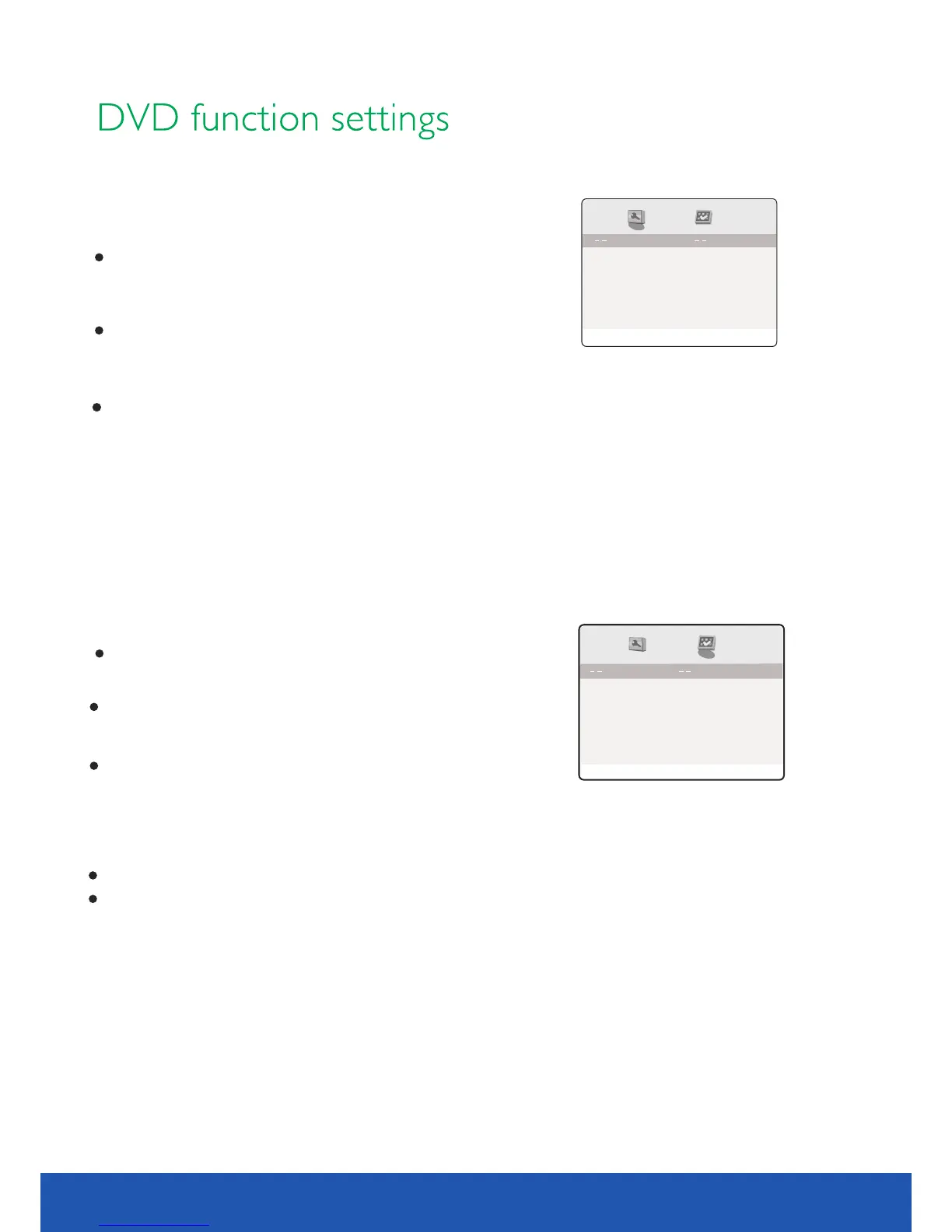
General Setup Page
4:3/PS
Go To General Setup page
Screen Saver
On
Downmix
STR
TV Type : To se t the output video system of this player.
Optional settings : Auto , PAL, NTSC; Default : PAL
Preference Page
Parental
Off
Subtitle
Disc Menu
PAL
Audio
ENG
PBC
On
Password
Default
Go TO Preference Page
ENG
ENG
TV Display
PBC : this item is used to set PBC state.
Optional settings : On, Off; Default: On
When playing SVCD, VCD2.0 discs, if PBC is set On, this unit
enters PBC playback mode; if PBC is set Off , the unit plays the
disc according to track sequence.
Audio: this item is used to set the audio language when playing.
Subtitle: this item is used to set the subtitle language when playing .discs with subtitle content
Disc menu language: this item is used to set the prefered disc menu language when playing.
Default of disc menu language:English
Default of subtitle:English
Divx 1252
TV Type
Divx: this item is used to set the codepage (character encoding table) for MPEG-4 format subtitles.
1252 - West European Latin (used by Western Eurpean languages)
1250 - East European Latin (used by Central & Eastern European languages)
1251 - Cyrillic (used by Belarusian, Bulgarian, Macedonian, Russian, Serbian and Ukrainian languages)
OSD Lang
ENG
OSD lang: Select OSD languages. Default is English.
You may select TV Display , Screen Saver , Downmix , Divx
and OSD Lang.
Optional settings: 4:3/PS,4:3/LB,16:9;Default : 4:3/PS
STR Default
preference
preference


 To Next Page