18.5 inch LED TV/DVD user guide
37
following for details.
Password: this is used to set a four digit password to enable you to change the parental
control ratings.
Default: 7890
Default: this item is used to restore all settings to the default value
except "Parental control" and "Password" in the setup menu.
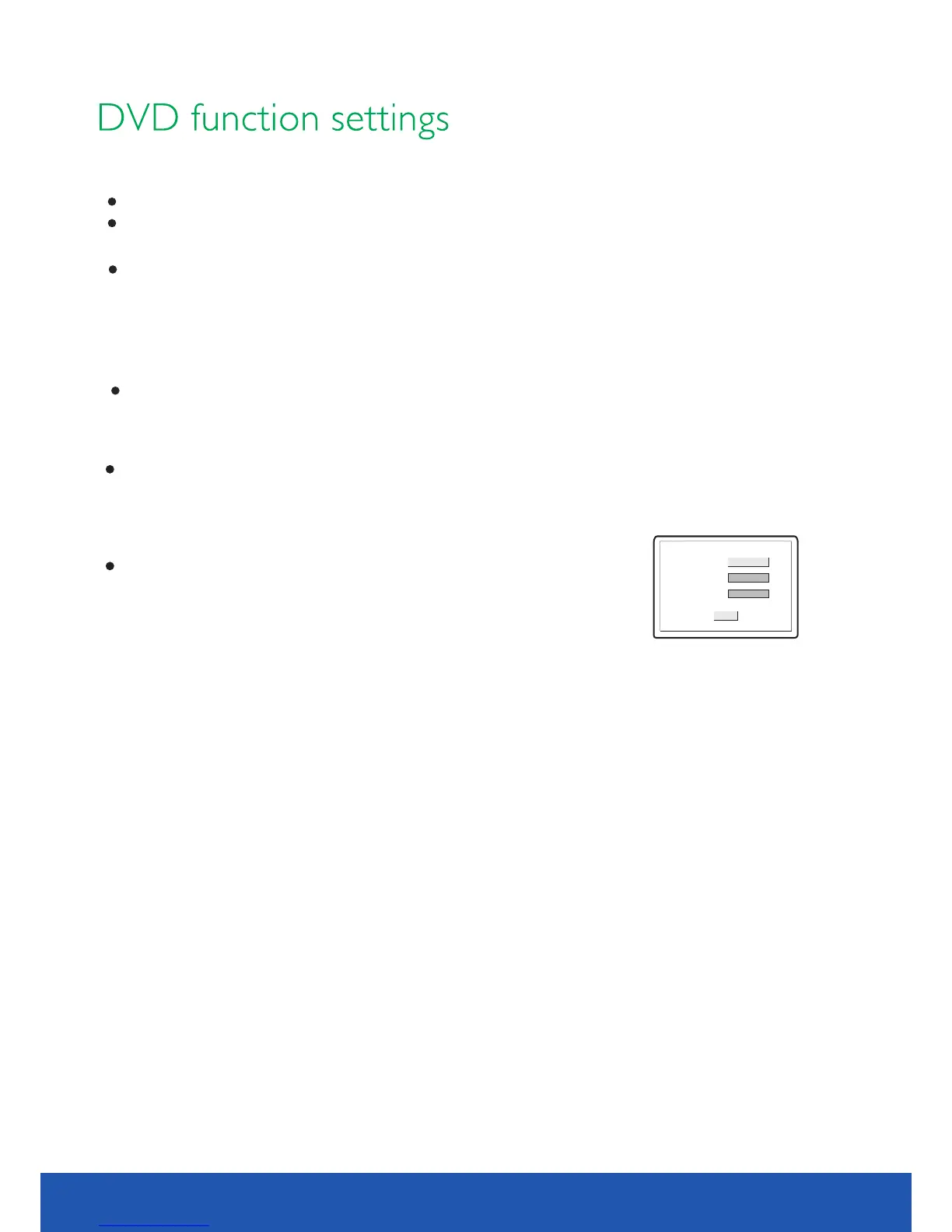
Old password
Confirm PWD
New password
OK
NOTE
NOTE
Parental: this item is used to set the parental control ratings to prevent children from watching
the restricted contents. ( )only if the disc supports this function
Optional settings:KID SAFE, G, PG, PG 13, PGR, R, NC17, ADULT, Off
;
Default:Off
and then number b uttons to input the language code you require. Afterinput finishes, press
[OK] button again.
Select other languages: press [▲/▼] button to move cursor to OTHER item, press [OK] button
Audio, subtitle and disc menu language are only to DVD disc.applicable
If the disc is not recorded with the language you selects, the unit will apply the language
that the disc .is recorded in
When changing the parental control ratings, a password is needed. Please refer to the


 To Next Page