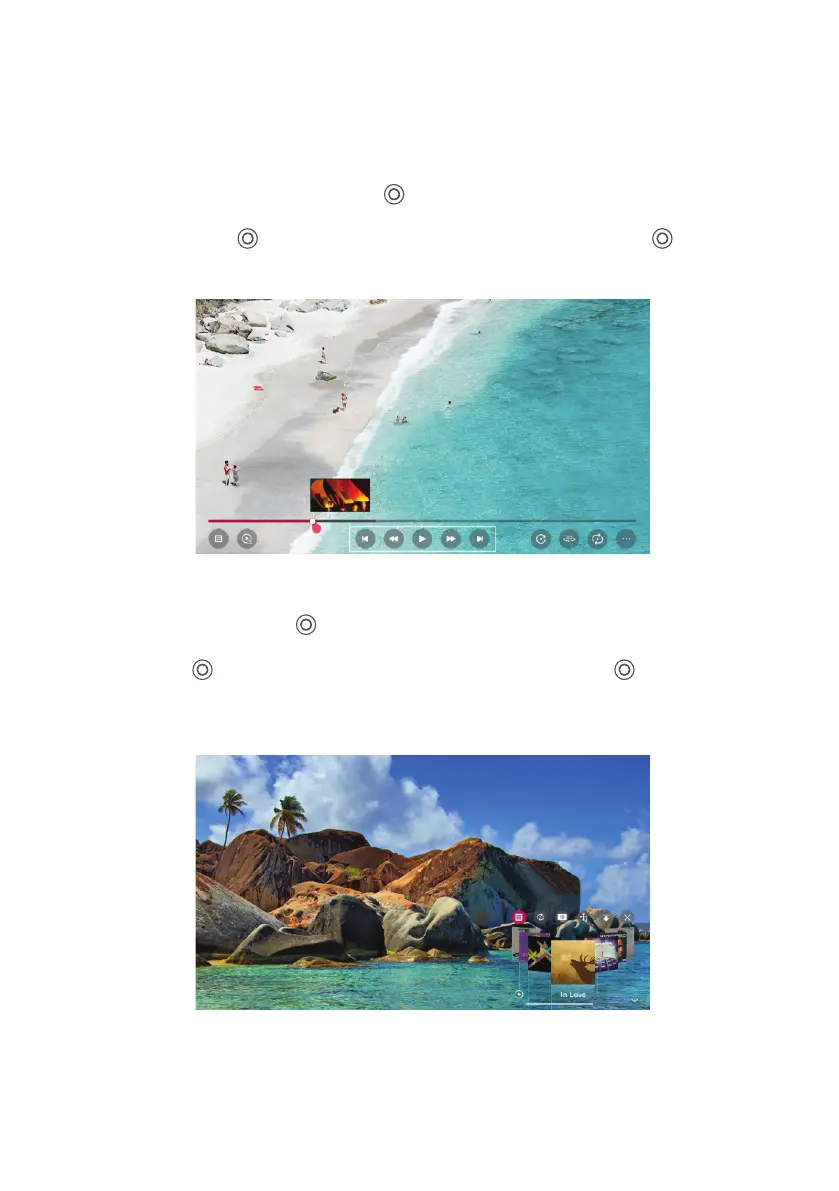
Playing Video
Selecting Photo & Video app and press ( ) button to enter the menu. You can view your
saved videos.Press Arrow buttons to select the file you want to watch in the file selecting
menu, then press ( ) button to start playing. When playing media, press the ( ) button
to display and operate file details.
Playing Music
Selecting Music app press ( ) button to enter the menu. You can listen your saved music.
Press Arrow buttons to select the file you want to listen to music in the file selecting menu,
then press ( ) button to start playing. When playing media, press the ( ) button to
display and operate file details.
USB MEDIA (CONT.)
19



 To Next Page