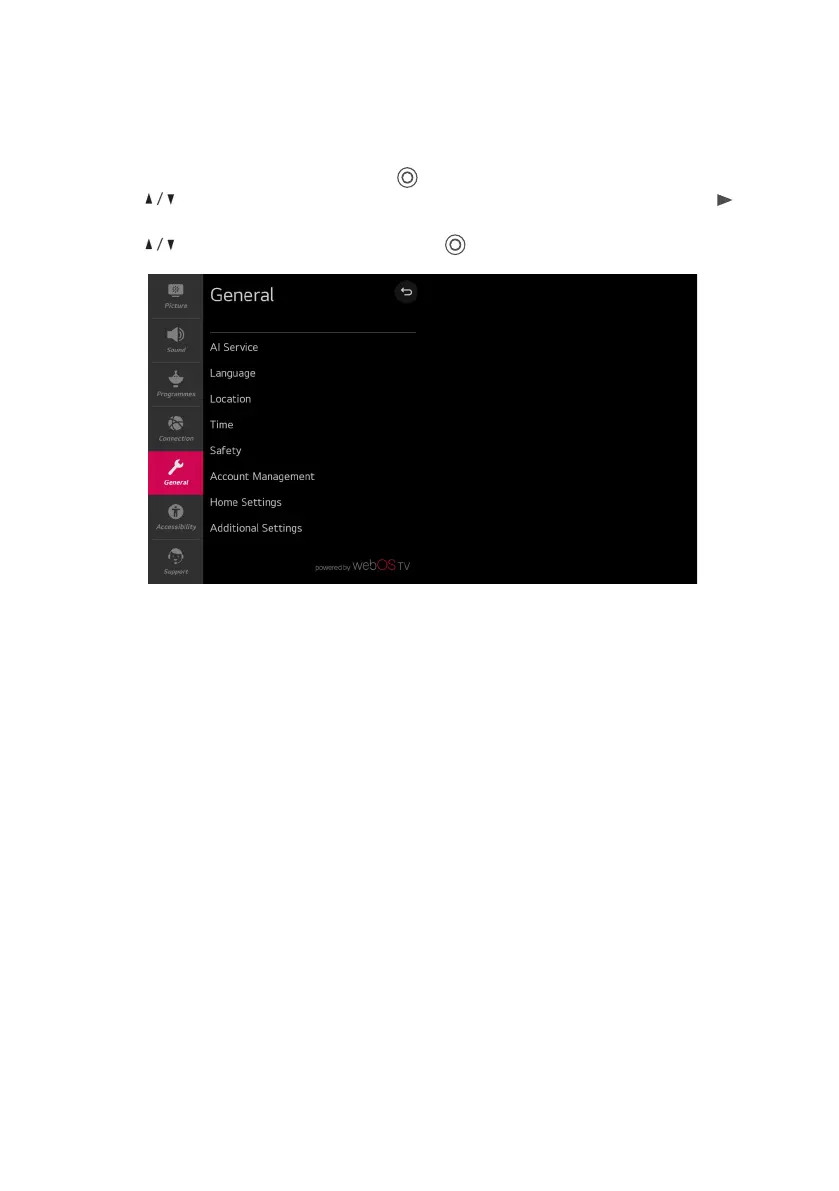
Al Service
Set detailed options for the Al functions.
Language
Select TV’s language settings. You can set the Menu Language, Audio Language and Keyboard
Languages.
Location
Set the region and country for broadcasts and special services.
Time
Set the current date and time. If the time you set is much dierent from the current time, some of
the smart features may not be displayed. Include Time, date and Time Zone.
Safety
Set locking on the specified channels, apps, inputs and etc to use under parents guidance.
Account Management
Set up an account to use Services.
Home Settings
Set detailed options for the Home feature.
Additional Settings
Set the additional functions related to the TV.
MENU (CONT.)
General Menu
Select All settings in settings menu, press ( ) button to enter the submenu.
Press buttons to select General in the submenu, it will highlight the option, then press
button to enter menu.
Press button to select the option and press ( ) button to enter the submenu.
24



 To Next Page