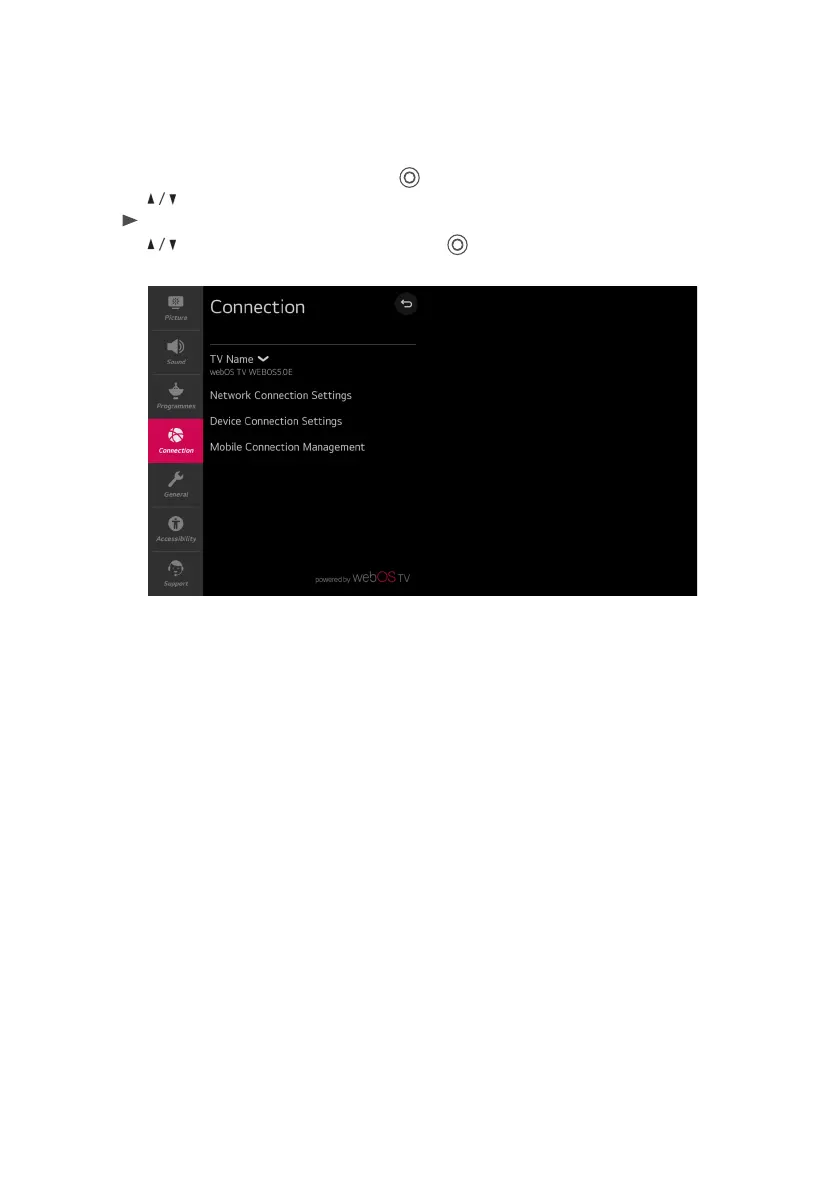
TV Name
Set the TV name.
Network Connection Settings
Set settings related to your wired / wireless network.
Device Connection Settings
Set easy connection settings with external devices. After entering the menu, you can select and
set these options of Auto Device Detection, SIMPLINK (HDMI-CEC), Auto Power Sync, LG
Wireless , Keyboard and Universal Control Settings.
Mobile Connection Management
Connection Management with a smartphone or PC is available. In order to connect a TV with a
mobile device, connection settings and requests are required on the smartphone and PC.
MENU (CONT.)
Connection Menu
Select All settings in settings menu, press ( ) button to enter the submenu.
Press buttons to select Connection
in the submenu, it will highlight the option, then press
button to enter menu.
Press button to select the option and press ( ) button to enter the submenu.
23



 To Next Page