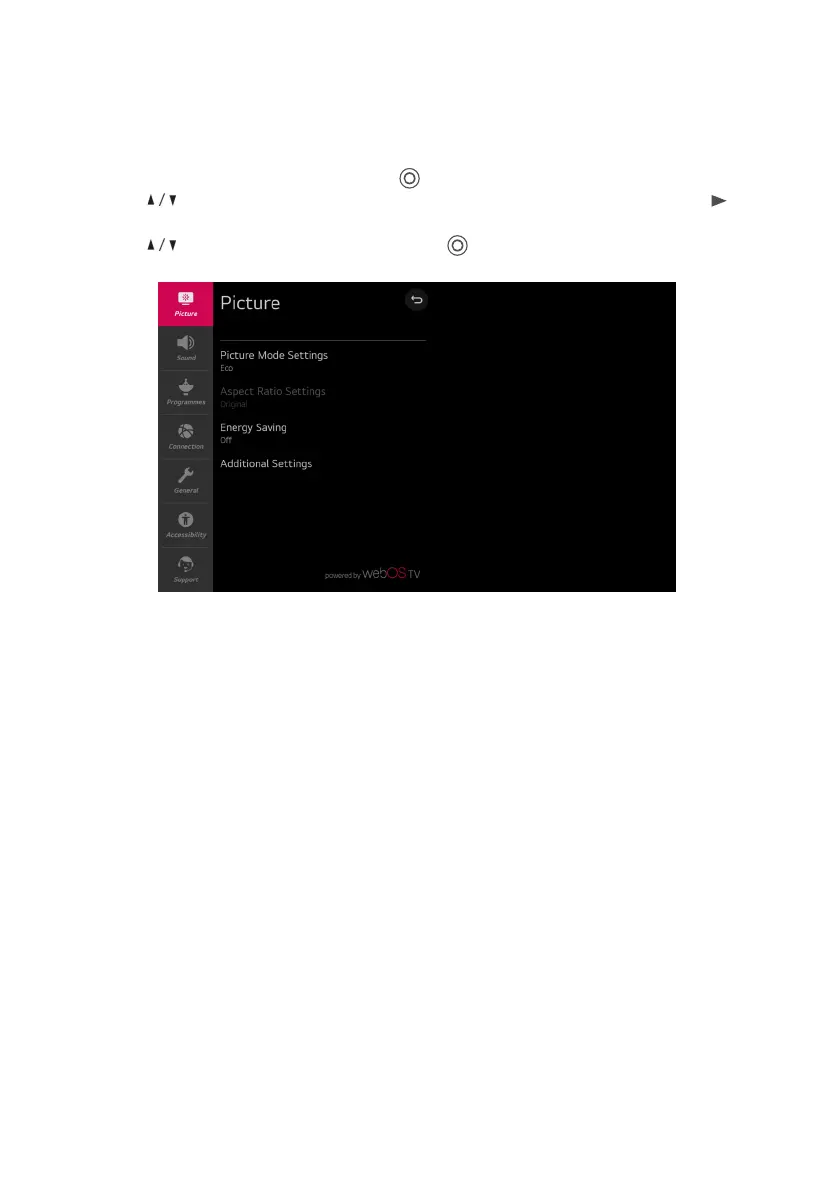
Picture Menu
Select All settings in settings menu, press ( ) button to enter the submenu.
Press buttons to select Picture in the submenu, it will highlight the option, then press
button to enter menu.
Press button to select the option and press ( ) button to enter the submenu.
Picture Mode Settings
Select a video mode that matches the viewing environment, or specify settings for a video
mode, such as contrast, color and more.
Aspect Ratio Settings
View the original screen as it is or set the screen size and aspect ratio.
Energy Saving
Energy saving modes to limit power consumption. Adjust screen brightness to reduce energy
consumption.
If you use Energy Saving function, brightness of your TV will be aected.
Additional Settings
Set additional picture settings. Include Eye Comfort Mode, HDMI Ultra HD Deep Color and
Instant Game Response.
MENU
20



 To Next Page