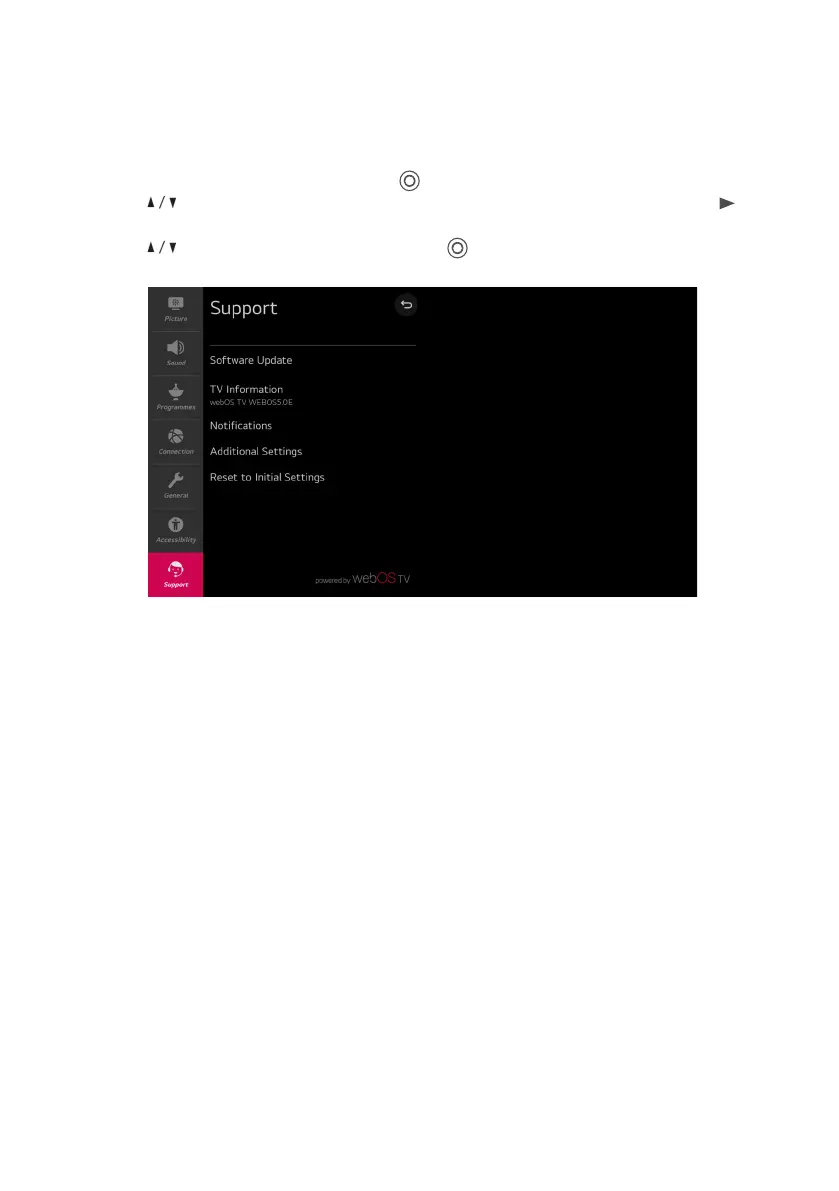
Software Update
Check for software updates and update if available.
TV Information
Check TV information.
Notifications
Check alarm messages about the user settings or TV status.
Additional Settings
Set up additional features related to customer support. Include User Agreements, Legal
Notice and Open Source Software Notice These options.
Reset to Initial Settings
Revert TV to its initial settings. This will revert all options on TV to their default settings.
MENU (CONT.)
Support Menu
Select All settings in settings menu, press ( ) button to enter the submenu.
Press buttons to select Support in the submenu, it will highlight the option, then press
button to enter menu.
Press button to select the option and press ( ) button to enter the submenu.
26



 To Next Page