EasyManua.ls Logo

Awoco RH-BQ - User Manual

Awoco RH-BQ
17 pages
Print Icon
To Next Page IconTo Next Page
Loading...
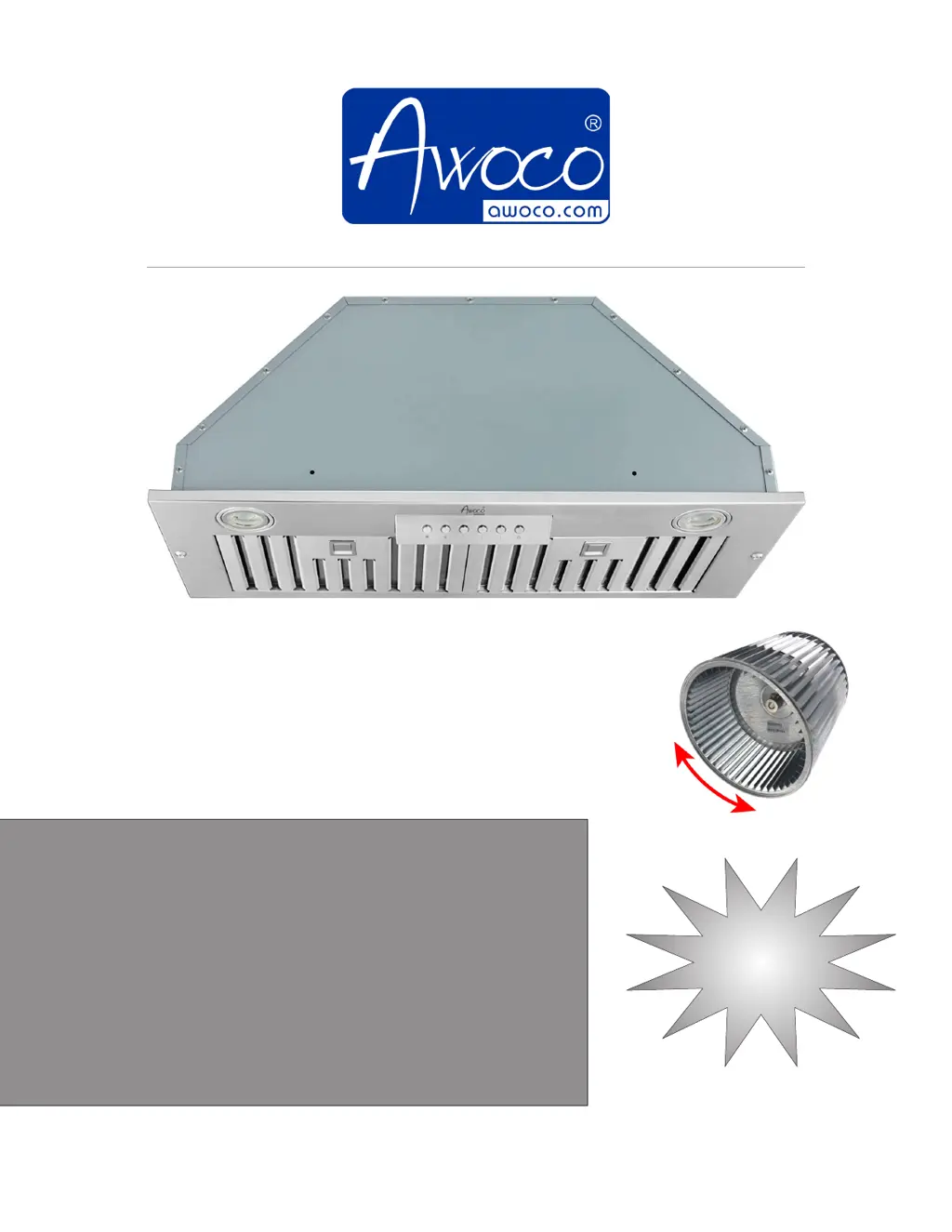
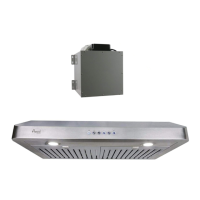
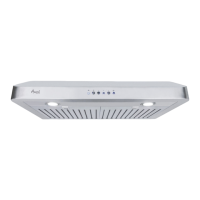
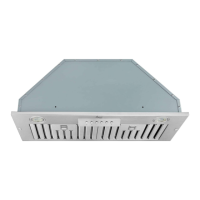
Range Hood
OWNER'S MANUAL
Built-In with Blower Series
RH-BQ, RH-BQ-M Models
Test Run
Before
Installation
Ver. RH-BQ-2021B
Important!
Make sure to manually spin the fan wheel to check if it's running without
any obstacles before the test run.
If the fan wheel is unbalanced or in contact with the casing, refer to Page
11 for how to re-seat the fan wheel.

Questions and Answers

  • G
    greenmatthewJul 27, 2025
    Why is my Awoco Ventilation Hood not venting out properly?
    • T
      turnerjulieJul 27, 2025
      Several factors can affect the venting performance of your Awoco Ventilation Hood. Ensure the distance between the stove top and the hood's bottom is within the recommended 24” to 30”. Reduce the number of elbows and the length of duct work, and verify that all joints are properly connected, taped, and sealed. For heavy cooking, make sure the power is set to high speed.
  • L
    Lisa RaymondJul 31, 2025
    What to do if my Awoco RH-BQ Ventilation Hood blower or fan seems weak?
    • A
      amanda98Aug 1, 2025
      If the blower or fan in your Awoco Ventilation Hood appears weak, check that the duct size used is the required 6” or 8” per the blower unit's vent size, ensuring there are no sections with smaller sizes between the hood and the Roof/Wall Cap. Also, inspect the duct for clogs and ensure the damper (half-circular flapper) is correctly installed and opening properly. A tight mesh on a side wall cap might also restrict airflow.
  • T
    Travis MendozaAug 5, 2025
    What to do if my Awoco Ventilation Hood vibrates when the blower is on?
    • N
      Nancy HernandezAug 5, 2025
      If your Awoco Ventilation Hood vibrates when the blower is running, start by checking and tightening the mounting screws to ensure the hood is securely attached to the cabinet or wall. If the issue persists, follow the instructions in the manual to adjust the fan wheel. If you determine that the fan wheel is unbalanced, contact us for a fan wheel assembly replacement.
  • L
    Laura HansenAug 9, 2025
    Why is my Awoco RH-BQ making a squeaking noise when it's running?
    • R
      Richard CowanAug 9, 2025
      If your Awoco Ventilation Hood makes a squeaking noise while running, it could be due to the blower fan wheel being offset and touching the casing, or the fan could be unbalanced. Follow the instructions in the manual to adjust the fan wheel.
  • H
    howardtamaraAug 13, 2025
    What to do if the lights work but the blower is not spinning at all or is rattling in my Awoco RH-BQ Ventilation Hood?
    • J
      Johnathan WilliamsonAug 14, 2025
      If the lights on your Awoco Ventilation Hood are working, but the blower isn't spinning or is rattling, the blower might be jammed or scraping the bottom due to shipping damage. Follow the instructions in the manual to adjust the fan wheel. If the fan wheel is unbalanced, contact us for a fan wheel assembly replacement.
  • A
    Allen CookeAug 17, 2025
    How to fix an Awoco RH-BQ that doesn't turn on?
    • H
      Heidi WernerAug 17, 2025
      If your Awoco Ventilation Hood isn't turning on, first check if it's properly plugged in. Then, ensure that all power is turned ON, the fuse isn't blown, and all electrical wirings are correctly connected.
  • L
    Lisa OwensAug 23, 2025
    What to do if the LED light doesn't work on my Awoco RH-BQ?
    • S
      Shane EdwardsAug 23, 2025
      If your Awoco Ventilation Hood turns on but the LED light doesn't, try replacing the defective LED assembly. If the circuit board isn't outputting 12V DC when the LED light button is pressed, please contact us for a circuit board replacement.

Summary

How To Test Run

Steps To Test Run Before Installation

Instructions to test the range hood before installation for defects or shipping damage.

Installation Overview

Steps for unpacking, checking damage, and installing the range hood.

Important Safety Instructions

General Safety Warnings

Precautions for fire, electric shock, personal injury, and gas leaks.

Installation Preparations

Venting Requirements

Guidelines for proper venting system setup, including duct size and configuration.

Electrical Requirements

Specifies voltage, frequency, circuit requirements, and grounding for the range hood.

Installation

Installing the Range Hood

Step-by-step guide for physically mounting the range hood unit.

Electrical Connection

Instructions for connecting the range hood's power cord to the outlet.

Installing the Baffle Filters

Procedure for cleaning and installing the baffle filters.

Optional Ductless Configuration

Steps for setting up the range hood without external venting.

Completing the Installation

Final checks after installation, including power and operations.

RH-BQ Dimensions

Technical drawings and measurements for RH-BQ models.

RH-BQ-M Dimensions

Technical drawings and measurements for RH-BQ-M models.

Range Hood Use

Range Hood Control Panel

Overview of the control panel buttons for lights and fan speeds.

Speed Control

Details on the four fan speed modes: Quiet, Low, Medium, High.

Power Operation

How to turn the hood on, resume last setting, and shut off.

3-Minute Delayed Auto Shut Off Function

Explanation of the automatic shut-off feature for the fan.

Range Hood Care

Cleaning the Exterior Surfaces

Methods and precautions for cleaning the outer surfaces of the range hood.

Cleaning the Stainless Steel Baffle Filters

Instructions for removing and cleaning the baffle filters.

Replacing the Filters

Guidance on when and how to replace the baffle filters.

Replacing the LED Lamps

Steps for safely replacing the LED lamps in the range hood.

Range Hood Troubleshooting

Before Calling for Service

Common issues and their potential causes and solutions.

How to Adjust and Replace the Fan Wheel

Detailed steps for adjusting or replacing the blower fan wheel.

Warranty

Limited Warranty Coverage

Details on what the one-year parts warranty covers and its conditions.

This Limited Warranty Does Not Cover

List of conditions and damages not covered by the warranty.

To Receive Warranty Service

Instructions on how to contact Awoco for warranty claims.

Damaged Returns

Procedure for reporting and returning damaged products.

Undamaged Returns

Process for returning undamaged products for refund.

Product Support and Additional Information

Contact details for product assistance and warranty service.

Awoco RH-BQ Specifications

General IconGeneral
BrandAwoco
ModelRH-BQ
CategoryVentilation Hood
LanguageEnglish

Related product manuals