Ref: 1.8 User Guide LED Bulbs Bluetooth Mesh
AwoX Confidential Document – Do not copy Page: 8 of 60
2.2.2 COLOR SETTING
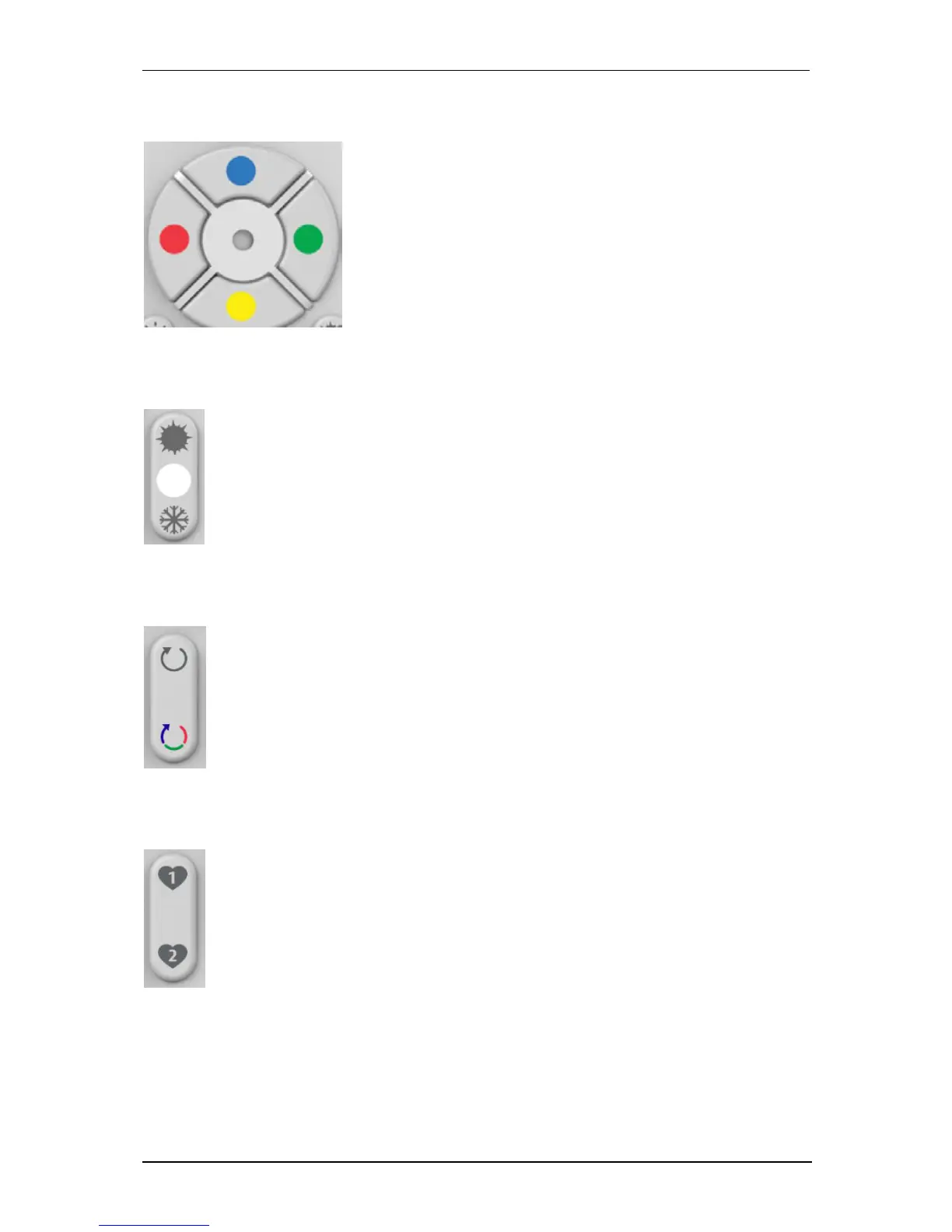
Use the color pad to adjust the color of your bulb.
To go on a basic color (red, blue, green, yellow), just
long press the basic color button during 2 seconds.
To go on an intermediate color between two basic
colors (for example orange), you have to start with a
basic color (red) and then press the yellow button
repeatedly until you reach the desired orange color.
2.2.3 TEMPERATURE OF WHITE SETTING
Press the top button to go to the warm white (2700K minimum)
Press down button to go to cold white (6500K maximum)
2.2.4 VISUAL EFFECTS SETTING
Press the top button to start the candle mode. The candle mode changes the intensity
on the selected color to give a motion effect simulating a candle.
Press the down button to start color mode. The color effect is to cycle the 16 major
colors.
Pressing any other button stops the current effect.
The buttons allow you to put the bulb (s) on your favorite color and intensity at the
touch of a button.
To save a favorite, first set the light bulbs to the desired color and intensity and long
press the FAVORI1 or FAVORI2 buttons.
To recall a favorite, make a short press.


 To Next Page