Ref: 1.8 User Guide LED Bulbs Bluetooth Mesh
AwoX Confidential Document – Do not copy Page: 9 of 60
2.3 CONTROL YOUR BULBS ALSO FROM YOUR SMARTPHONE
2.3.1 INSTALL THE APPLICATION
1- DOWNLOAD
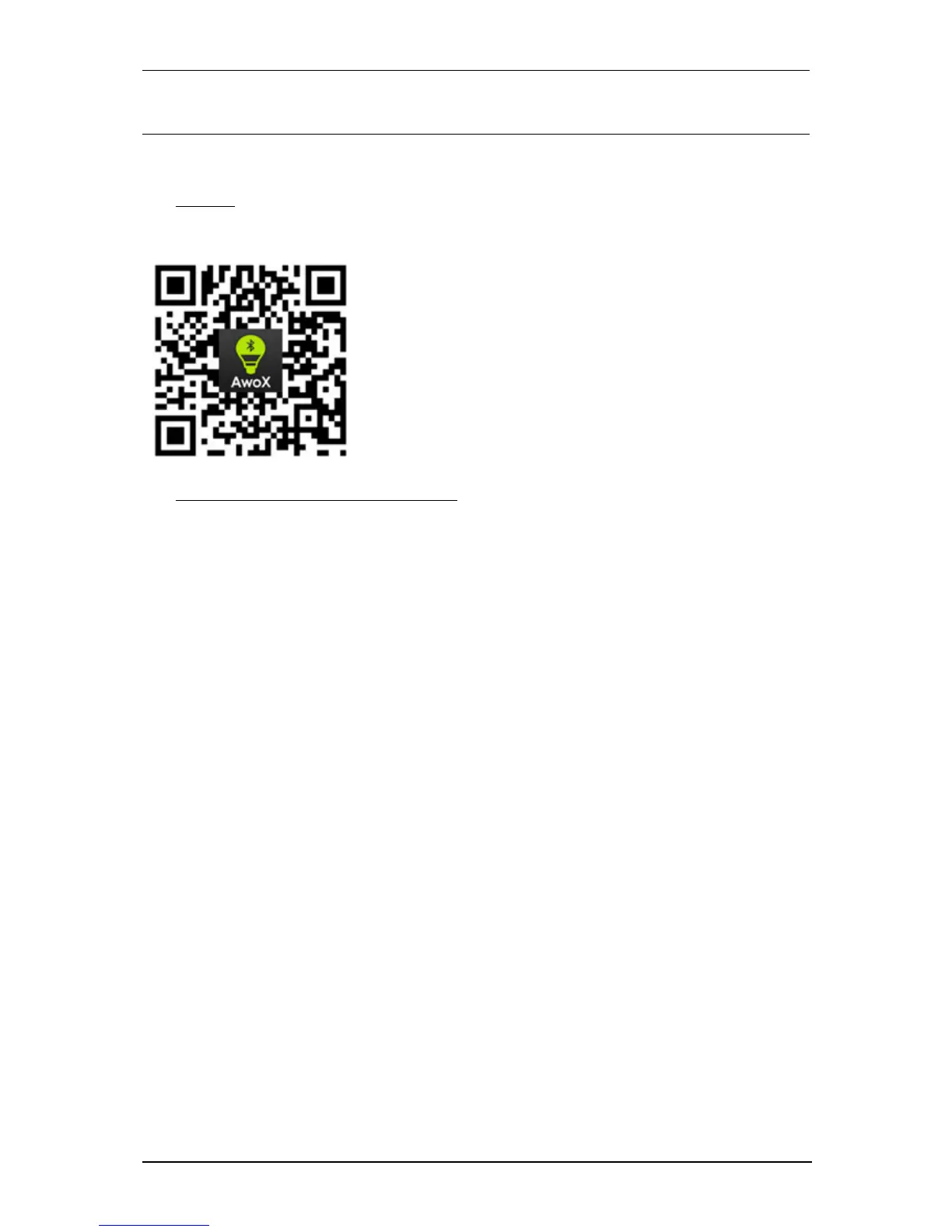
Download the AWOX Smart Control application from your app store or scan the following QR code:
2- AUTHORIZATIONS REQUESTED BY APPLICATION
Why are system permissions required when installing the SmartCONTROL application?
When you first install the application, the operating system of your smartphone will ask you if you
want to activate certain functions of your phone with the SmartCONTROL application:
• Bluetooth activation: This activation is required in order to be able to control the bulbs of the
application because the bulbs use the Bluetooth technology
• Activation of the location: This activation is not mandatory on iOS, but it is on Android (version> =
6). This setting allows, among other things, to light the bulbs automatically when you enter your
home. Under Android, this setting is required to properly detect Bluetooth bulbs.
• Enabling Notifications: This activation is not required. This setting allows you to update the bulb
configuration in real time on all smartphones connected to the same user account.


 To Next Page