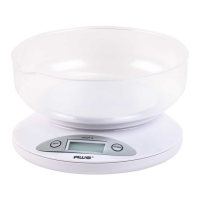
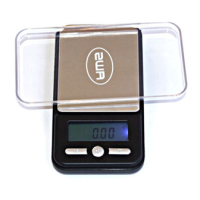
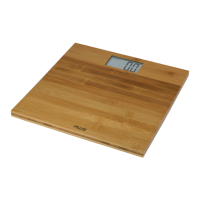
the contents.
4. To return to normal weight display (gross weight),
remove any items from the weighing platform and
press the TARE key again to re-zero the scale.
VII. Calibration
Calibration and adjustment are performed at the factory.
However, the weighing range can shift slightly during
shipping. Also, due to changes in local acceleration of gravity
around the world, adjustment is recommended when moving
the scale from one location to another. To check calibration:
1. Place the required calibration weight on the scale
and note the displayed value.
2. If the displayed value is not within acceptable
tolerance (see chart below), adjustment is required.
Model Acceptable
Tolerance (±)
Calibration
Weight
Recommended
Accuracy Class
BL-100 0.02g 100g OIML M2
BL-650 0.2g 500g OIML M2
BL-1KG 0.2g 500g OIML M2
VIII. Adjustment
1. Press and hold the MODE key until the display
shows “CAL”.
2. Press the MODEkeyagain.Thedisplaywillash
“CAL” followed by the calibration weight value (see
chart).
3. Place the calibration weight on the center of the
weighing platform. Make sure you are using the
correctweightforyourspecicmodel.


 To Next Page