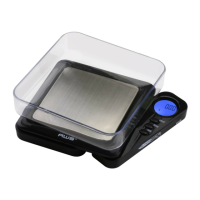
I. OPERATION
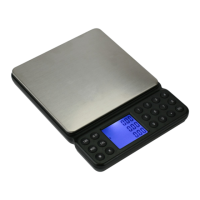
Place the scale on a at and level surface.
1. Press the [ON] key.
2. Wait until "0.000g” is displayed.
3. Place the object(s) to be weighed on the weighing
platform.
4. Using the [MODE] key, you can switch between the
weighing units.
(To weigh using the tray, place it on the platform before
turning the scale on or use the Tare feature.)
II. TARE WEIGHING
Using Tare, you can subtract the weight of a container.
1. Turn the scale on as described above.
2. Place the "tare item" on the platform such as a tray
or container.
3. Press [TARE] and wait until "0.000g" is displayed.
4. You can now add items to the tray or container.
III. CALIBRATION
Calibration is NOT required before rst use. Only
calibrate if scale is not weighing properly.
off. Calibration is compete!
1. Turn the scale on as described above.
2. Once the scale is at zero, press and hold the [ON]
key for about 3 seconds. The display will go blank
briey then ash “0”. You may now release the [ON]
key.
3. The display will show “10.000” and the “g” indicator
will be ashing.



 To Next Page