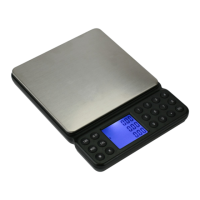
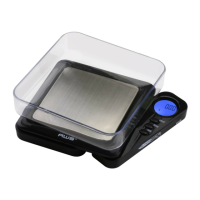
4. Place the 10g calibration weight on the center of the
platform and wait until the “g” indicator stops ashing.
Calibration is complete!
IV. TROUBLESHOOTING
The primary reasons for inaccuracy or malfunction
are low batteries, incorrect calibration, overload or
operating on an unstable surface. Please keep this in
mind and maintain and operate your scale properly.
This scale is a precise instrument and must be
handled with the utmost care and caution.
[Display] Elimination of errors
Nothing, Battery-Symbol, [lo] or [88888]
Change the batteries.
[Err1] Recalibrate the scale as shown above.
[Err2] You are overloading the scale. Remove the
excess again after recalibration.



 To Next Page