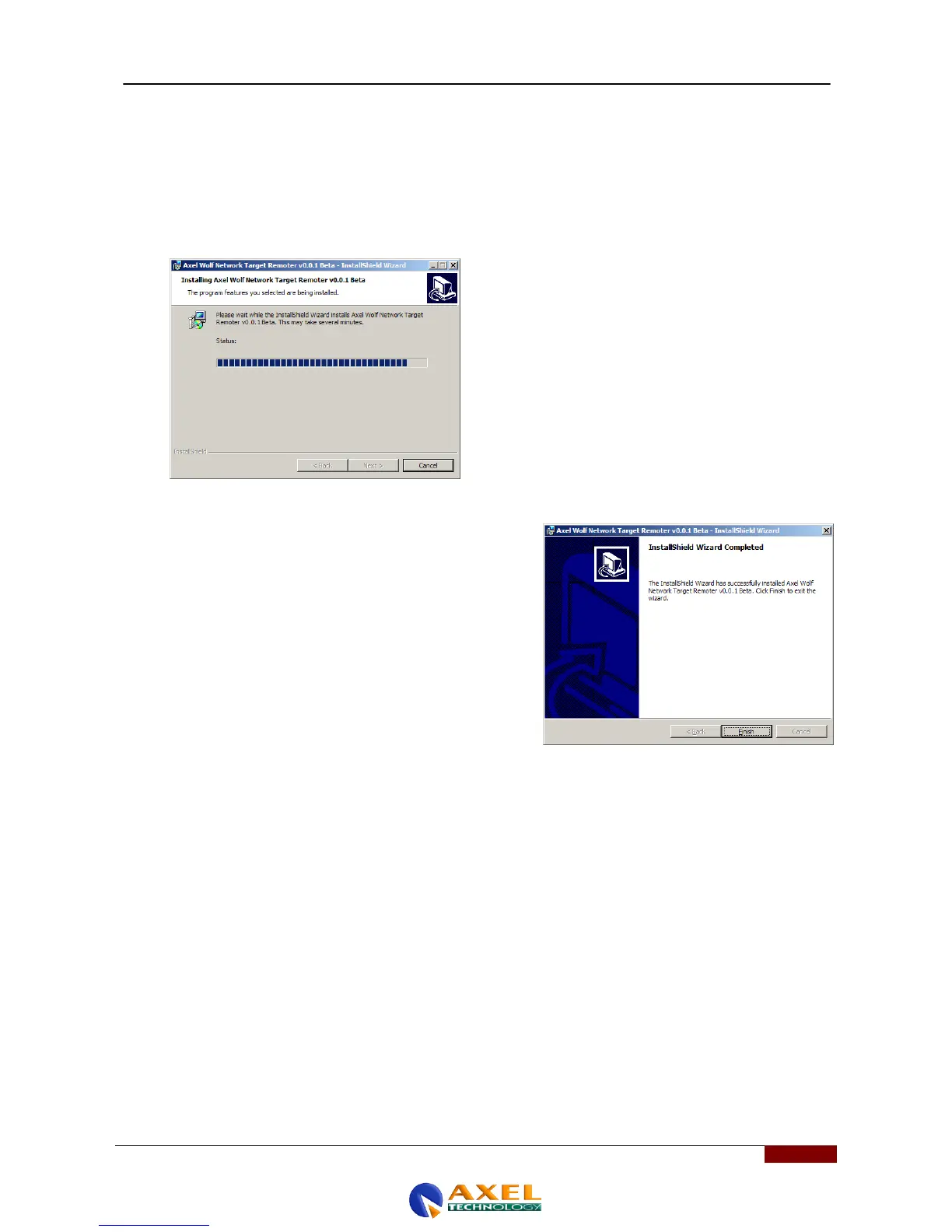
the Program" message, while clicking again takes you to the actual phase in which installation of the
applications within the operating system takes place.
A blue bar shows installation progress.
8. After installation - and once the various installation
processes have been checked - the program will display the
following message: "InstallShield Wizard Complete"
9. At this point, two new icons will have appeared on your
computer's desktop :
- Axel Wolf Address Manager vX.X.X
- Axel Wolf Network Remoter vx.x.x
You can now connect the Wolf Network to your PC and use
the services offered by the various applications to start
using the Wolf Network device.



 To Next Page