20 WOLF NETWORK CONFIGURATION
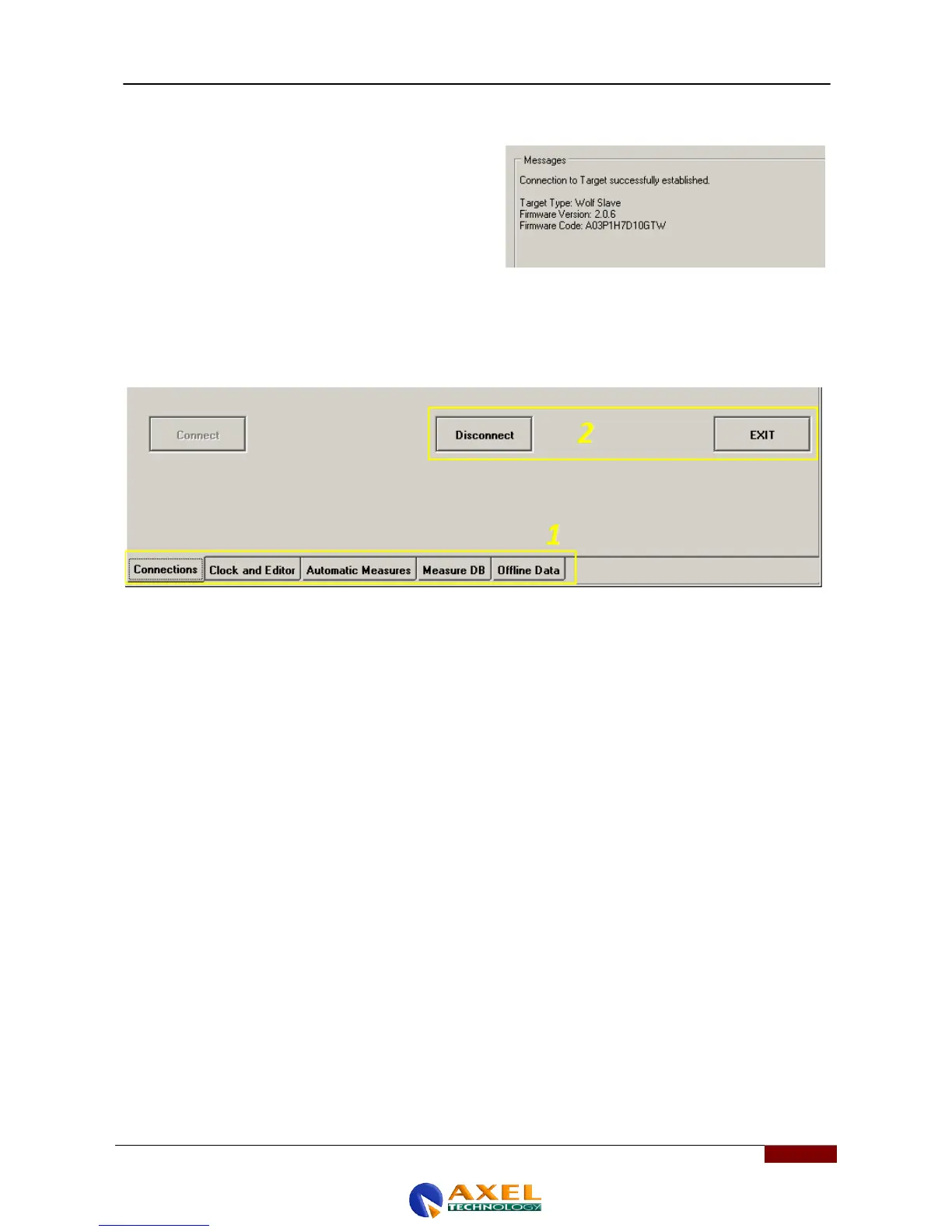
Once the connection has been established between the PC
and the Wolf Network device, various items of connection data
will appear on the communications panel on the right. This
message box also shows that the connection has been
successfully established.
In the lower section of the screen of the Wolf Target Remoter control software, there is also an additional horizontal bar
that can be used to perform certain operations (1) (Connections - Clock and Editor - Automatic Measures - Measure DB -
Offline Data), while the Disconnect and Exit (2) buttons appear in the middle section. Disconnect is used to disconnect
the device from your PC, while Exit is used to quit the program.



 To Next Page