- 14 -
USER CALIBRATION
Calibration with known reflectance values is essential to ensure the
accuracy of this equipment. It should be carried out after installation and
at regular intervals. (see below)
When the software detects an uncalibrated reader the following dialogue
box will appear “Reader XXX has not been calibrated”. You must click OK
to continue.
Please switch on your verifier at least five minutes before you start
to calibrate.
To calibrate you will need your calibration sheet, which you will find
in the wallet.
Take the calibration sheet out of the wallet and place it on a flat
surface.
For the Axicon 6000 Series use the EAN13 calibration code at the top
left of the sheet.
For the Axicon 6500 and 7000 Series use the large calibration code at
the bottom of the sheet.
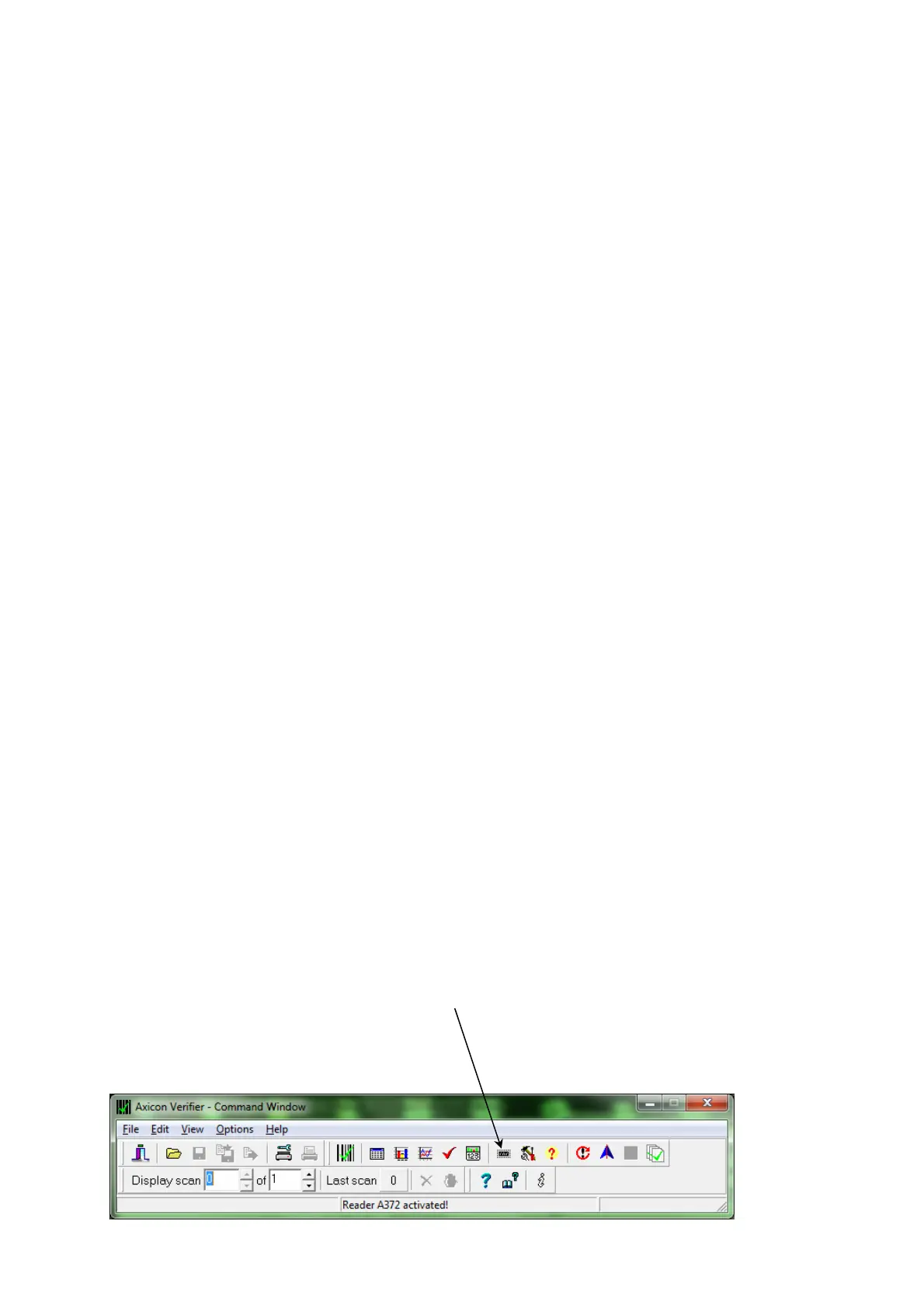
Select the calibrate option.
For Windows versions: This is located in the “Options” menu
(or you can use the icon)
For Mac versions: This is located in the “Reader” menu



 To Next Page