- 16 -
GETTING STARTED WITH YOUR AXICON VERIFIER
In countries where Axicon offer training courses we would strongly
recommend the use of these as the best way to get the most out of your
verifier and to understand all of it’s features.
For others, the following provides a general overview and start-point in
the verification process:- (This is not intended to be a comprehensive
instruction but will guide the user in the most frequently used features.)
When you first start the software you will see…
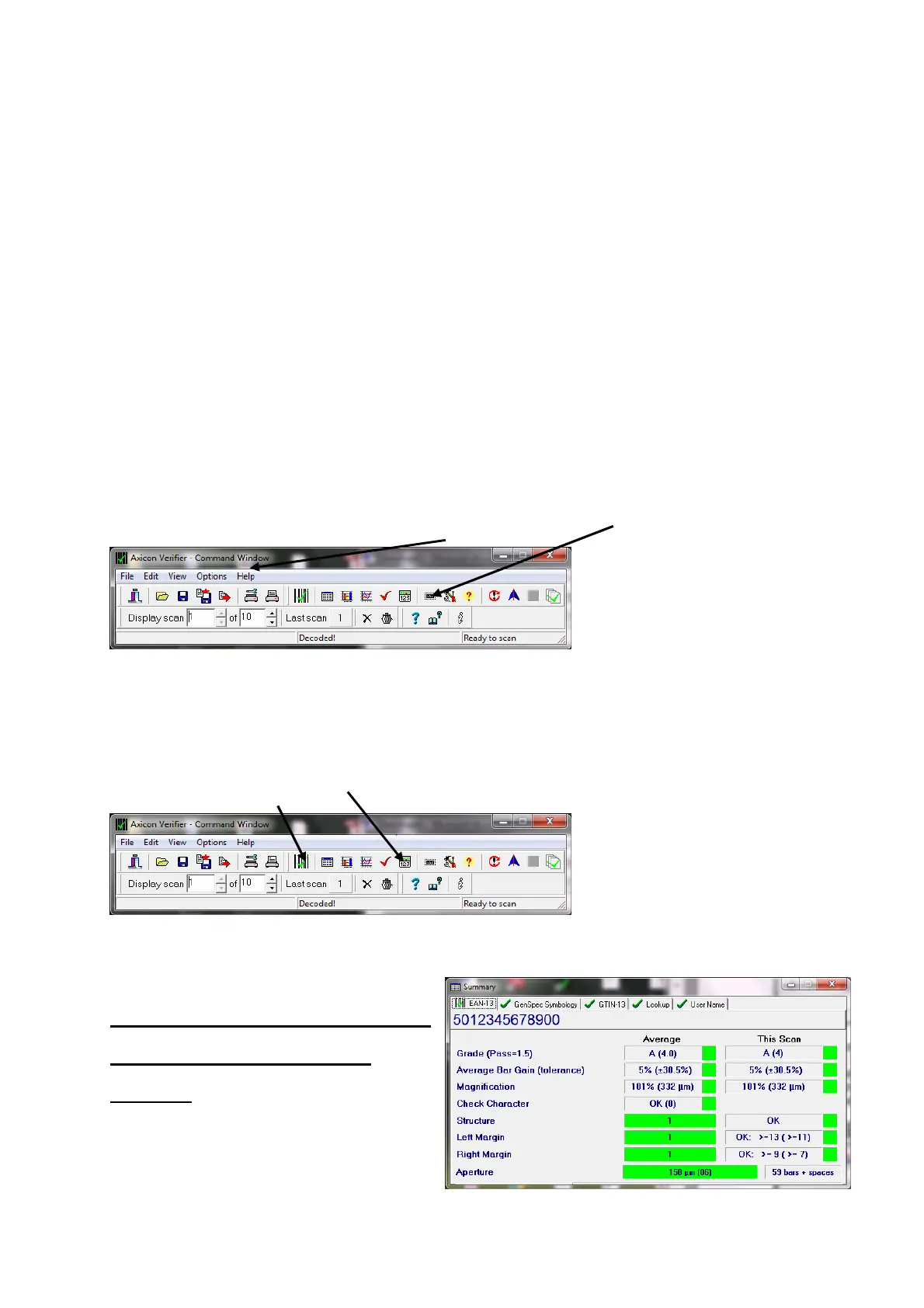
The “Command” Window :
This gives access to all of the main features of the verifier:-
Access can be by using pull down menus or by using icons
Icons are grouped according to function.
As you start using the verifier the main ones that you will use are the
display screens grouped at the centre of the top line of the command
window – From here to here:-
These cover the Command Screen (that we have seen already )…
A ”Summary Screen” that gives
the general quality of the
barcode



 To Next Page