62
4. INSTALLATION
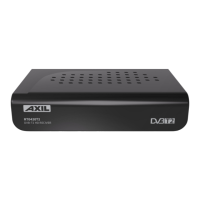
The picture is only for reference,
please make the object as the standard.
4.1. Placing the STB
Place the STB on a stable table.
Note: Do not place anything on the STB. Leave over 10cm space around two sides of the STB for
radiating.
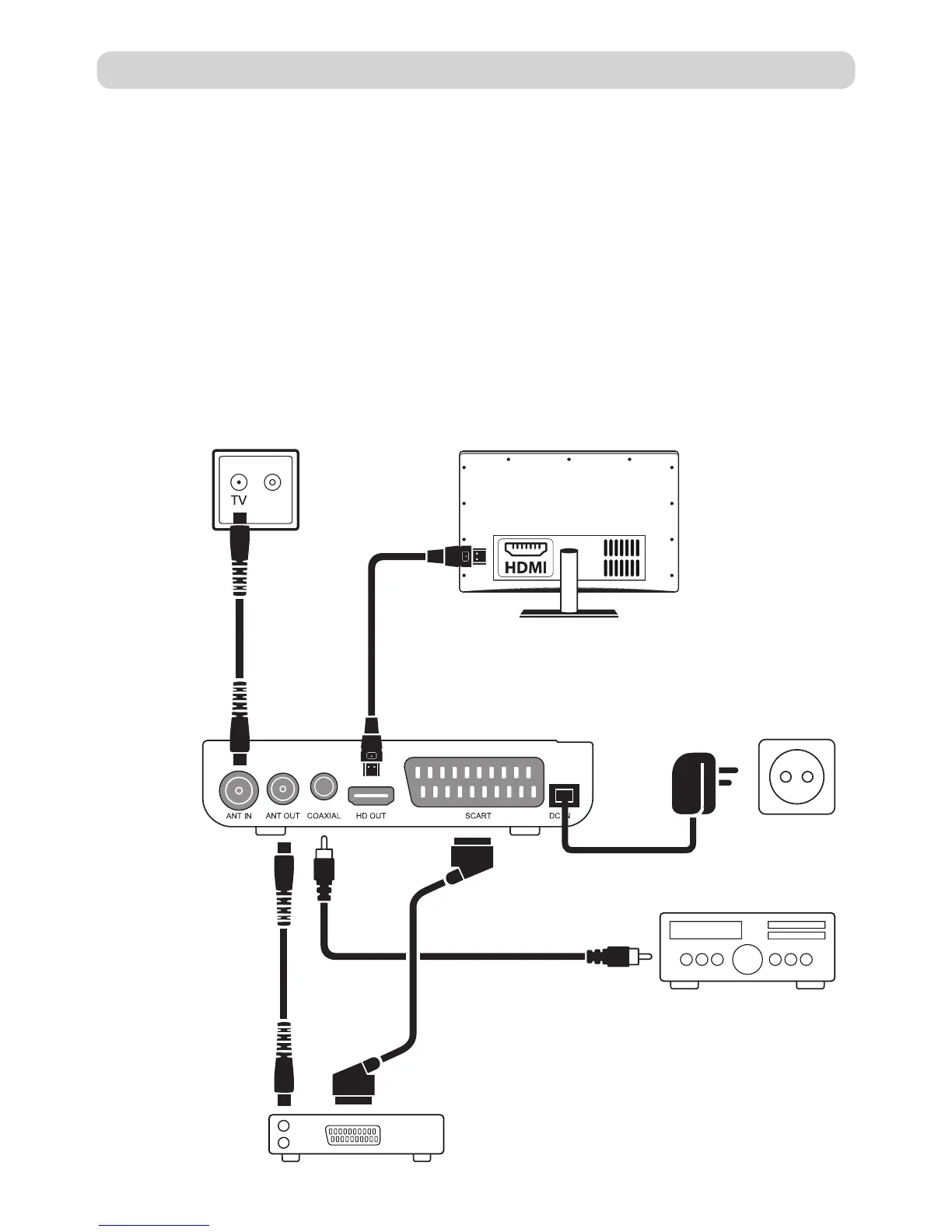
4.2. Connecting Cables
For a basic connection from your Set Top Box to your television set, you can use Scart con-
nection. For a higher quality connection, use a direct HDMI connection, as shown below.
Connect a audio amplifier use coaxial is a optional.
Note: Before the operation, power off all devices to be connected
(for example, TV and STB)
TVTV Antenna
SPDIF coaxial
(not included)
SCART cable
(not included)
RF cable
(not included)
HDMI cable
(not included)
Power supply
RF cable
(not included)
Digital Amplifier
VCR


 To Next Page