13
AXIS 209MFD/MFD-R/MFD-R M12
Configuration
This section describes how to configure the camera, and is intended for product Administrators, who have
unrestricted access to all the configuration menus, and Operators, who have access to the settings for Video
& Image, Audio, Live View Config and Event Configuration.
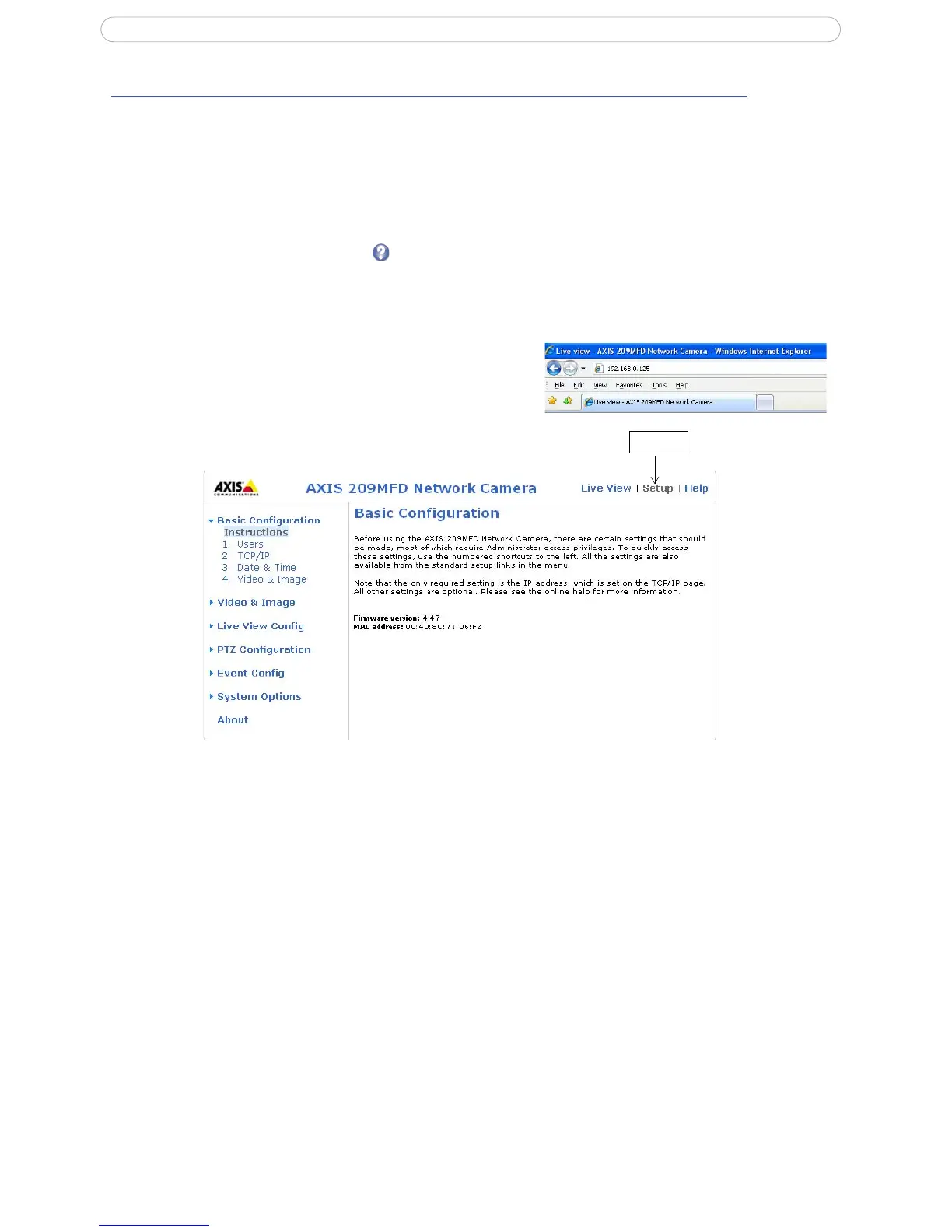
The camera is configured from the Setup
link, from a browser. (For supported browsers, see Technical
Specifications, on page
40).
The descriptions below show examples
of the features available in the AXIS 209MFD. For details of each
setting, please refer to the online help available from the setup link.
Accessing the Setup link
Follow the instructions below to access the Setup link from a browser.
1. Start your browser and enter the IP
address or host
name of the camera in the location/address field.
2. The Live View page appears. Click Setup to view
further menus.



 To Next Page