17
AXIS 213 - Using the PTZ Network Camera
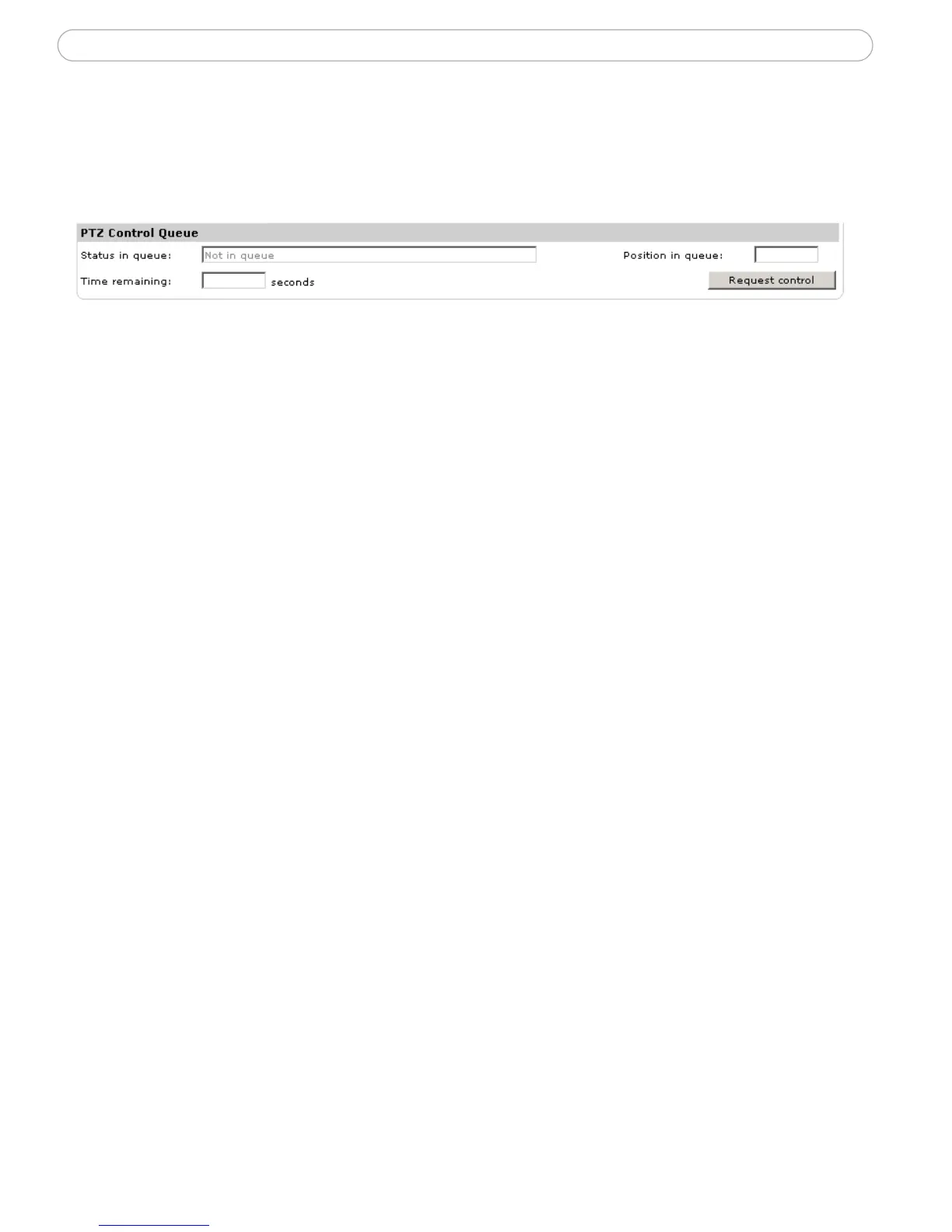
Pan/Tilt/Zoom Control Queue
This means that the time the user is in control of the PTZ settings is limited and that a
queue of users has been set up. Use the buttons to request or release control of the
Pan/Tilt/Zoom controls.
The Pan/Tilt/Zoom Control Queue is set up by the administrator under PTZ
Configuration | Advanced | PTZ Control Queue.



 To Next Page