31
AXIS 213 - Configuring the PTZ Network Camera
Move speed sets the speed of the camera's Pan/Tilt movements. The default setting is
maximum speed.
Advanced
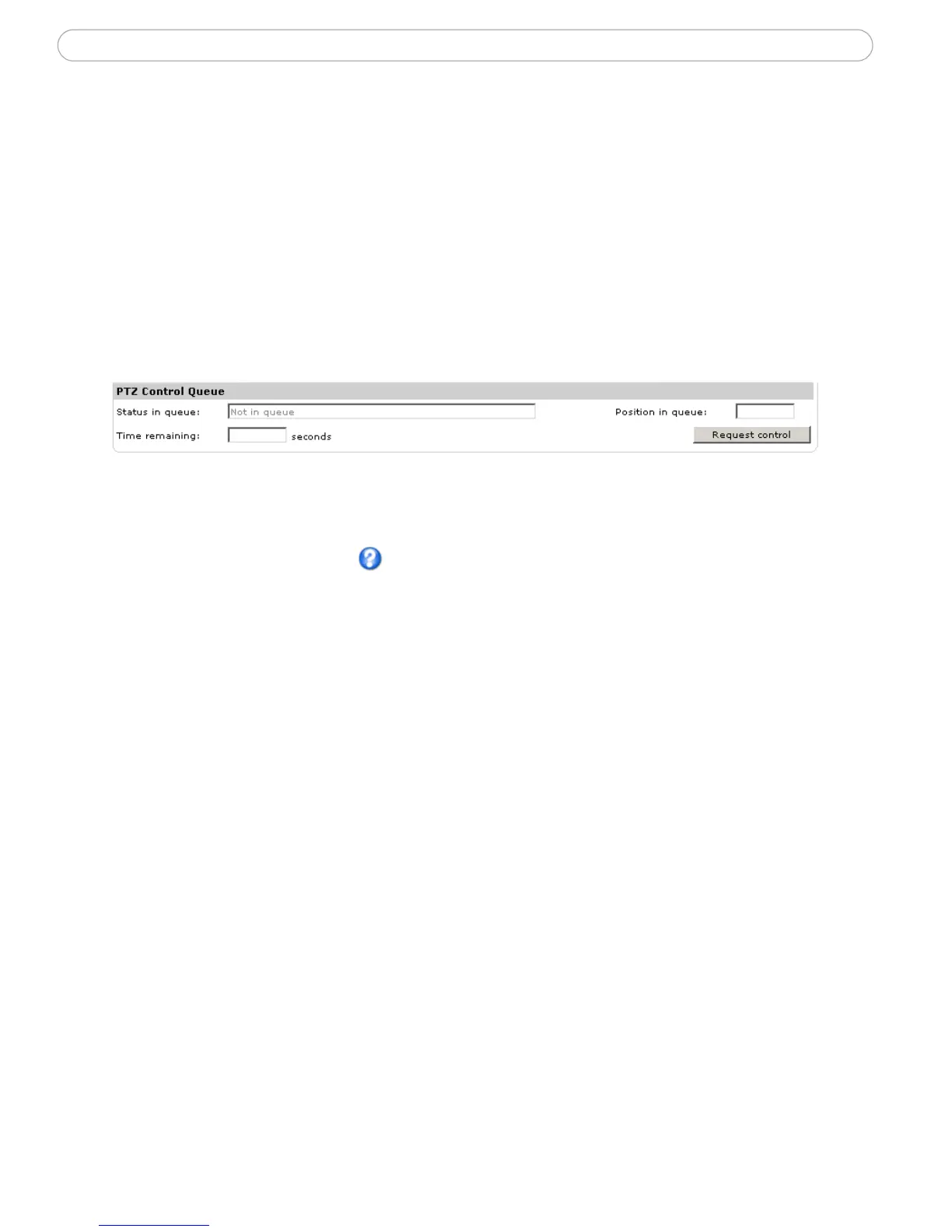
PTZ Control Queue - The administrator can set up a queue for the PTZ controls. Once
set up, the PTZ Control Queue buttons will appear on the Live View page offering one
viewer exclusive control for a limited amount of time. Other users will be placed in
the queue.
PTZ Control Queue on Live View page
Please use the online help files for more information.



 To Next Page