gf13
Configure the AXIS Network Video Doorstation for the CyberGate serviceCyberTwice
13
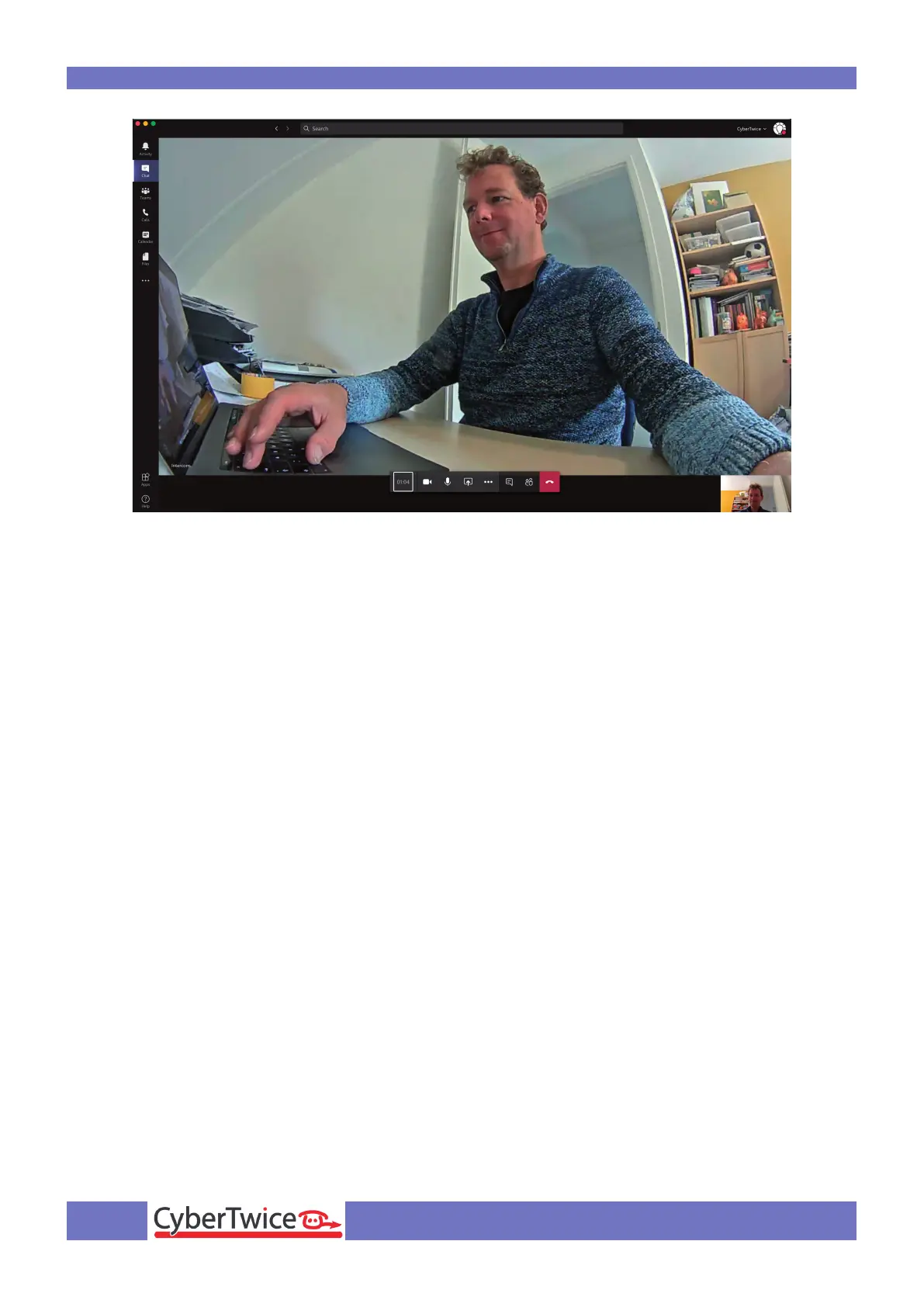
To run configured actions (such as door opening) from the Teams call, click on the three dots (...) in
the call screen and select the ‘Keypad’.
Use the dtmf code (as configured in the menu VoIP-DTMF Settings), this will trigger any action to
use dtmf (as configured in the menu Events-Action Rules).



 To Next Page