gf12
Configure the AXIS Network Video Doorstation for the CyberGate serviceCyberTwice
12
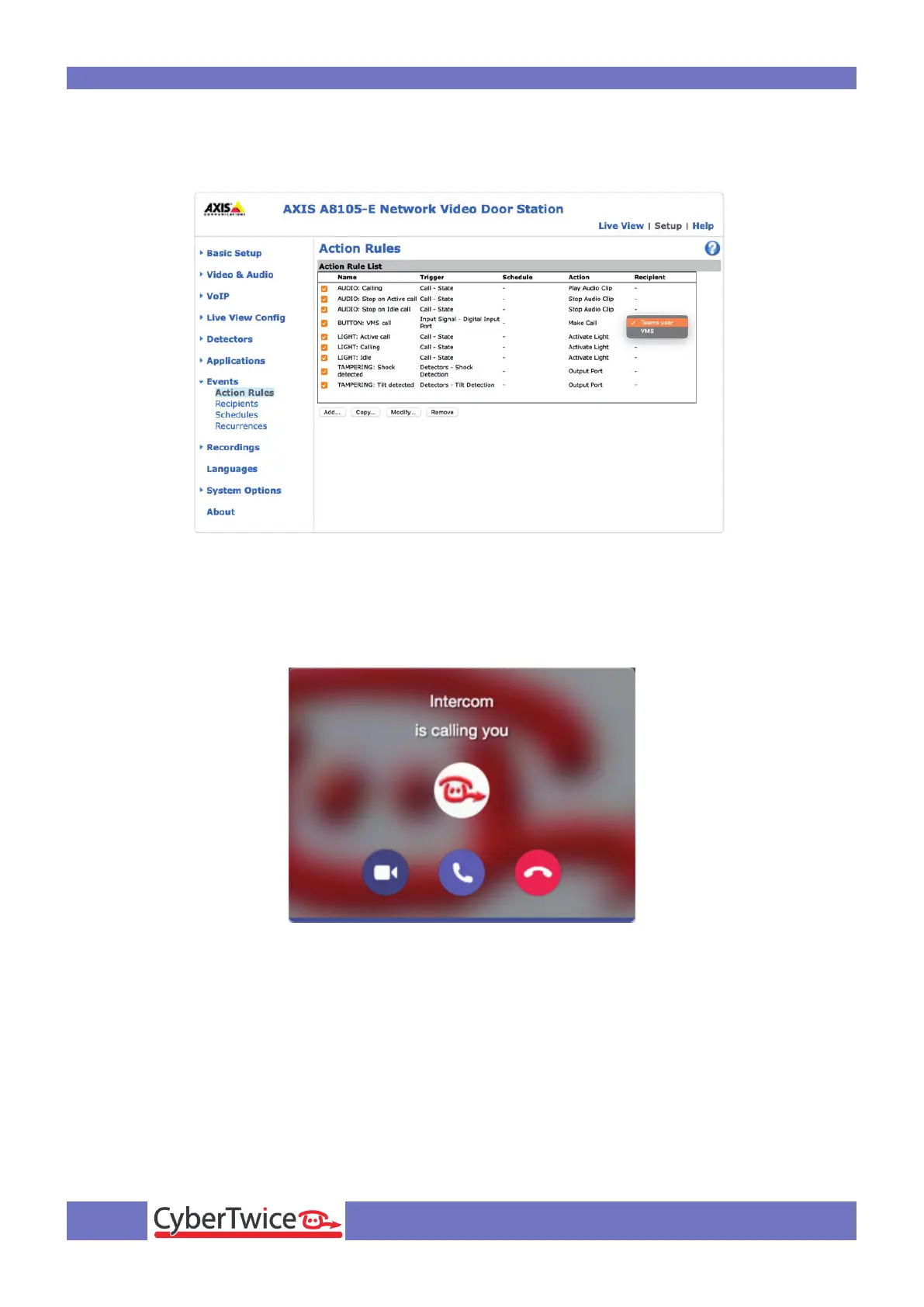
Click on ‘Action Rules’ and select the Teams user at the ‘Button’ action. Doing this will result in the
calling of the Teams recipient when the button on the AXIS is pressed.
After this, press the button on the AXIS to call the Teams recipient.
If configured correctly, the Teams client will notify you of an incoming call. Answer it by clicking the
answer button.
The call will be established and video will be displayed within ±3 seconds.



 To Next Page