gf7
Configure the AXIS Network Video Doorstation for the CyberGate serviceCyberTwice
7
Click ‘Network’ to set the SIP connection parameters
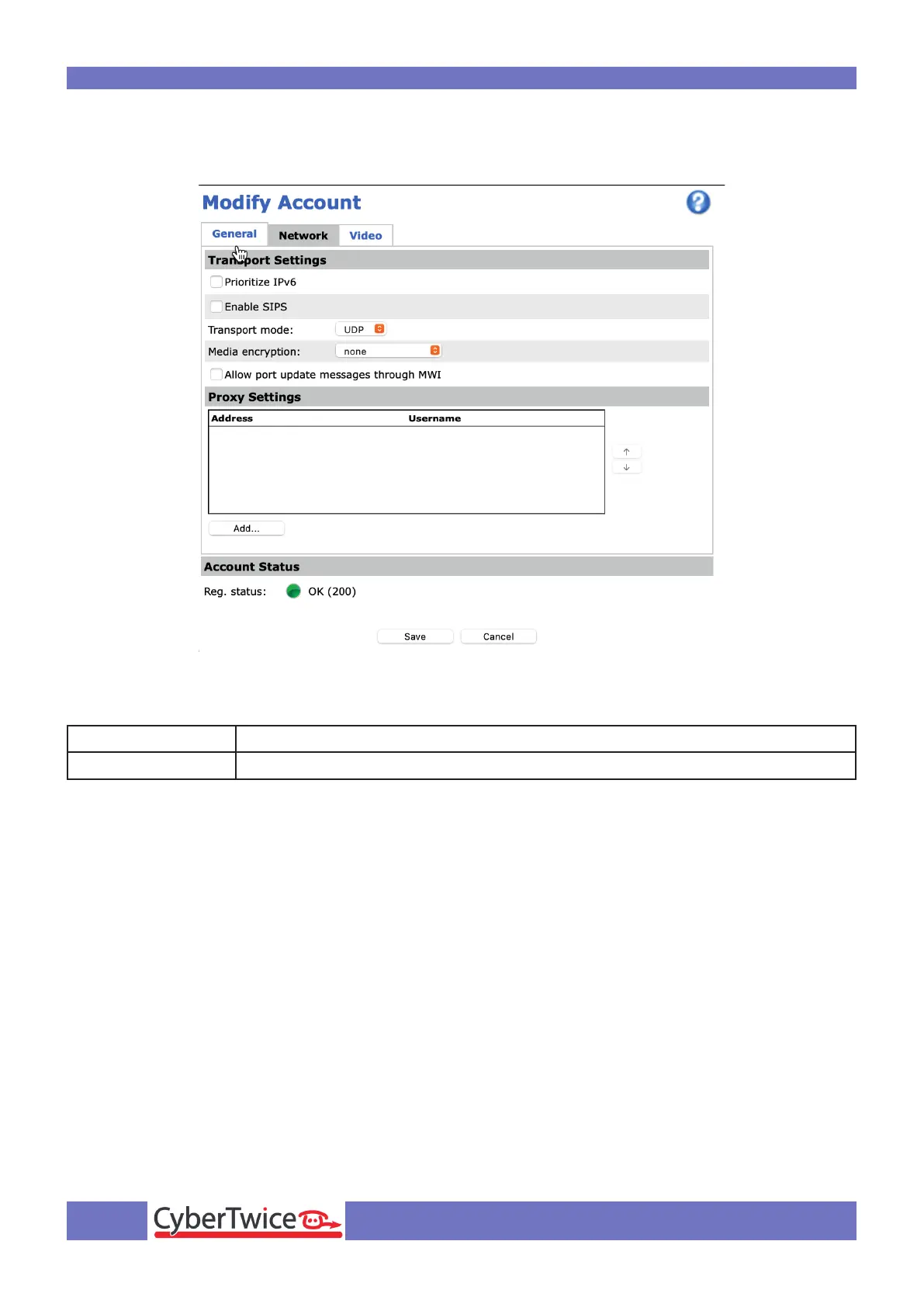
By default it uses UDP to connect to CyberGate. You can change it to TCP when needed.
To establish a secure connection to CyberGate, modify the following settings:
Transport Mode Change to TLS
Media Encryption Change this to SRTP Mandatory
Click the Save button to confirm.
These settings ensure that the SIP traffic and the audio / video are encrypted.



 To Next Page