7
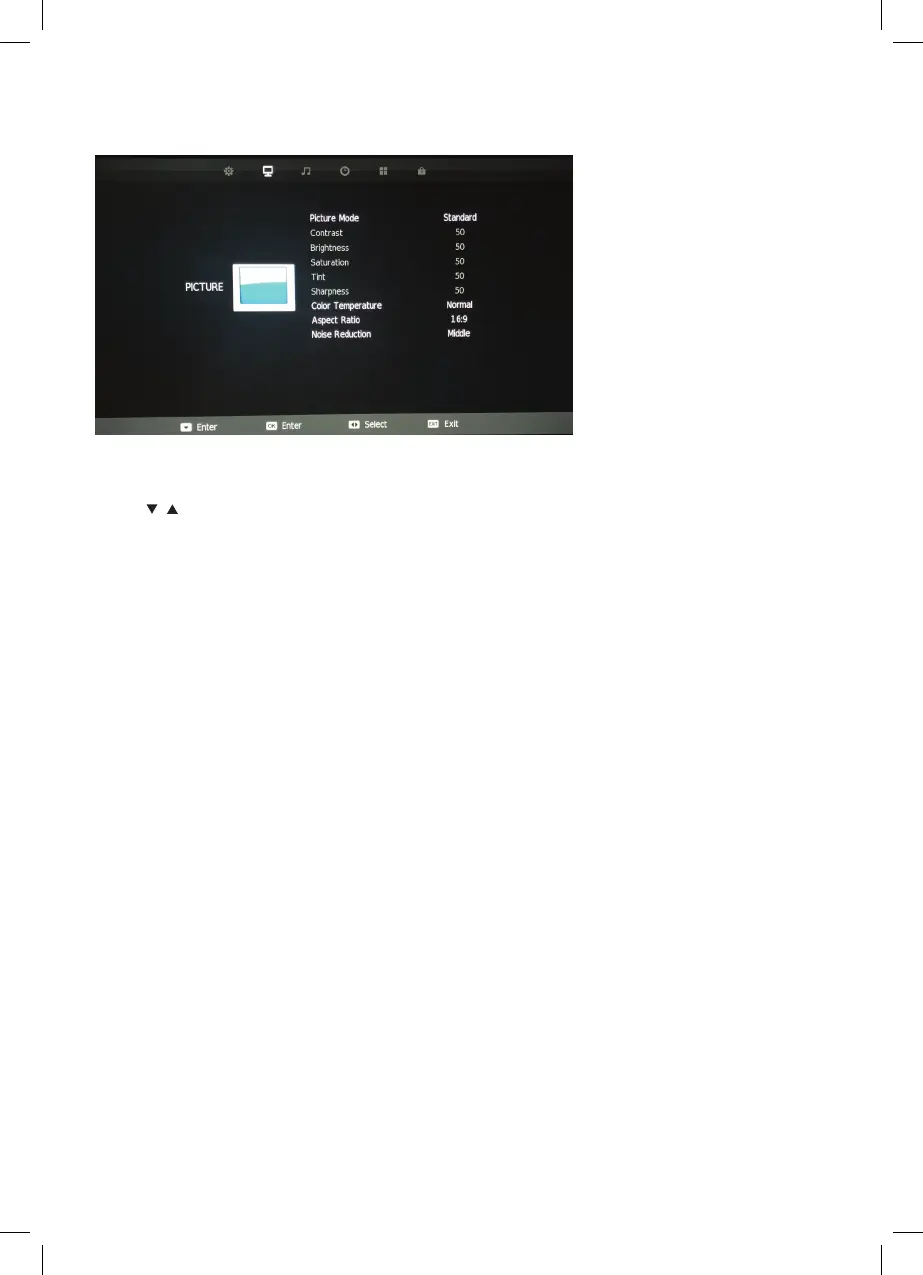
PICTURE MENU
Picture Mode
Press / buttons to select Picture mode, and go into the interface by pressing the
ENTER button.
Contrast, Brightness, Colour, Tint, Sharpness
Note: You can only adjust the Contrast, Brightness, Colour. Tint & Sharpness settings can be
adjusted when the User Picture Mode is selected.
Colour Temp
Modes available are standard, warm, cool and personal.
Aspect Ratio
Auto (Default), 4:3, 16:9, Zoom1, Zoom2.
Noise Reduction
Select off/low/middle/high.
Picture Mode
Press ▼/▲ buttons to select Picture mode, and go into next interface by pressing the ENTER
button.
buttons
Contrast, Brightness, Colour, Tint, Sharpness
Note: You can only adjust the Contrast, Brightness, Colour,
Tint & Sharpness settings can be adjusted when the User Picture Mode is selected.
Press the ▼/ ▲ buttons to select the picture adjustment you would like to make then press
the / to adjust the desired setting.
Colour Temp
Press ▼/▲ to select the Colour Temp menu item, and then the ENTER button to take you to next
menu where you can change Colour Temperature. Modes avail
able are standard, warm,
cool and personal.
Aspect Ratio
Press the ▼/▲ buttons to select the Aspect Ratio you would like to make then press the /
buttons to select the Aspect Ratio from: Auto (Default), 4:3, 16:9, Zoom1, Zoom2.
Noise Reduction
Press ▼/▲ to select the Noise Reduction menu option, and then the ENTER button to take you to
next menu. Then press the ▼/▲ buttons to select off/low/middle/high.
6
Picture Menu



 To Next Page