07/17
12
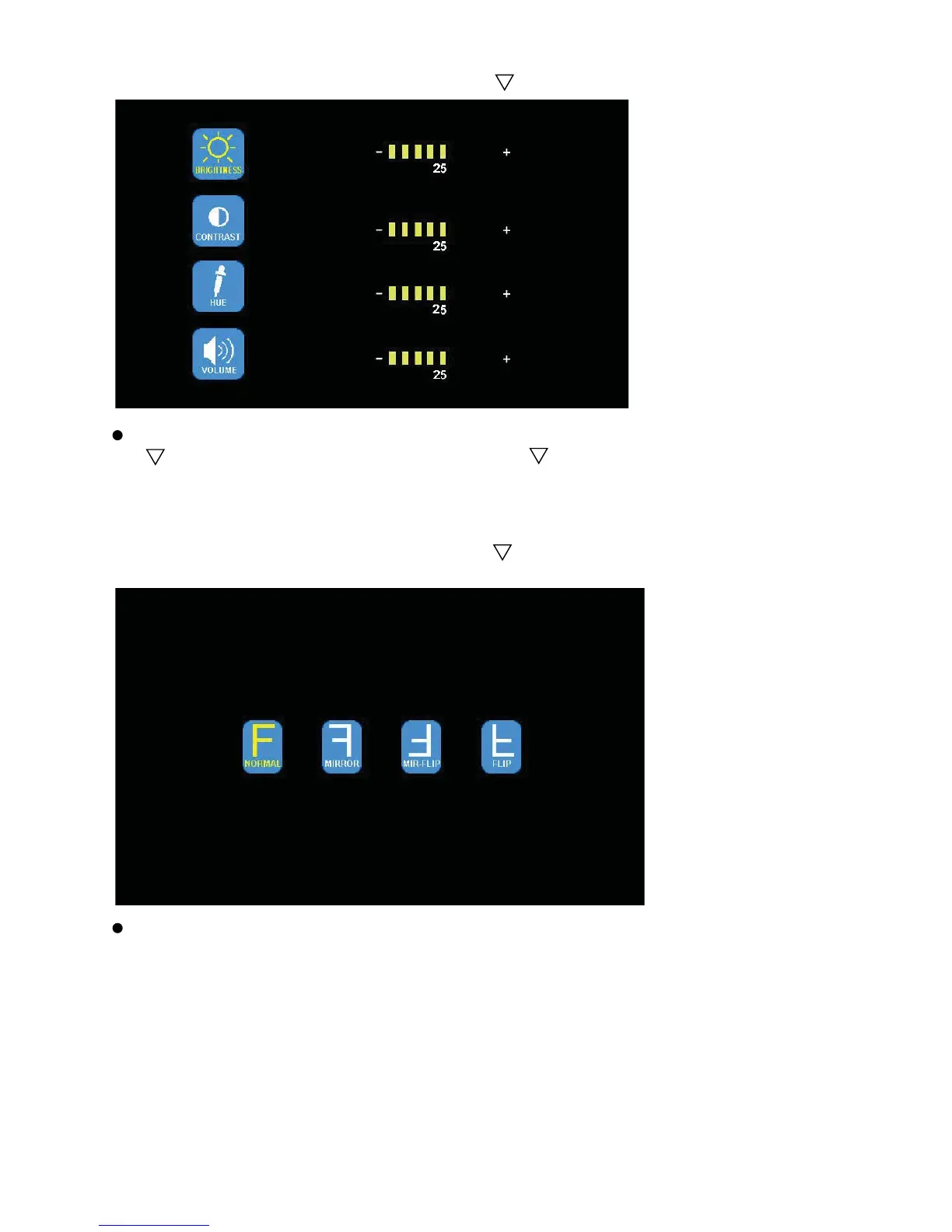
(2) Press - or + to select PICTURE. Press to enter.
Press - or + to select BRIGHTNESS / CONTRACT / HUE / VOLUME, Press
to enter. Press - or + to adjust. Press to exit. Press MENU return to
main menu.
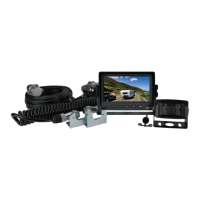
(3) Press - or + to select MIR-FLIP. Press to select
.
Press - or + to select NORMAL / MIRROR / MIR-FLIP / FLIP. Press MENU
to return to main menu.


 To Next Page