7/17
13
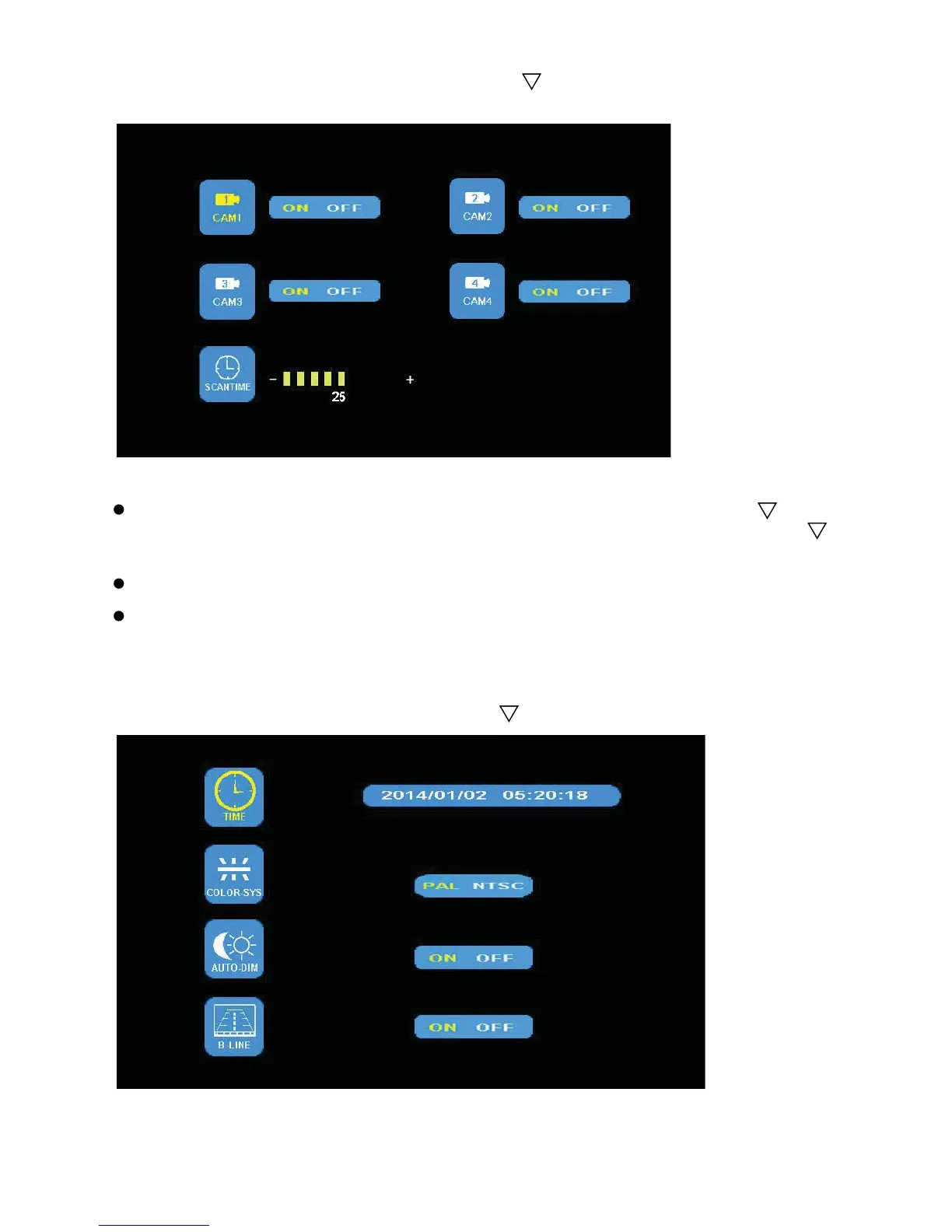
(4) Press - or + to select AUTOSCAN. Press to enter.
Press - or + to select CAM1/CAM2/CAM3/CAM4/SCANTIME, press to
enter. When the icon turns yellow, press - or + to select or adjust. Press
to exit. Press MENU to return to main menu.
No video will be displayed under AUTOSCAN mode if a channel is turned OFF.
SCANTIME frame is between 5 and 45 seconds , with a step time of 5s.
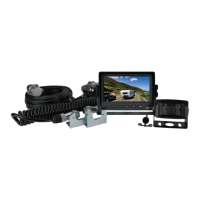
(5) Press - or + to select SYSTEM. Press to enter
.


 To Next Page