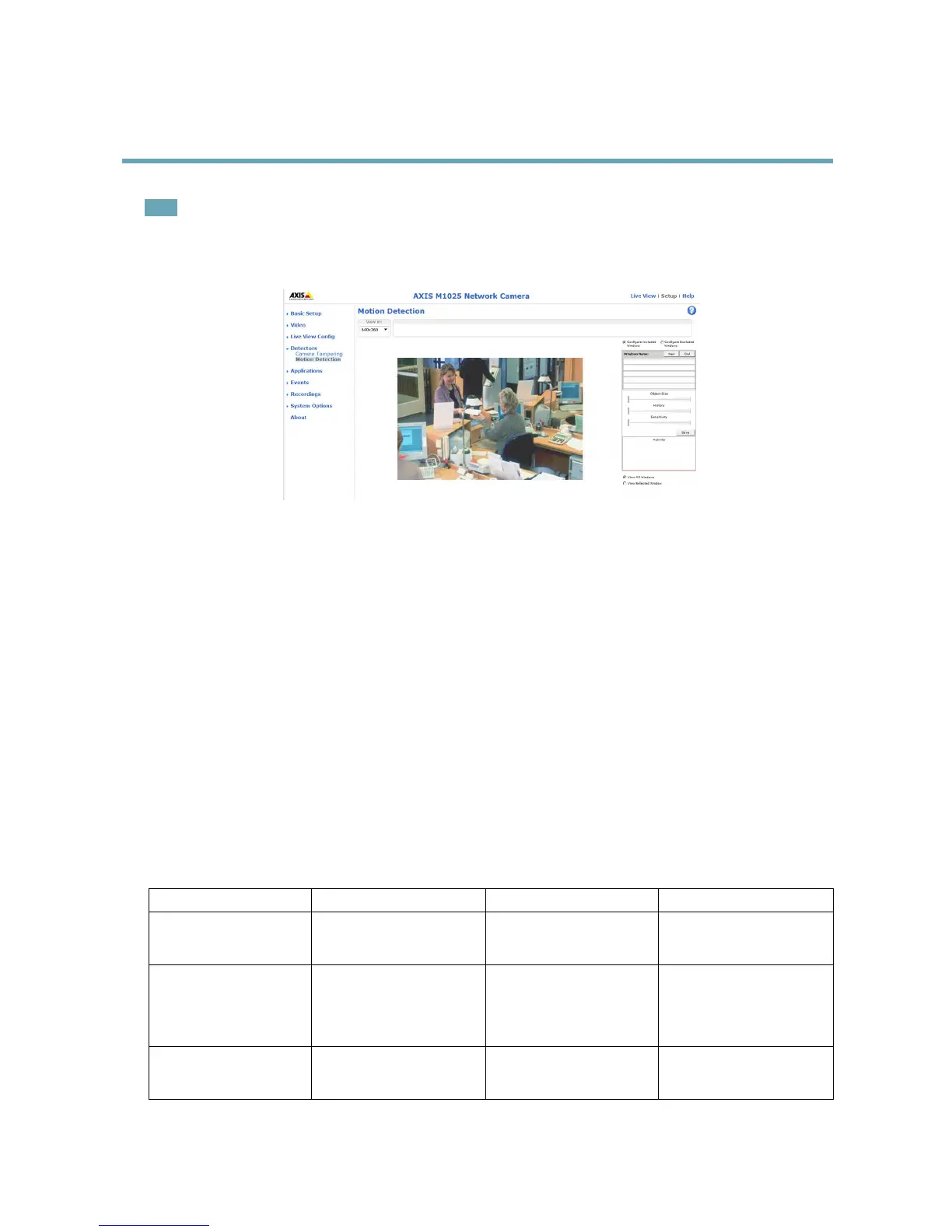
AXISM1025NetworkCamera
Detectors
Note
•Usingthemotiondetectionfeaturemaydecreasetheproduct’soverallperformance.
•ThepositionoftheMotionDetectionWindowisrelativetotheorientationoftheCamera.Changingtheorientationofthe
camerawillalsochangethepositionoftheMotionDetectionWindow.
SetUpMotionDetectionWindows
TosetupamotiondetectionIncludeWindow,followtheseinstructions:
1.GotoDetectors>MotionDetection.
2.SelecttheCongureIncludedWindowsoptionandclickNew.Selectthenewwindowinthelistofwindowsand
enteradescriptivename.
3.Adjustthesize(dragthebottomright-handcorner)andtheposition(clickonthetextatthetopanddragtothedesired
position)ofthewindow.
4.AdjusttheObjectSize,HistoryandSensitivityprolesliders(seeMotionDetectionParametersfordetails).Anydetected
motionwithinanactivewindowisindicatedbyredpeaksintheActivitywindow.
5.ClickSave.
Toexcludepartsoftheincludewindow,selecttheCongureExcludedWindowsandpositiontheexcludewindowwithinthe
includewindow.
Todeleteanincludeorexcludewindow,selectthewindowinthelistofwindowsandclickDel.
MotionDetectionParameters
Theparameterscontrollingmotiondetectionaredescribedinthetablebelow:
Parameter
ObjectSize
History
Sensitivity
Description
Objectsizerelativetowindow
size.
Objectmemorylength.
Differenceinluminance
betweenbackgroundand
object.
Highlevel(100%)
Onlyverylargeobjectstrigger
motiondetection.
Anobjectthatappearsin
thewindowtriggersmotion
detectionforalongtime
beforeitisconsideredas
non-moving.
Ordinarycoloredobjectson
ordinarybackgroundstrigger
motiondetection.
Mediumlevel(50%)
Alargedifferenceinluminance
isrequiredtotriggermotion
detection.
27



 To Next Page