AXISM11NetworkCameraSeries
•Safari
®
withOSX
®
and
•Chrome
TM
orFirefox
®
withotheroperatingsystems.
Formoreinformationaboutusingtheproduct,seetheUserManual
availableatwww.axis.com
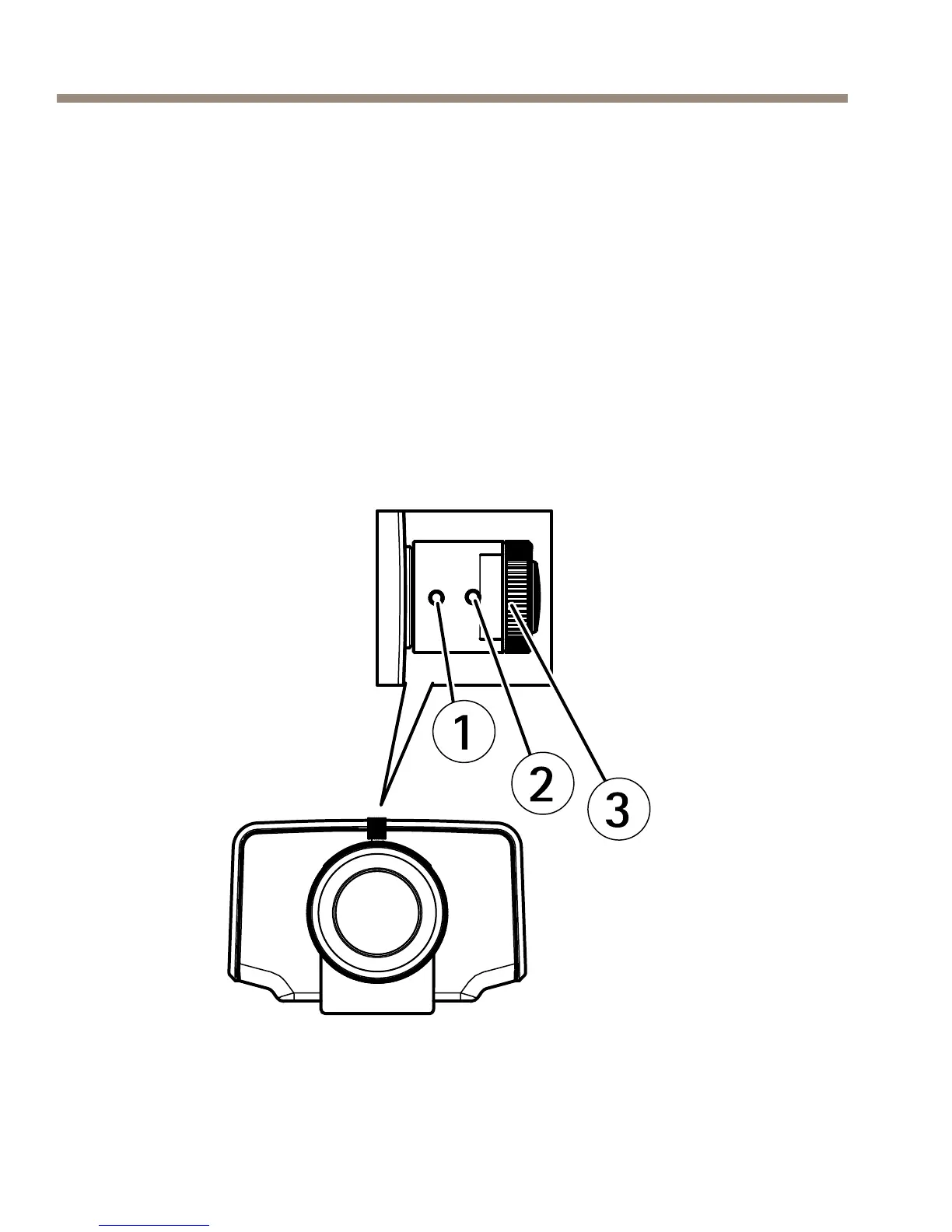
AdjustFocusandZoom
1.Loosenthelockscrewforthefocusring.
2.AdjustthefocusandzoombynavigatingtoSetup>Focuson
theproduct’swebpage.Followtheinstructionsintheonline
help.
3.Re-tightenthelockscrewforthefocusring.



 To Next Page