AXISM11Series
Thedeviceinterface
Thedeviceinterface
Note
Supportforthefeaturesandsettingsdescribedinthissectionvariesbetweendevices.
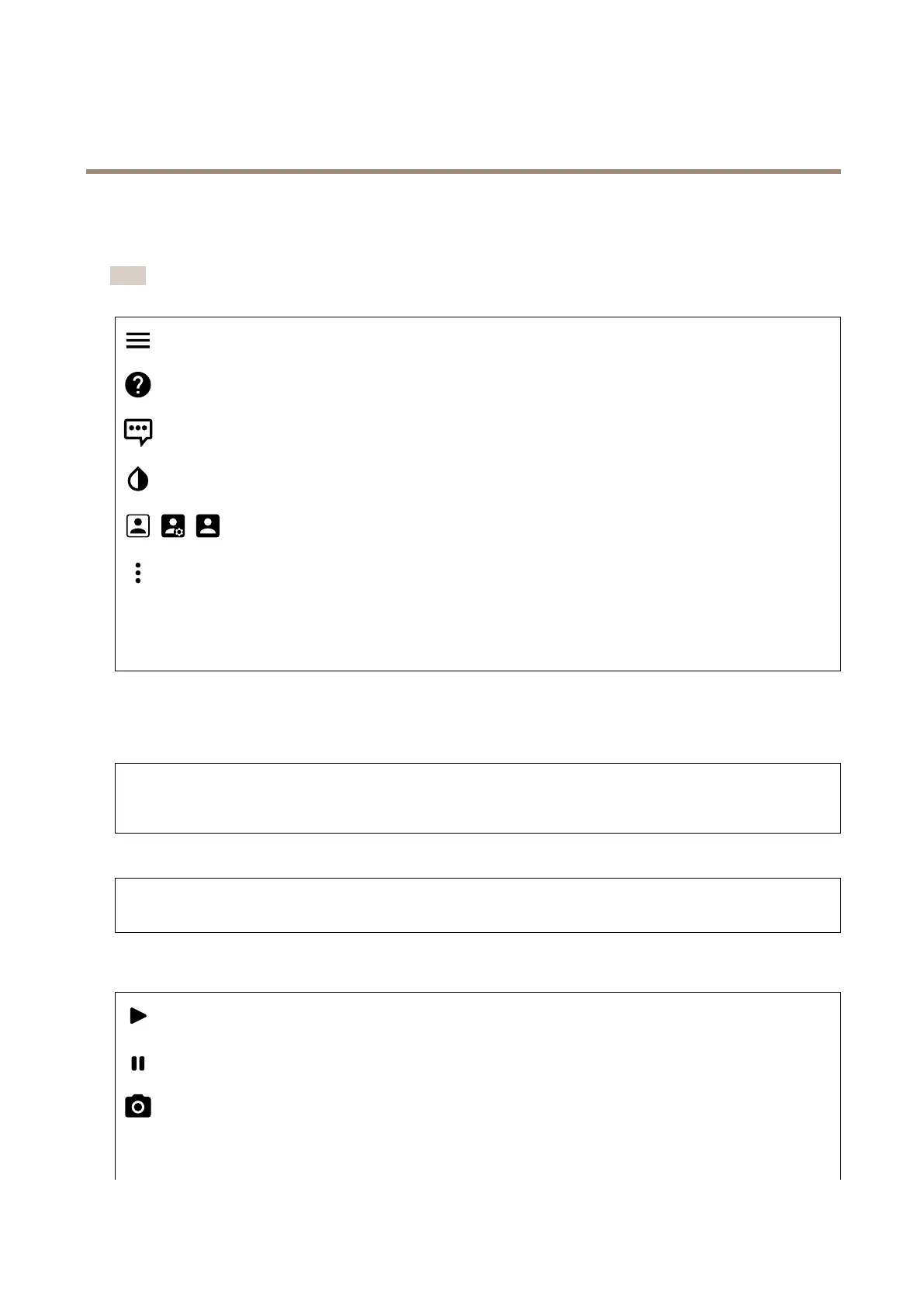
Showorhidethemainmenu.
Accesstheproducthelp.
Changethelanguage.
Setlightthemeordarktheme.
Seeinformationabouttheuserwhoisloggedin.
Thecontextmenucontains:
•Analyticsdata:Accepttosharenon-personalbrowserdata.
•Feedback:Shareanyfeedbacktohelpusimproveyouruserexperience.
•Legal:Viewinformationaboutcookiesandlicenses.
•About:Viewdeviceinformation,includingrmwareversionandserialnumber.
Status
NTPsync
ShowsNTPsynchronizationinformation,includingifthedeviceisinsyncwithanNTPserverandthetimeremaininguntil
thenextsync.
NTPsettings:ClicktogototheDateandtimepagewhereyoucanchangetheNTPsettings.
Deviceinfo
Showsdeviceinformation,includingrmwareversionandserialnumber.
Upgradermware:ClicktogototheMaintenancepagewhereyoucandoarmwareupgrade.
Video
Clicktoplaythelivevideostream.
Clicktofreezethelivevideostream.
Clicktotakeasnapshotofthelivevideostream.Theleissavedinthe‘Downloads’folderonyourcomputer.Theimage
lenameis[snapshot_YYYY_MM_DD_HH_MM_SS.jpg].Thesizeofthesnapshotdependsonthecompressionthatisapplied
fromthespecicweb-browserenginewherethesnapshotisreceived,therefore,thesnapshotsizemayvaryfromtheactual
compressionsettingthatisconguredinthedevice.
14



 To Next Page