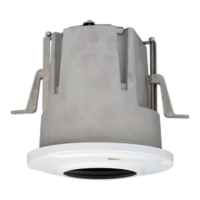
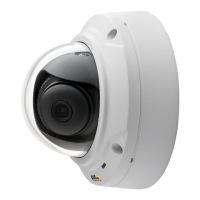
AXISM3025–VENetworkCamera
AccessingtheProduct
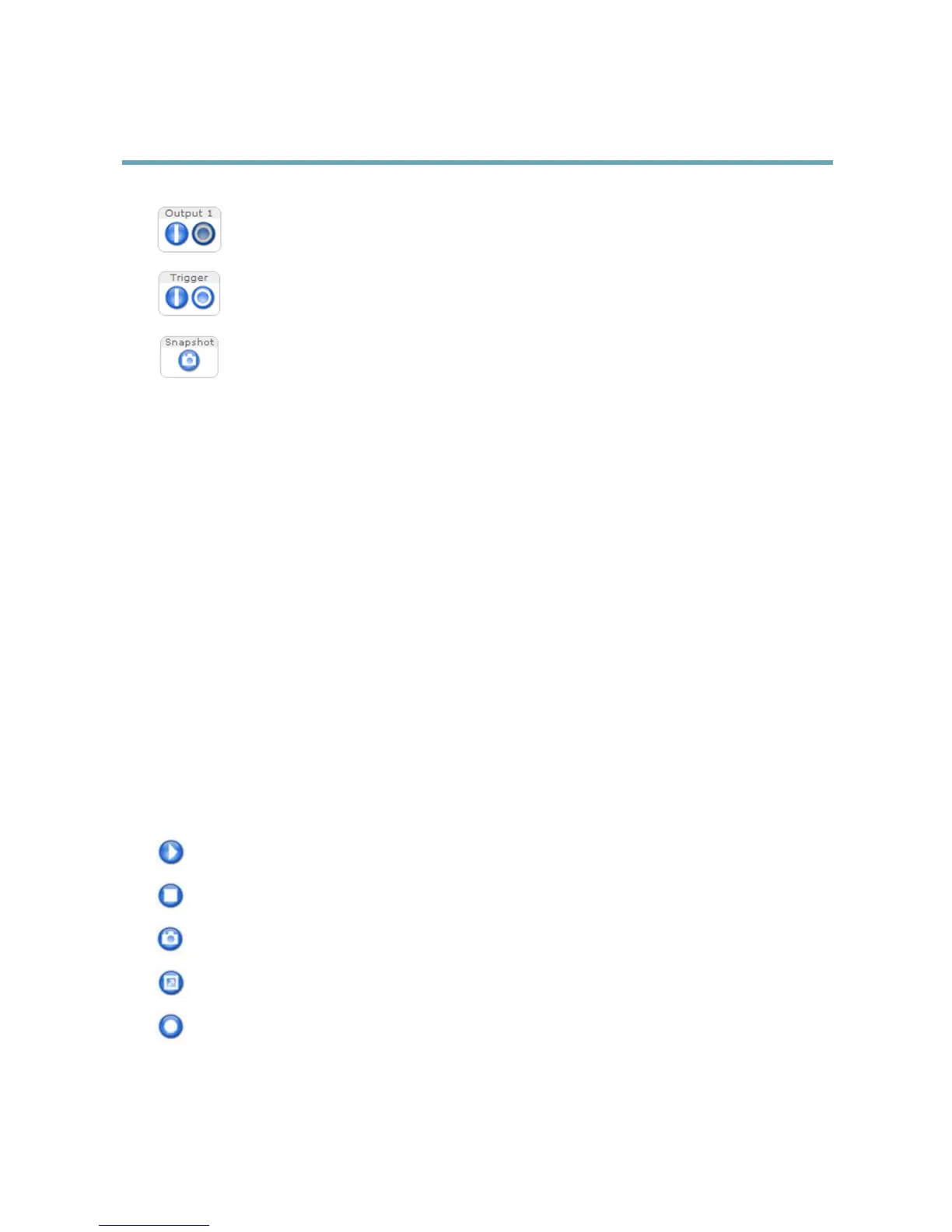
ClicktheActive/Inactivebuttonstomanuallyactivateandinactivetheproduct’soutputport.Forinformation
abouthowtoenableandcongureoutputbuttons,seepage22.
TheManualTriggerbuttonisusedtotriggeranactionrulefromtheLiveViewpage.Forinformationabouthowto
congureandenablethebutton,seeManualTrigger,onpage10.
ClickSnapshottosaveasnapshotofthevideoimage.Right-clickthevideoimagetosaveitinJPEGformatonyour
computer.ThisbuttonisprimarilyintendedforusewhentheAXISMediaControlviewertoolbarisnotavailable.
EnablethisbuttonfromLiveViewCong>ActionButtons.
ManualTrigger
TheManualTriggerisusedtotriggeranactionrulefromtheLiveViewpage.Themanualtriggercanforexamplebeusedto
validateactionsduringproductinstallationandconguration.
Tocongurethemanualtrigger:
1.GotoSetup>Events.
2.ClickAddtoaddanewactionrule.
3.FromtheTriggerdrop-downlist,selectInputSignal.
4.Fromtheseconddrop-downlist,selectManualTrigger.
5.Selectthedesiredactionandconguretheothersettingsasrequired.
Formoreinformationaboutactionrules,seeEvents,onpage31.
ToshowthemanualtriggerbuttonsintheLiveViewpage:
1.GotoSetup>LiveViewLayout.
2.UnderActionButtons,selectShowmanualtriggerbutton.
AXISMediaControlviewertoolbar
TheAXISMediaControlviewertoolbarisavailableinInternetExploreronly.SeeAXISMediaControl(AMC),onpage12formore
information.Thetoolbardisplaysthefollowingbuttons:
ThePlaybuttonconnectstotheAxisproductandstartsplayingamediastream.
TheStopbuttonstopsthemediastream.
TheSnapshotbuttontakesasnapshotofthevideoimage.Thelocationwheretheimageissavedcanbespecied
intheAMCControlPanel.
ClicktheViewFullScreenbuttonandthevideoimagewilllltheentirescreen.PressESC(Escape)onthecomputer
keyboardtocancelfullscreenview.
TheRecordbuttonisusedtorecordthecurrentvideostream.Thelocationwheretherecordingissavedcanbespeciedin
theAMCControlPanel.EnablethisbuttonfromLiveViewCong>ViewerSettings.
10


 To Next Page