AXISM3204NetworkCamera
AccessingtheProduct
ControlsontheLiveViewPage
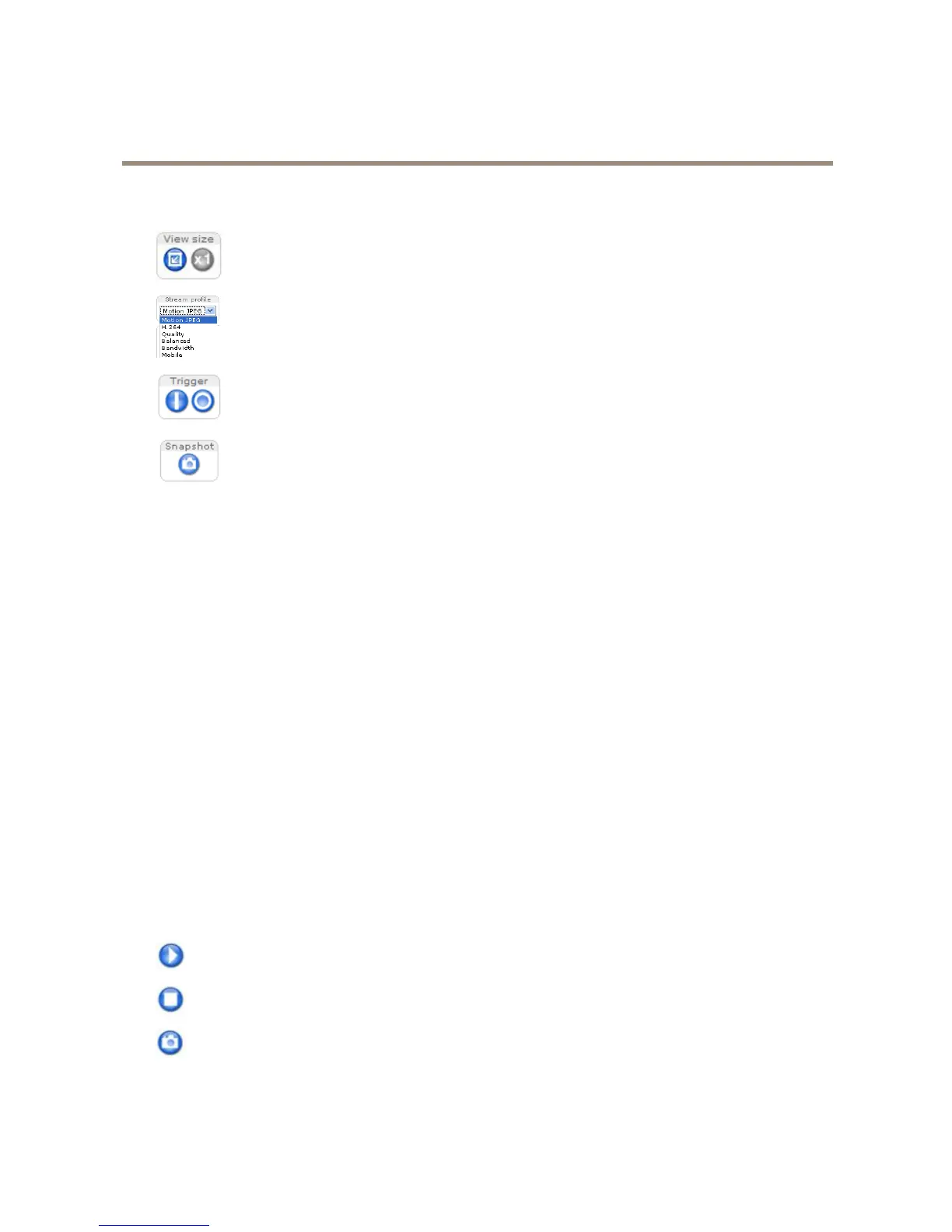
ClickViewsizetoscaletheimagedownto800pixelswideortofullscale.Onlyavailable
inMJPEG.
SelectastreamprolefortheLiveViewpagefromtheStreamProledrop-downlist.For
informationabouthowtocongurestreamproles,seepage16.
TheManualTriggerbuttonisusedtotriggeranactionrulefromtheLiveViewpage.For
informationabouthowtocongureandenablethebutton,seeManualTriggeronpage9.
ClickSnapshottosaveasnapshotofthevideoimage.Thisbuttonisprimarilyintended
forusewhentheAXISMediaControlviewertoolbarisnotavailable.Enablethisbutton
fromLiveViewCong>ActionButtons.
ManualTrigger
TheManualTriggerisusedtotriggeranactionrulefromtheLiveViewpage.Themanualtriggercanforexamplebeusedto
validateactionsduringproductinstallationandconguration.
Tocongurethemanualtrigger:
1.GotoSetup>Events.
2.ClickAddtoaddanewactionrule.
3.FromtheTriggerdrop-downlist,selectInputSignal.
4.Fromtheseconddrop-downlist,selectManualTrigger.
5.Selectthedesiredactionandconguretheothersettingsasrequired.
Formoreinformationaboutactionrules,seeEventsonpage30.
ToshowthemanualtriggerbuttonsintheLiveViewpage:
1.GotoSetup>LiveViewCong.
2.UnderActionButtons,selectShowmanualtriggerbutton.
AXISMediaControlviewertoolbar
TheAXISMediaControlviewertoolbarisavailableinInternetExploreronly.SeeAXISMediaControl(AMC)onpage11formore
information.Thetoolbardisplaysthefollowingbuttons:
ThePlaybuttonconnectstotheAxisproductandstartsplayingamediastream.
TheStopbuttonstopsthemediastream.
TheSnapshotbuttontakesasnapshotofthevideoimage.Thelocationwheretheimageissavedcanbespecied
intheAMCControlPanel.
9



 To Next Page