AXISM5075-GPTZCamera
Thewebinterface
GatewaysettingswirelessI/O
•Z-Wave:TurnontouseZ-Waveonyourdevice.
Thesettingsvaryaccordingtodevice,readthemanualoftheZ-Wavedevice.
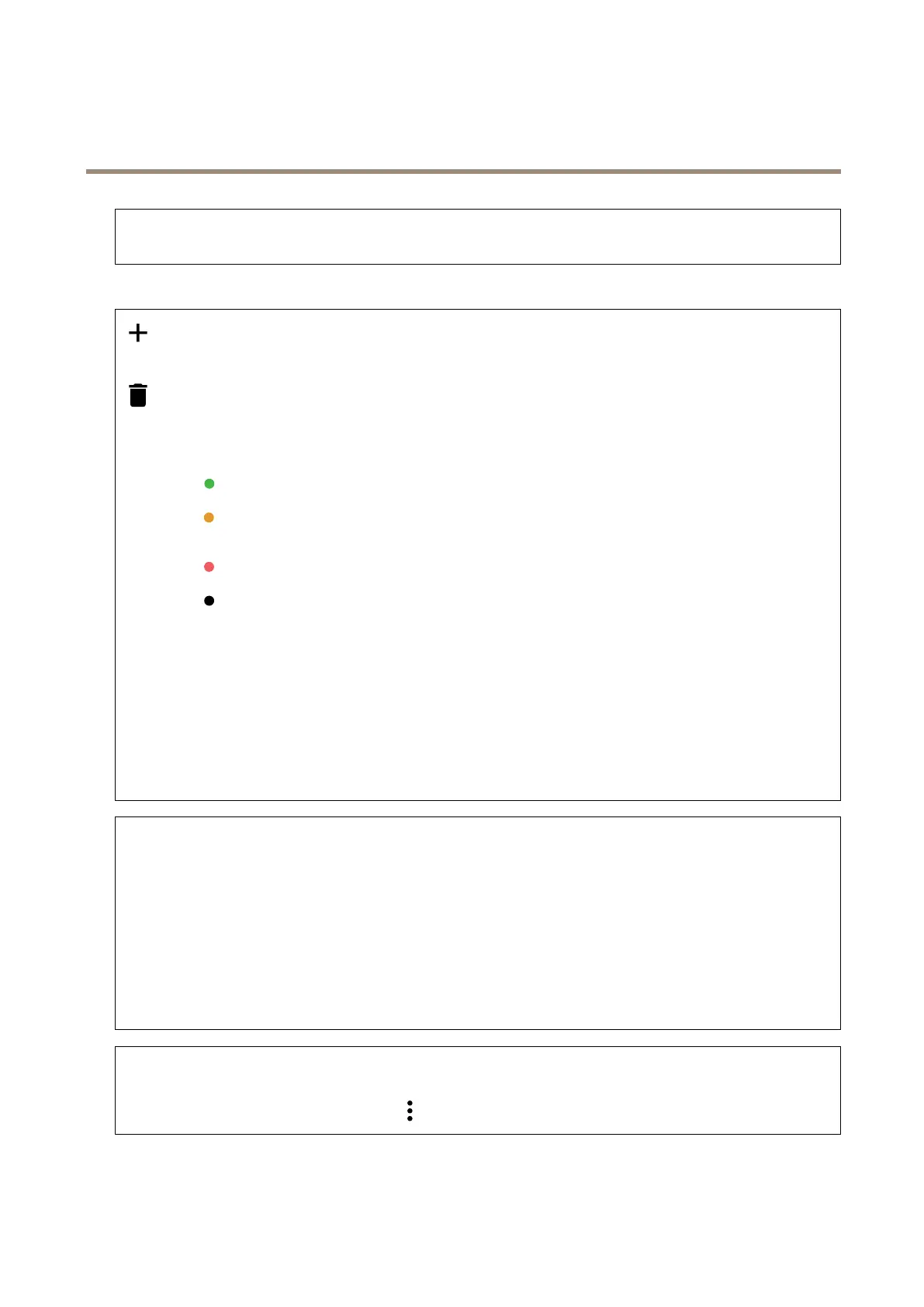
Adddevice:AddaZ-Wavedevice.TheAxisdevicelooksforZ-WavedevicesintheZ-Wavenetworkthatyoucanadd
accordingtoitsusermanual.
Removethedevice.TheAxisdevicelooksforZ-WavedevicesintheZ-Wavenetworkthatyoucanremoveaccording
toitsusermanual..
Status:Thestatusofthedeviceiscolorcoded.
•
Alive:Thedeviceisactiveandworking.
•
Sleeping:Thedeviceisinalow-powerstateinacontrolledmanner.Noticationshappeninstantly,butifyou
changesettingsthesedon’ttakeaffectuntilthedevicewakesup.
•
Down:Thenodeiscurrentlyunresponsiveandtherecanbeanerrorinthenetwork.
•
Unavailable:Thedeviceisnotavailableonthenetwork.
Devicename:Thenameofthedevice.Thisisthenameyougivethedevicewhenitisadded.
Devicetype:Whattypeofdeviceitis.
State:ShowstheconditionoftheZ-Wavedevicesuchassensorvalue,currentsetting,orifthedeviceisturnedonoroff.This
dependsontheconnecteddevice.
I/Oport:Showsanumberbetween1–6dependingonwhatportthedeviceisconnectedto.Whenconnected,thesedevicescan
alsobeusedinthevideomanagementsystem.
Batterylevel:Showshowmuchbatteryisleftintheconnecteddevice,ifthedeviceisrunonbatteries.Whenthebatteryislow,it
isindicatedbyaniconthatshowsadrainedbattery,replacethebatteryassoonaspossible
Endpoint
Name:Givethesensorauserfriendlyname.
Location:Enterthelocationtomoreeasilyidentifythedevice,forexampleFrontdoor.
Endpointtype:ThisinformationisprovidedbytheZ-Wavedevice.
Sensordata:Availablesensorsandcurrentshowotherunitsbychangingthesettings.Forexamplechangetemperatureunitsfrom
CelsiustoFahrenheitdependingonthesensordataavailable,
Temperaturethreshold:Setandediteventsthataretriggeredwhenthetemperatureisaboveorbelowthethreshold.
BinarySwitch:UsethetoggletoturnthebinaryswitchOnorOff.
Multilevelsensor
AZ-Wavedevicesupportingmorethanonesensor,forexampleacombinationoftemperaturesensor,motionsensor,andlight
sensor.Tochangetheunitsintheliveview,click
andchooseViewsettings.
51



 To Next Page